Easily Disable Protected View in Excel, Word & PowerPoint 📝
Learn simple steps to turn off Protected View in Excel, Word, and PowerPoint to streamline your editing process. Say goodbye to constant prompts and enable editing with ease!

Chris Menard
102.5K views • Jun 22, 2016
About this video
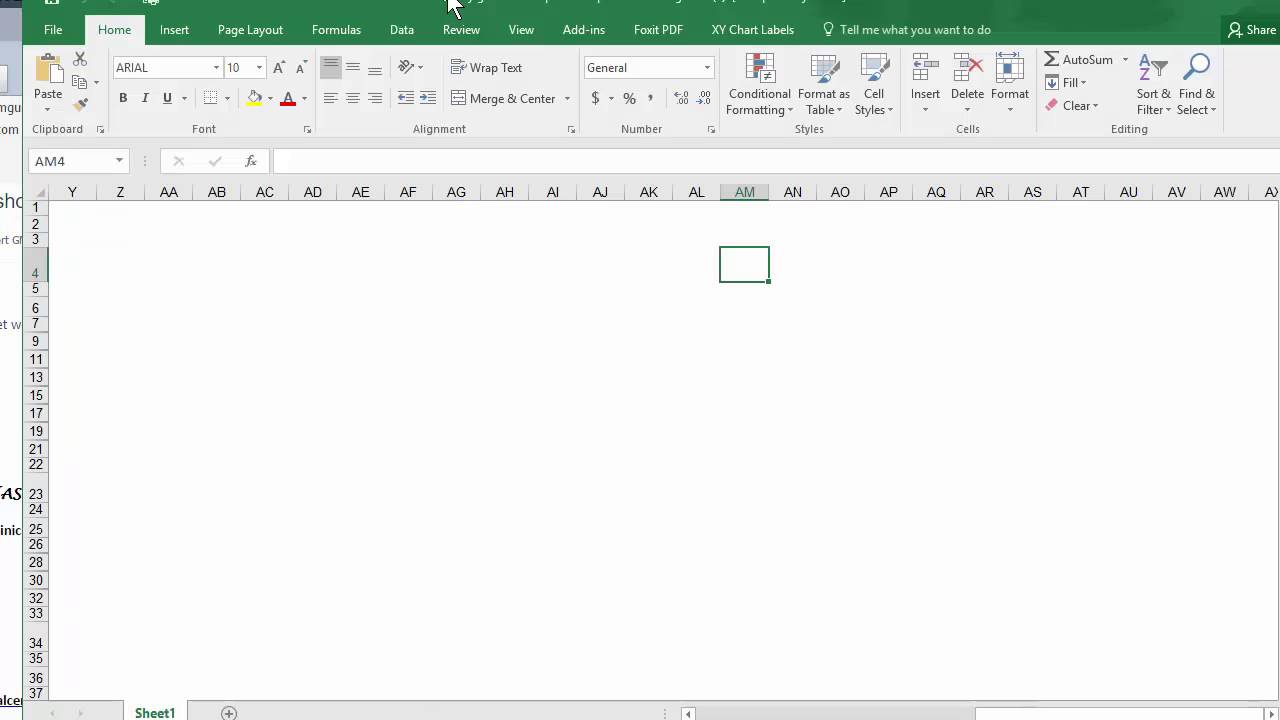
Tired of protected view appearing and clicking enable editing. In Word, PowerPoint, or Excel, click File, Options, Trust Center, Trust Center Settings, Protected View, uncheck all three check boxes, and click OK twice.
You have to do it for Excel, Word, and PowerPoint.
Chris Menard is a Microsoft Office Master Instructor, and provides on-hands training to clients in metro Atlanta and the US.
And make sure you subscribe to my channel!
-- EQUIPMENT USED ---------------------------------
○ My camera – https://amzn.to/3vdgF5E
○ Microphone - https://amzn.to/3gphDXh
○ Camera tripod – https://amzn.to/3veN6Rg
○ Studio lights - https://amzn.to/3vaxyy5
○ Dual monitor mount stand - https://amzn.to/3vbZSjJ
○ Web camera – https://amzn.to/2Tg75Sn
○ Shock mount - https://amzn.to/3g96FGj
○ Boom Arm - https://amzn.to/3g8cNi6
-- SOFTWARE USED ---------------------------------
○ Screen recording – Camtasia – https://chrismenardtraining.com/camtasia
○ Screenshots – Snagit – https://chrismenardtraining.com/snagit
○ YouTube keyword search – TubeBuddy – https://www.tubebuddy.com/chrismenard
DISCLAIMER: Links included in this description might be affiliate links. If you purchase a product or service with the links I provide, I may receive a small commission. There is no additional charge to you! Thank you for supporting my channel, so I can continue to provide you with free content each week!
You have to do it for Excel, Word, and PowerPoint.
Chris Menard is a Microsoft Office Master Instructor, and provides on-hands training to clients in metro Atlanta and the US.
And make sure you subscribe to my channel!
-- EQUIPMENT USED ---------------------------------
○ My camera – https://amzn.to/3vdgF5E
○ Microphone - https://amzn.to/3gphDXh
○ Camera tripod – https://amzn.to/3veN6Rg
○ Studio lights - https://amzn.to/3vaxyy5
○ Dual monitor mount stand - https://amzn.to/3vbZSjJ
○ Web camera – https://amzn.to/2Tg75Sn
○ Shock mount - https://amzn.to/3g96FGj
○ Boom Arm - https://amzn.to/3g8cNi6
-- SOFTWARE USED ---------------------------------
○ Screen recording – Camtasia – https://chrismenardtraining.com/camtasia
○ Screenshots – Snagit – https://chrismenardtraining.com/snagit
○ YouTube keyword search – TubeBuddy – https://www.tubebuddy.com/chrismenard
DISCLAIMER: Links included in this description might be affiliate links. If you purchase a product or service with the links I provide, I may receive a small commission. There is no additional charge to you! Thank you for supporting my channel, so I can continue to provide you with free content each week!
Tags and Topics
Browse our collection to discover more content in these categories.
Video Information
Views
102.5K
Likes
183
Duration
0:47
Published
Jun 22, 2016
User Reviews
4.0
(20) Related Trending Topics
LIVE TRENDSRelated trending topics. Click any trend to explore more videos.
No specific trending topics match this video yet.
Explore All Trends