Build Apps on Your Phone: Beginner Guide 📱 (2026)
Learn how to develop hybrid Android apps directly from your phone with this complete beginner workflow for 2026.
AR BrainCode
2.2K views • Dec 6, 2025
About this video
Develope An App from Your Phone 📱 | Complete Beginner Workflow (2026 Guide)
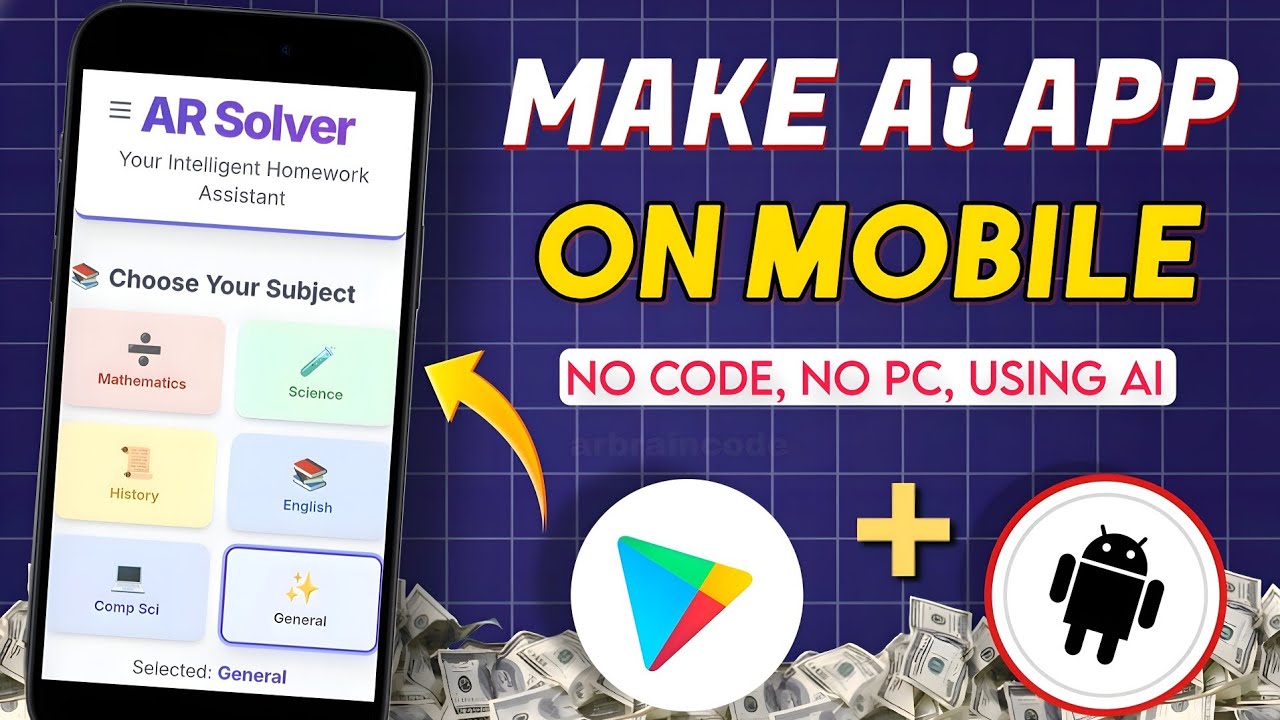
Welcome to a complete walkthrough on building Hybrid Android applications directly from mobile development environments. In this tutorial, we focus on utilizing web technologies to structure, design, and deploy functional mobile applications.
We will be building an Educational/Homework Help application, demonstrating how to merge frontend UI design with backend AI logic using modern development tools.
🛠 Tech Stack & Environment:
Frontend UI: HTML, CSS, and JavaScript
Backend/Logic: Google AI Studio Integration
Development Environment: Hopweb (Mobile IDE)
📝 Implementation Workflow Covered:
Setting up a mobile coding environment for hybrid apps
Structuring responsive HTML/CSS interfaces for Android screens
Designing educational modules (study tools, search menus, UI sections)
Integrating Google AI Studio to handle educational logic and queries
Testing web-views and packaging the project for mobile distribution
📌 Connect with AR BrainCode:
Telegram Community: https://t.me/arbraincode
Instagram Profile: https://www.instagram.com/arbraincode
Disclaimer: This development tutorial is created for educational purposes, helping students and tech enthusiasts learn hybrid app architecture and mobile-first development workflows.
👍 Like | 💬 Comment | ❤️ Subscribe for more mobile development guides!
#HybridApp #EducationalApp #GoogleAIStudio #ARBrainCode #AppArchitecture
Welcome to a complete walkthrough on building Hybrid Android applications directly from mobile development environments. In this tutorial, we focus on utilizing web technologies to structure, design, and deploy functional mobile applications.
We will be building an Educational/Homework Help application, demonstrating how to merge frontend UI design with backend AI logic using modern development tools.
🛠 Tech Stack & Environment:
Frontend UI: HTML, CSS, and JavaScript
Backend/Logic: Google AI Studio Integration
Development Environment: Hopweb (Mobile IDE)
📝 Implementation Workflow Covered:
Setting up a mobile coding environment for hybrid apps
Structuring responsive HTML/CSS interfaces for Android screens
Designing educational modules (study tools, search menus, UI sections)
Integrating Google AI Studio to handle educational logic and queries
Testing web-views and packaging the project for mobile distribution
📌 Connect with AR BrainCode:
Telegram Community: https://t.me/arbraincode
Instagram Profile: https://www.instagram.com/arbraincode
Disclaimer: This development tutorial is created for educational purposes, helping students and tech enthusiasts learn hybrid app architecture and mobile-first development workflows.
👍 Like | 💬 Comment | ❤️ Subscribe for more mobile development guides!
#HybridApp #EducationalApp #GoogleAIStudio #ARBrainCode #AppArchitecture
Tags and Topics
Browse our collection to discover more content in these categories.
Video Information
Views
2.2K
Likes
81
Duration
10:10
Published
Dec 6, 2025
User Reviews
4.5
(2) Related Trending Topics
LIVE TRENDSRelated trending topics. Click any trend to explore more videos.
No specific trending topics match this video yet.
Explore All Trends