Lock Apps on Samsung Phone Without Third-Party Apps
Learn how to lock apps on your Samsung phone using built-in features, no third-party apps needed. Secure your apps easily. 🔒
Tech is Easy
419.3K views • Jul 24, 2023
About this video
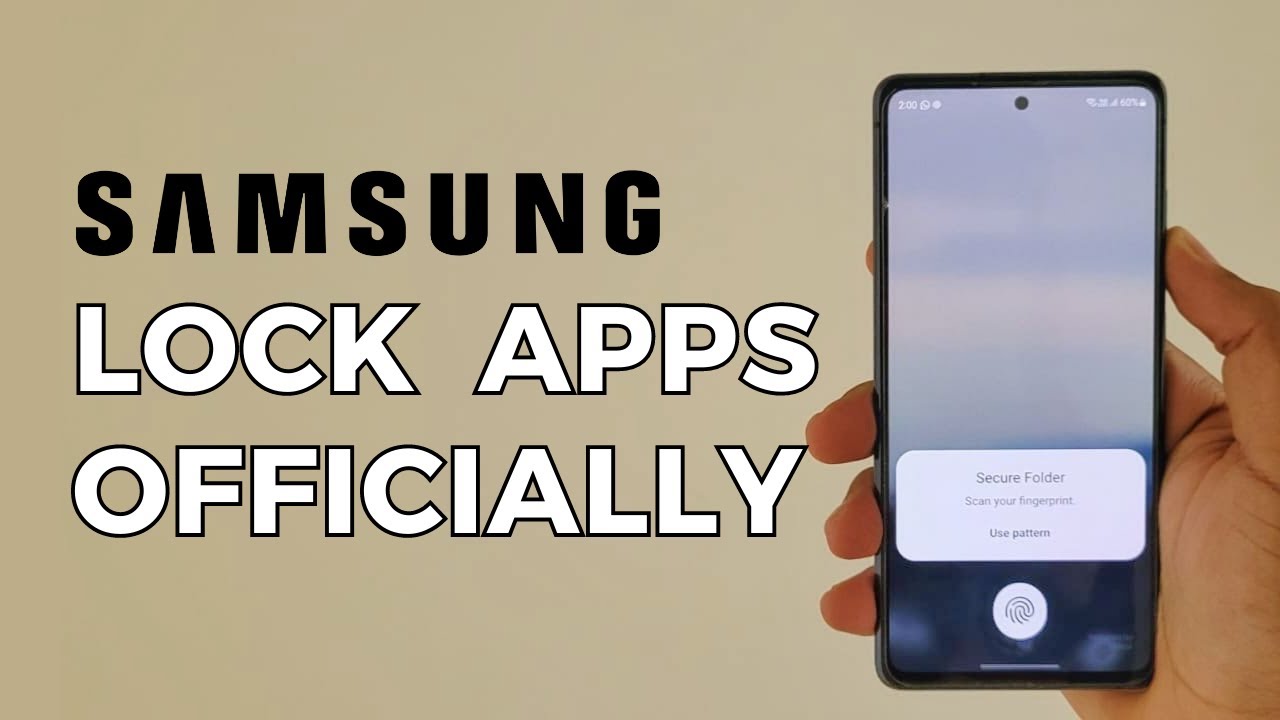
This tutorial shows you How To Lock Apps on Samsung Phone without any Third-Party Apps.
First, we'll guide you through the process of setting up Secure Folder on your Samsung device. You'll learn how to access this hidden space and set a secure PIN, pattern, or biometric lock to safeguard your private apps.
Next, we'll demonstrate how to add apps to Secure Folder. You'll discover how to move sensitive apps to this protected area, ensuring that only you can access them with the designated security credentials.
Then we'll explore customizing security options for your Secure Folder. You'll have the option to adjust the lock type, enable biometric authentication, or even set up a separate fingerprint or facial recognition for enhanced privacy.
Finally we'll show you how to access your locked apps within Secure Folder. You'll learn how to enter your security credentials to gain access to this secure space and use the apps as you would regularly.
By the end of this tutorial, you'll be equipped with the knowledge to lock apps in Samsung with Secure Folder, providing an additional layer of privacy and security for your sensitive data.
--------------------------------------------
Timestamps:
00:00 - Introduction
Setup Secure Folder
Add Apps
Access Secure Folder
--------------------------------------------
Follow me on:
Instagram- https://www.instagram.com/techiseasyyt
--------------------------------------------
I'm a tech enthusiast trying to solve your everyday tech problems.
I make "How to" videos and also review apps, products, and services.
Please SUBSCRIBE to my channel for amazing tech videos.
--------------------------------------------
#lockapps #securefolder #techiseasy
First, we'll guide you through the process of setting up Secure Folder on your Samsung device. You'll learn how to access this hidden space and set a secure PIN, pattern, or biometric lock to safeguard your private apps.
Next, we'll demonstrate how to add apps to Secure Folder. You'll discover how to move sensitive apps to this protected area, ensuring that only you can access them with the designated security credentials.
Then we'll explore customizing security options for your Secure Folder. You'll have the option to adjust the lock type, enable biometric authentication, or even set up a separate fingerprint or facial recognition for enhanced privacy.
Finally we'll show you how to access your locked apps within Secure Folder. You'll learn how to enter your security credentials to gain access to this secure space and use the apps as you would regularly.
By the end of this tutorial, you'll be equipped with the knowledge to lock apps in Samsung with Secure Folder, providing an additional layer of privacy and security for your sensitive data.
--------------------------------------------
Timestamps:
00:00 - Introduction
Setup Secure Folder
Add Apps
Access Secure Folder
--------------------------------------------
Follow me on:
Instagram- https://www.instagram.com/techiseasyyt
--------------------------------------------
I'm a tech enthusiast trying to solve your everyday tech problems.
I make "How to" videos and also review apps, products, and services.
Please SUBSCRIBE to my channel for amazing tech videos.
--------------------------------------------
#lockapps #securefolder #techiseasy
Tags and Topics
Browse our collection to discover more content in these categories.
Video Information
Views
419.3K
Likes
1.2K
Duration
3:23
Published
Jul 24, 2023
User Reviews
4.1
(83) Related Trending Topics
LIVE TRENDSRelated trending topics. Click any trend to explore more videos.
No specific trending topics match this video yet.
Explore All Trends