Day 7 of Learn Fusion 360 in 30 Days for Complete Beginners! - 2023 EDITION
New to Fusion 360? This is a brand new 2023 version of Day #7 of "Learn Fusion 360 in 30 Days for Complete Beginners" - the most popular Fusion 360 course on...
Product Design Online
377.8K views • Jan 6, 2023
About this video
New to Fusion 360? This is a brand new 2023 version of Day #7 of "Learn Fusion 360 in 30 Days for Complete Beginners" - the most popular Fusion 360 course on the internet! Get Kevin's Fusion 360 Masterclass at https://ProductDesignOnline.com/courses
Full course on YouTube: https://bit.ly/30daysUpdated
**Support our free tutorials**
PayPal - https://paypal.com/paypalme/productdesignonline/30
Patreon - https://patreon.com/productdesignonline
Say Thanks w/Coffee - https://buymeacoffee.com/pdo
TUTORIAL RESOURCES ➞ https://productdesignonline.com/d7
CHECKLIST FOR BEGINNERS ➞ http://bit.ly/f360checklist
TOP FUSION 360 PLAYLISTS
http://bit.ly/learn-fusion360
http://bit.ly/woodworker-playlist
http://bit.ly/3D-printing-playlist
http://bit.ly/sculpt-playlist
SUBSCRIBE (& Hit the Bell!)
http://bit.ly/sub-right-now
TIMESTAMPS
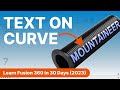
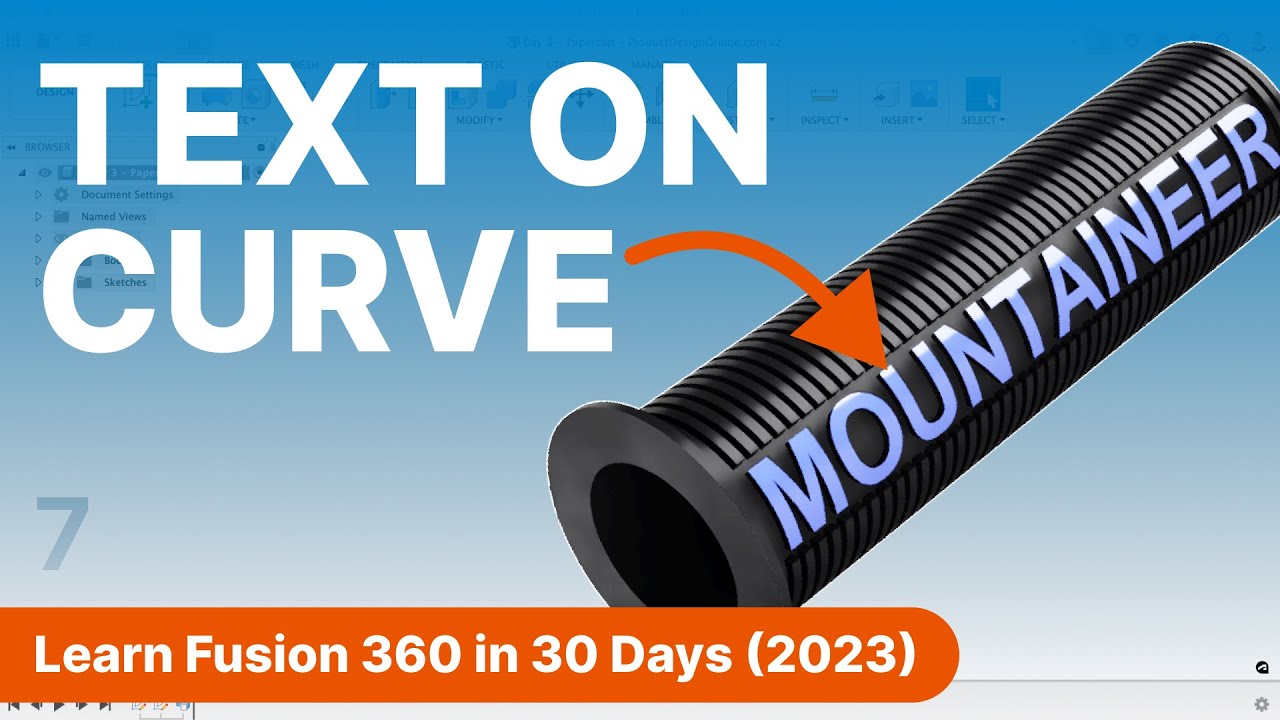
00:00 - Day 7 3D Model a Bike Handlebar Grip in Autodesk Fusion 360
00:33 - Create the Cylinder in Fusion 360
01:18 - How to Create Text in Autodesk Fusion 360
03:20 - Emboss or Deboss Text in Fusion 360
04:28 - Create the Grip Pattern with Rectangular Pattern feature
06:50 - Fix Shell Errors in Autodesk Fusion 360
07:31 - Combine multiple 3D bodies in Autodesk Fusion 360
08:40 - Fusion 360 Apply Appearance to Only Text
09:27 - Next Lesson: Day 8
—
Disclaimer:
This video description may contain affiliate links, meaning I get a small commission if you decide to make a purchase through my links, at no cost to you.
—
#Fusion360 #ProductDesignOnline #fusion360tutorial #autodeskfusion360 #autodesk
Full course on YouTube: https://bit.ly/30daysUpdated
**Support our free tutorials**
PayPal - https://paypal.com/paypalme/productdesignonline/30
Patreon - https://patreon.com/productdesignonline
Say Thanks w/Coffee - https://buymeacoffee.com/pdo
TUTORIAL RESOURCES ➞ https://productdesignonline.com/d7
CHECKLIST FOR BEGINNERS ➞ http://bit.ly/f360checklist
TOP FUSION 360 PLAYLISTS
http://bit.ly/learn-fusion360
http://bit.ly/woodworker-playlist
http://bit.ly/3D-printing-playlist
http://bit.ly/sculpt-playlist
SUBSCRIBE (& Hit the Bell!)
http://bit.ly/sub-right-now
TIMESTAMPS
00:00 - Day 7 3D Model a Bike Handlebar Grip in Autodesk Fusion 360
00:33 - Create the Cylinder in Fusion 360
01:18 - How to Create Text in Autodesk Fusion 360
03:20 - Emboss or Deboss Text in Fusion 360
04:28 - Create the Grip Pattern with Rectangular Pattern feature
06:50 - Fix Shell Errors in Autodesk Fusion 360
07:31 - Combine multiple 3D bodies in Autodesk Fusion 360
08:40 - Fusion 360 Apply Appearance to Only Text
09:27 - Next Lesson: Day 8
—
Disclaimer:
This video description may contain affiliate links, meaning I get a small commission if you decide to make a purchase through my links, at no cost to you.
—
#Fusion360 #ProductDesignOnline #fusion360tutorial #autodeskfusion360 #autodesk
Tags and Topics
Browse our collection to discover more content in these categories.
Video Information
Views
377.8K
Likes
4.0K
Duration
9:49
Published
Jan 6, 2023
User Reviews
4.5
(75) Related Trending Topics
LIVE TRENDSRelated trending topics. Click any trend to explore more videos.
Trending Now