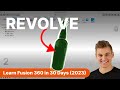
Day 2 of Learn Fusion 360 in 30 Days for Complete Beginners! - 2023 EDITION
2026 version is here 👉 https://youtu.be/_x2Q44UTyrA?si=596XDBo9bqbn_nCR Step-by-step written instructional guides (2026) 👉 https://bit.ly/guideBundle New t...
Product Design Online
1.2M views • Oct 21, 2022
About this video
2026 version is here 👉 https://youtu.be/_x2Q44UTyrA?si=596XDBo9bqbn_nCR
Step-by-step written instructional guides (2026) 👉 https://bit.ly/guideBundle
New to Fusion 360? This is a brand new 2023 version of Day #2 of "Learn Fusion 360 in 30 Days for Complete Beginners" - the most popular Fusion 360 course on the internet! Get the Fusion 360 Masterclass at https://ProductDesignOnline.com/courses
Full course on YouTube: https://bit.ly/30daysUpdated
REFERENCE IMAGE ➞ https://productdesignonline.com/d2
CHECKLIST FOR BEGINNERS ➞ http://bit.ly/f360checklist
SUPPORT KEVIN'S MISSION
↪Making CAD education accessible
PayPal - https://paypal.com/paypalme/productdesignonline/30
Patreon - https://patreon.com/productdesignonline
Say Thanks w/Coffee - https://buymeacoffee.com/pdo
SUBSCRIBE (& Hit the Bell!)
http://bit.ly/sub-right-now
TIMESTAMPS
00:00 - Day 2 of Learn Fusion 360 in 30 Days
00:15 - Save file in 'the cloud' in Fusion 360
00:56 - Create New Component in Fusion 360
01:26 - Insert Reference Image in Fusion 360
02:15 - Scale Reference Image (Canvas) in Fusion 360
04:11 - How to Sketch in Autodesk Fusion 360
05:23 - How to Use Fit Point Spline in Autodesk Fusion 360
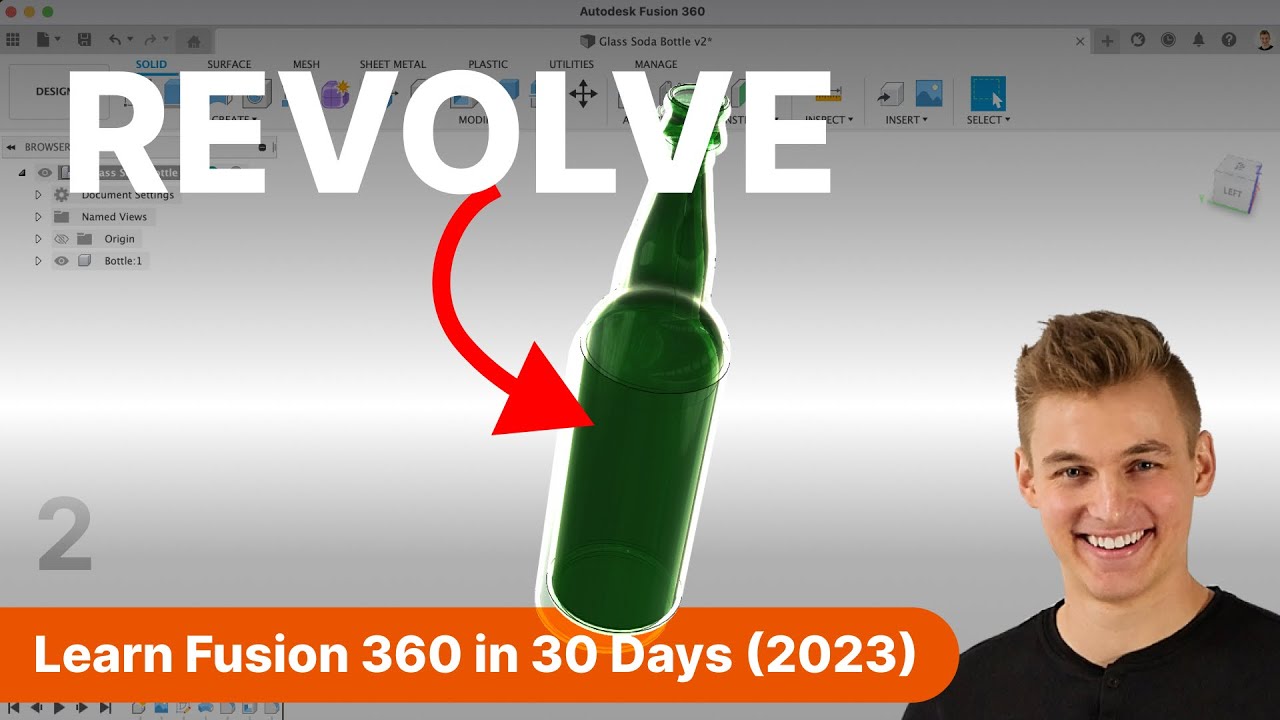
08:10 - How to Revolve in Fusion 360
09:20 - How to Add Rounded Edges in Fusion 360
10:34 - How to Make a Hollow Body in Fusion 360
11:00 - Apply the Appearance of Glass in Fusion 360
—
Disclaimer:
This video description may contain affiliate links, meaning I get a small commission if you decide to make a purchase through my links, at no cost to you.
—
#Fusion360 #ProductDesignOnline
Step-by-step written instructional guides (2026) 👉 https://bit.ly/guideBundle
New to Fusion 360? This is a brand new 2023 version of Day #2 of "Learn Fusion 360 in 30 Days for Complete Beginners" - the most popular Fusion 360 course on the internet! Get the Fusion 360 Masterclass at https://ProductDesignOnline.com/courses
Full course on YouTube: https://bit.ly/30daysUpdated
REFERENCE IMAGE ➞ https://productdesignonline.com/d2
CHECKLIST FOR BEGINNERS ➞ http://bit.ly/f360checklist
SUPPORT KEVIN'S MISSION
↪Making CAD education accessible
PayPal - https://paypal.com/paypalme/productdesignonline/30
Patreon - https://patreon.com/productdesignonline
Say Thanks w/Coffee - https://buymeacoffee.com/pdo
SUBSCRIBE (& Hit the Bell!)
http://bit.ly/sub-right-now
TIMESTAMPS
00:00 - Day 2 of Learn Fusion 360 in 30 Days
00:15 - Save file in 'the cloud' in Fusion 360
00:56 - Create New Component in Fusion 360
01:26 - Insert Reference Image in Fusion 360
02:15 - Scale Reference Image (Canvas) in Fusion 360
04:11 - How to Sketch in Autodesk Fusion 360
05:23 - How to Use Fit Point Spline in Autodesk Fusion 360
08:10 - How to Revolve in Fusion 360
09:20 - How to Add Rounded Edges in Fusion 360
10:34 - How to Make a Hollow Body in Fusion 360
11:00 - Apply the Appearance of Glass in Fusion 360
—
Disclaimer:
This video description may contain affiliate links, meaning I get a small commission if you decide to make a purchase through my links, at no cost to you.
—
#Fusion360 #ProductDesignOnline
Tags and Topics
Browse our collection to discover more content in these categories.
Video Information
Views
1.2M
Likes
14.7K
Duration
11:55
Published
Oct 21, 2022
User Reviews
4.6
(241) Related Trending Topics
LIVE TRENDSRelated trending topics. Click any trend to explore more videos.
Trending Now