NetBeans IDE 21: Shortcut Ctrl + 5 to Switch to Services
Learn how to quickly switch to the Services window in Apache NetBeans IDE 21 using the shortcut Ctrl + 5. 🚀

java frm
89 views • Apr 1, 2024
About this video
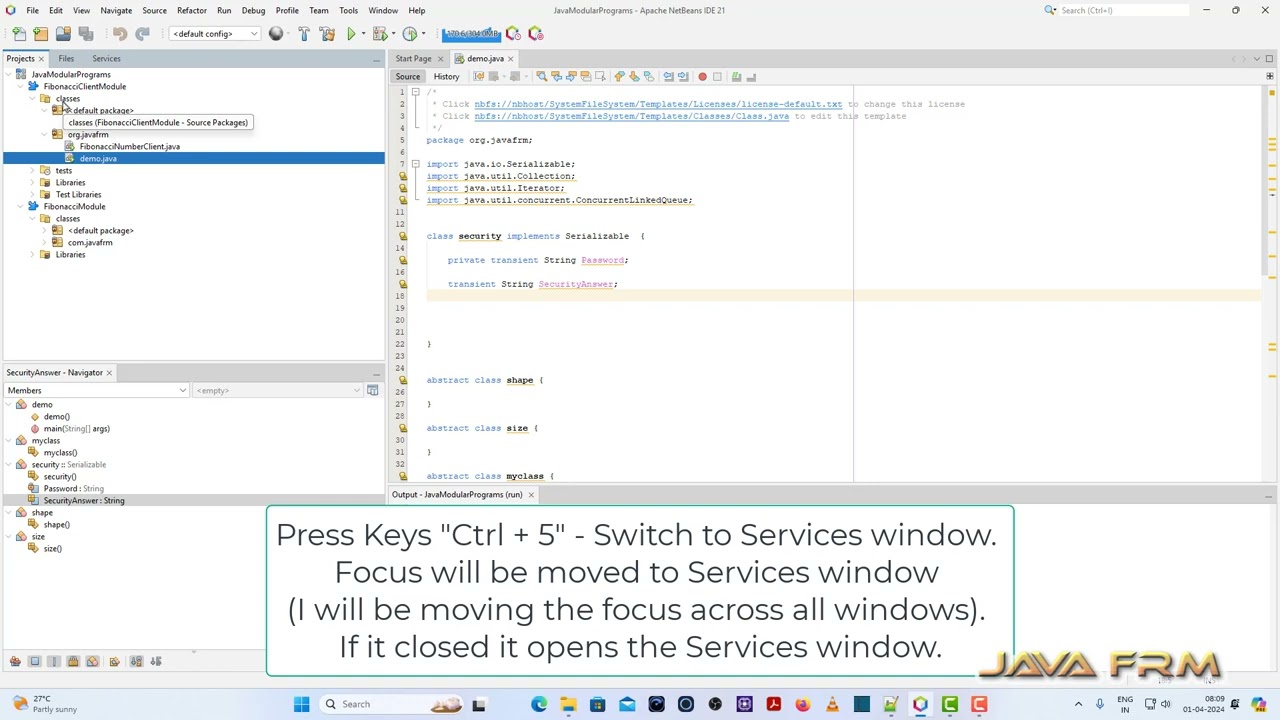
In this video we are going to see what is the short cut key in Apache NetBeans IDE 21 to Switch to Services window.
Press Keys "Ctrl + 5" - Switch to Services window.
Focus will be moved to Services window
(I will be moving the focus across all windows).
If it closed it opens the Services window.
#NetBeans21 #apachenetbeans21 #shortcutkeys #netbeansshortcuts #netbeanstutorial #netbeanside #netbeanscodeediting #netbeansshortcutkeys #netbeanscodetemplates
Press Keys "Ctrl + 5" - Switch to Services window.
Focus will be moved to Services window
(I will be moving the focus across all windows).
If it closed it opens the Services window.
#NetBeans21 #apachenetbeans21 #shortcutkeys #netbeansshortcuts #netbeanstutorial #netbeanside #netbeanscodeediting #netbeansshortcutkeys #netbeanscodetemplates
Tags and Topics
Browse our collection to discover more content in these categories.
Video Information
Views
89
Duration
0:48
Published
Apr 1, 2024
Related Trending Topics
LIVE TRENDSRelated trending topics. Click any trend to explore more videos.
No specific trending topics match this video yet.
Explore All Trends