Fix 'Build Successful but No Output' Issue in NetBeans IDE for Java 🚀
Learn how to troubleshoot and resolve the common problem of NetBeans not displaying output despite successful builds. Step-by-step solutions to get your Java programs running smoothly.
Tutorial Maven
1.3K views • Apr 29, 2024
About this video
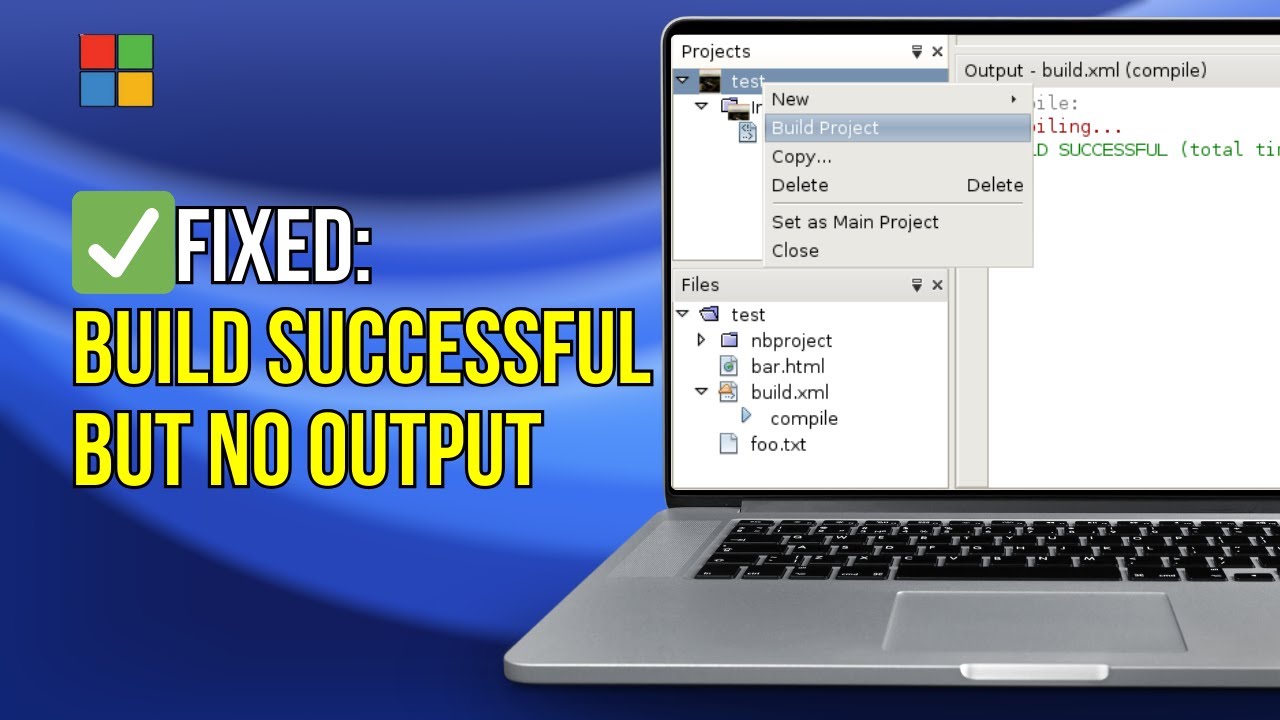
⚡🔧 How to Fix "Build Successful but No Output" on NetBeans IDE in Java - NetBeans Not Showing Output
Encountering the issue where NetBeans IDE builds successfully but does not display any output can be frustrating, especially when trying to run Java programs. This guide provides troubleshooting steps to help you resolve this issue and ensure that NetBeans displays the output of your Java programs correctly.
In this guide:
0:00 - Introduction
0:05 - How to Fix "Build Successful but No Output" on NetBeans IDE in Java - NetBeans Not Showing Output
Learn how to troubleshoot and fix the issue of "Build Successful but No Output" on NetBeans IDE in Java with ease using this comprehensive guide. The guide covers several troubleshooting steps, including verifying project configurations, checking for errors in the code, ensuring that the correct main class is specified, and verifying runtime configurations. Additionally, it provides instructions on checking the output window settings in NetBeans and clearing cache and temporary files that may be causing the issue. By following these comprehensive steps, you can identify and resolve the underlying cause of the problem and ensure that NetBeans displays the output of your Java programs correctly.
Fix the issue of "Build Successful but No Output" on NetBeans IDE in Java confidently using this troubleshooting guide!
#NetBeans #Java #ErrorFix #Troubleshooting #IDE #2024 🔧💻
Encountering the issue where NetBeans IDE builds successfully but does not display any output can be frustrating, especially when trying to run Java programs. This guide provides troubleshooting steps to help you resolve this issue and ensure that NetBeans displays the output of your Java programs correctly.
In this guide:
0:00 - Introduction
0:05 - How to Fix "Build Successful but No Output" on NetBeans IDE in Java - NetBeans Not Showing Output
Learn how to troubleshoot and fix the issue of "Build Successful but No Output" on NetBeans IDE in Java with ease using this comprehensive guide. The guide covers several troubleshooting steps, including verifying project configurations, checking for errors in the code, ensuring that the correct main class is specified, and verifying runtime configurations. Additionally, it provides instructions on checking the output window settings in NetBeans and clearing cache and temporary files that may be causing the issue. By following these comprehensive steps, you can identify and resolve the underlying cause of the problem and ensure that NetBeans displays the output of your Java programs correctly.
Fix the issue of "Build Successful but No Output" on NetBeans IDE in Java confidently using this troubleshooting guide!
#NetBeans #Java #ErrorFix #Troubleshooting #IDE #2024 🔧💻
Tags and Topics
Browse our collection to discover more content in these categories.
Video Information
Views
1.3K
Likes
4
Duration
1:36
Published
Apr 29, 2024
User Reviews
3.9
(1) Related Trending Topics
LIVE TRENDSRelated trending topics. Click any trend to explore more videos.