Creating a Multi-Module Maven Project in NetBeans IDE
Learn how to develop a multi-module Java Maven project using Apache NetBeans IDE. This guide covers creating the root Maven project and adding modules step-by-step.
Code Java
3.4K views • Jul 30, 2021
About this video
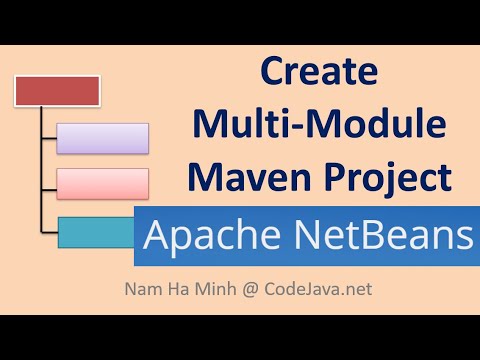
Learn how to develop Java Maven project that consists of modules in Apache NetBeans IDE. In details, I'd like to share with you:
- Create the root Maven project
- Create the 1st Maven module for Shared library project
- Create the 2nd Maven module for Console application project
- Create the 3rd Maven module for Desktop application project
And you also learn how to build the whole multi-module Maven project in Apache NetBeans IDE.
#java #maven #netbeans
- Create the root Maven project
- Create the 1st Maven module for Shared library project
- Create the 2nd Maven module for Console application project
- Create the 3rd Maven module for Desktop application project
And you also learn how to build the whole multi-module Maven project in Apache NetBeans IDE.
#java #maven #netbeans
Tags and Topics
Browse our collection to discover more content in these categories.
Video Information
Views
3.4K
Likes
45
Duration
16:54
Published
Jul 30, 2021
User Reviews
4.4
(3) Related Trending Topics
LIVE TRENDSRelated trending topics. Click any trend to explore more videos.
No specific trending topics match this video yet.
Explore All Trends