Why I No Longer Avoid BitLocker
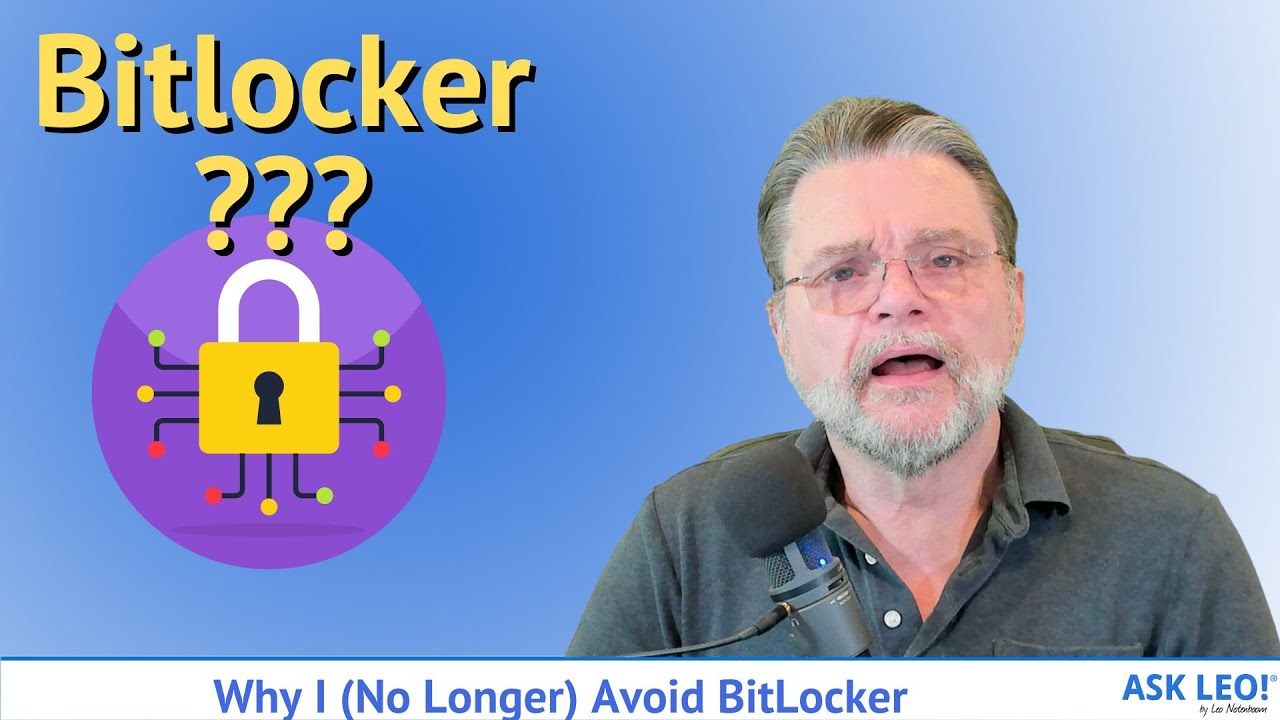
BitLocker offers solid encryption when used correctly, but many users risk weakening its security by skipping essential steps. Here's why I changed my approach.

Ask Leo!
65.9K views • Jul 7, 2023
About this video
➕ BitLocker is fine encryption if you avoid encrypting yourself into a corner. The problem is that it's too easy for the average user to skip steps that could result in data loss.
➕ Using Bitlocker safely
To encrypt your drive with BitLocker safely, right click the drive in Windows File Explorer and click on Turn on BitLocker. Save the recovery key as part of the setup process. Do not skip this step, or you may lose access to your data. Then back up your data as well.
Updates, related links, and more discussion: https://askleo.com/17437
🔔 Subscribe to the Ask Leo! YouTube channel for more tech videos & answers: https://go.askleo.com/ytsub
✅ Watch next ▶ Find Your Lost Bitlocker Recovery Key in Your Microsoft Account ▶ https://youtu.be/Pn-PZ2F43SM
Chapters
0:00 No Longer Avoid BitLocker
0:20 Encrypt yourself into a corner
1:00 Using Bitlocker safely
2:00 Back up your recovery key
4:20 A second opportunity to backup your key
4:20 Bitsocker enabled by default
5:00 Check if you have your recovery key
5:40 How you can get locked out
7:20 How to recover
8:00 Proper backups can protect you
9:24 Alternatives
❤️ My best articles: https://go.askleo.com/best
❤️ My Most Important Article: https://go.askleo.com/number1
More Ask Leo!
☑️ https://askleo.com to get your questions answered
☑️ https://newsletter.askleo.com to subscribe to the Confident Computing newsletter.
☑️ https://askleo.com/patron to help support Ask Leo!
☑️ https://askleo.com/all-the-different-ways-to-get-ask-leo/ for even more!
#askleo #bitlocker #encryption
➕ Using Bitlocker safely
To encrypt your drive with BitLocker safely, right click the drive in Windows File Explorer and click on Turn on BitLocker. Save the recovery key as part of the setup process. Do not skip this step, or you may lose access to your data. Then back up your data as well.
Updates, related links, and more discussion: https://askleo.com/17437
🔔 Subscribe to the Ask Leo! YouTube channel for more tech videos & answers: https://go.askleo.com/ytsub
✅ Watch next ▶ Find Your Lost Bitlocker Recovery Key in Your Microsoft Account ▶ https://youtu.be/Pn-PZ2F43SM
Chapters
0:00 No Longer Avoid BitLocker
0:20 Encrypt yourself into a corner
1:00 Using Bitlocker safely
2:00 Back up your recovery key
4:20 A second opportunity to backup your key
4:20 Bitsocker enabled by default
5:00 Check if you have your recovery key
5:40 How you can get locked out
7:20 How to recover
8:00 Proper backups can protect you
9:24 Alternatives
❤️ My best articles: https://go.askleo.com/best
❤️ My Most Important Article: https://go.askleo.com/number1
More Ask Leo!
☑️ https://askleo.com to get your questions answered
☑️ https://newsletter.askleo.com to subscribe to the Confident Computing newsletter.
☑️ https://askleo.com/patron to help support Ask Leo!
☑️ https://askleo.com/all-the-different-ways-to-get-ask-leo/ for even more!
#askleo #bitlocker #encryption
Tags and Topics
Browse our collection to discover more content in these categories.
Video Information
Views
65.9K
Likes
1.3K
Duration
11:19
Published
Jul 7, 2023
User Reviews
4.7
(13) Related Trending Topics
LIVE TRENDSRelated trending topics. Click any trend to explore more videos.
No specific trending topics match this video yet.
Explore All Trends