EFS vs BitLocker: How to Encrypt Data Using BitLocker and EFS on Windows 10
Windows 10, 8, and 7 include BitLocker drive encryption, but also offer other encryption options like EFS. Learn how to use both methods to protect your data.
iSumsoft
1.2K views • Feb 18, 2019
About this video
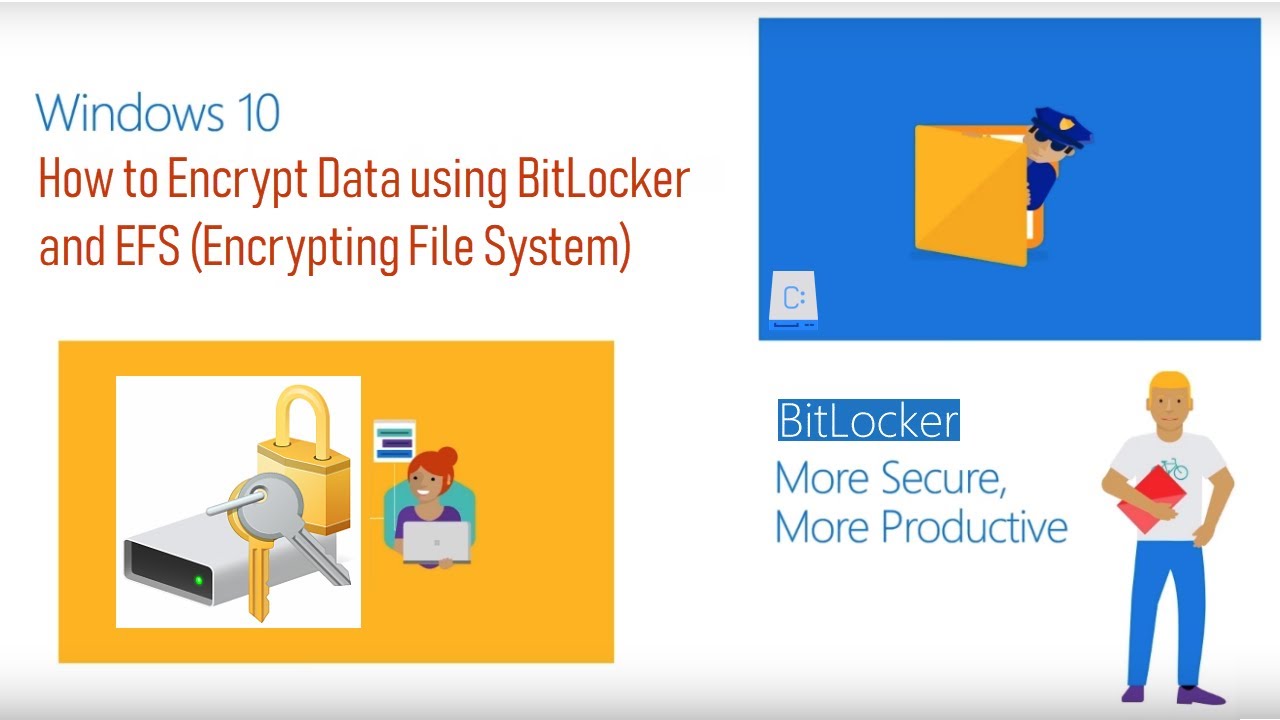
Windows 10, 8 and 7 all include BitLocker drive encryption, but that’s not the only encryption solution they offer. Windows system also includes an encryption method named the “encrypting file system”, or EFS. Here’s how to encrypt data using EFS and BitLocker on Windows 10.
Why You Should Use BitLocker, and Not EFS?
It’s actually possible to use both BitLocker and EFS at once, as they’re different layers of encryption. You could encrypt your entire drive, and, even after doing so, Windows users will be able to activate the “Encrypt” attribute for files and folders. However, there’s not actually much reason to do so.
If you want encryption, it’s best to go for full-disk encryption in the form of BitLocker. Not only is this a "set it and forget it" solution you can enable once and forget about it’s also more secure.
We’ve tended to gloss over EFS when writing about encryption on Windows and often only mention BitLocker as Microsoft’s solution for encryption on Windows. There’s a reason for this. BitLocker’s full-disk encryption is just superior to EFS, and you should be using BitLocker if you need encryption.
At one point, BitLocker might have slowed down overall operating system performance, while EFS would have been a bit more lightweight. But, with reasonably modern hardware, this shouldn’t be the case at all.
Just use BitLocker and forget Windows even offers EFS. It’s less of a hassle to actually use and is more secure.
Why You Should Use BitLocker, and Not EFS?
It’s actually possible to use both BitLocker and EFS at once, as they’re different layers of encryption. You could encrypt your entire drive, and, even after doing so, Windows users will be able to activate the “Encrypt” attribute for files and folders. However, there’s not actually much reason to do so.
If you want encryption, it’s best to go for full-disk encryption in the form of BitLocker. Not only is this a "set it and forget it" solution you can enable once and forget about it’s also more secure.
We’ve tended to gloss over EFS when writing about encryption on Windows and often only mention BitLocker as Microsoft’s solution for encryption on Windows. There’s a reason for this. BitLocker’s full-disk encryption is just superior to EFS, and you should be using BitLocker if you need encryption.
At one point, BitLocker might have slowed down overall operating system performance, while EFS would have been a bit more lightweight. But, with reasonably modern hardware, this shouldn’t be the case at all.
Just use BitLocker and forget Windows even offers EFS. It’s less of a hassle to actually use and is more secure.
Tags and Topics
Browse our collection to discover more content in these categories.
Video Information
Views
1.2K
Duration
4:44
Published
Feb 18, 2019
User Reviews
3.7
(1) Related Trending Topics
LIVE TRENDSRelated trending topics. Click any trend to explore more videos.
Trending Now