Microsoft 365 Copilot: AI Assistant for Productivity 🚀
Learn how Microsoft 365 Copilot boosts productivity and creativity with AI. Discover what it is and how to use it effectively.

Microsoft Helps
38.8K views • Apr 4, 2025
About this video
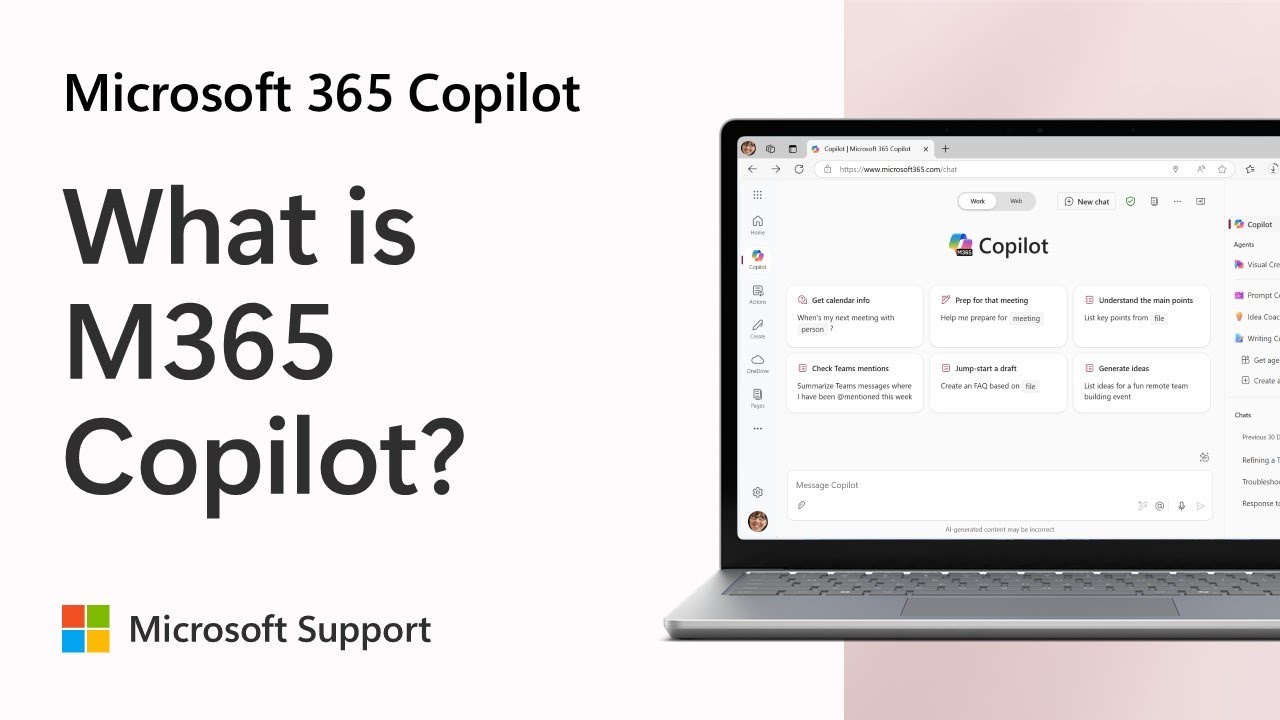
Microsoft 365 Copilot is your AI assistant designed to boost productivity and spark creativity. In this video, we explain what Microsoft 365 Copilot is and how it can transform the way you work and create.
Whether you're coding a website, writing a paper, or crafting a personalized bedtime story, Copilot is here to help. We'll explore the Microsoft 365 Copilot app, showcasing its Web mode for internet-sourced creativity and Work mode for accessing your work content and context.
Learn how Copilot can assist you in catching up after a vacation, calling out action items, and finding answers in big files. Plus, discover how Copilot respects the same security, compliance, and privacy policies already in place across Microsoft 365 apps and services, ensuring your data is protected.
Table of Contents
0:00 - Introduction
0:05 - Productivity & Creativity
0:10 - AI Assistant Overview
0:15 - Copilot App Features
0:20 - Web Mode
0:27 - Work Mode
0:39 - Data Protection
1:10 - Conclusion
#Microsoft #Microsoft365 #MicrosoftCopilot
Related videos:
https://youtu.be/BrBc-6tnwI0?si=VpONIvNF09kdhFIO
Connect on social:
X https://twitter.com/MicrosoftHelps
Instagram https://www.instagram.com/microsofthelps
Threads https://www.threads.net/@microsofthelps
Whether you're coding a website, writing a paper, or crafting a personalized bedtime story, Copilot is here to help. We'll explore the Microsoft 365 Copilot app, showcasing its Web mode for internet-sourced creativity and Work mode for accessing your work content and context.
Learn how Copilot can assist you in catching up after a vacation, calling out action items, and finding answers in big files. Plus, discover how Copilot respects the same security, compliance, and privacy policies already in place across Microsoft 365 apps and services, ensuring your data is protected.
Table of Contents
0:00 - Introduction
0:05 - Productivity & Creativity
0:10 - AI Assistant Overview
0:15 - Copilot App Features
0:20 - Web Mode
0:27 - Work Mode
0:39 - Data Protection
1:10 - Conclusion
#Microsoft #Microsoft365 #MicrosoftCopilot
Related videos:
https://youtu.be/BrBc-6tnwI0?si=VpONIvNF09kdhFIO
Connect on social:
X https://twitter.com/MicrosoftHelps
Instagram https://www.instagram.com/microsofthelps
Threads https://www.threads.net/@microsofthelps
Tags and Topics
Browse our collection to discover more content in these categories.
Video Information
Views
38.8K
Likes
156
Duration
1:41
Published
Apr 4, 2025
User Reviews
4.1
(7) Related Trending Topics
LIVE TRENDSRelated trending topics. Click any trend to explore more videos.
No specific trending topics match this video yet.
Explore All Trends