Virtual Machines Pt. 2 (Proxmox install w/ Kali Linux)
Become smarter in 5 minutes by signing up for free today: http://cen.yt/mbnetworkchuck - Thanks to Morning Brew for sponsoring today’s video. Virtual Machin...

NetworkChuck
1.5M views • Apr 27, 2021
About this video
Become smarter in 5 minutes by signing up for free today: http://cen.yt/mbnetworkchuck - Thanks to Morning Brew for sponsoring today’s video.
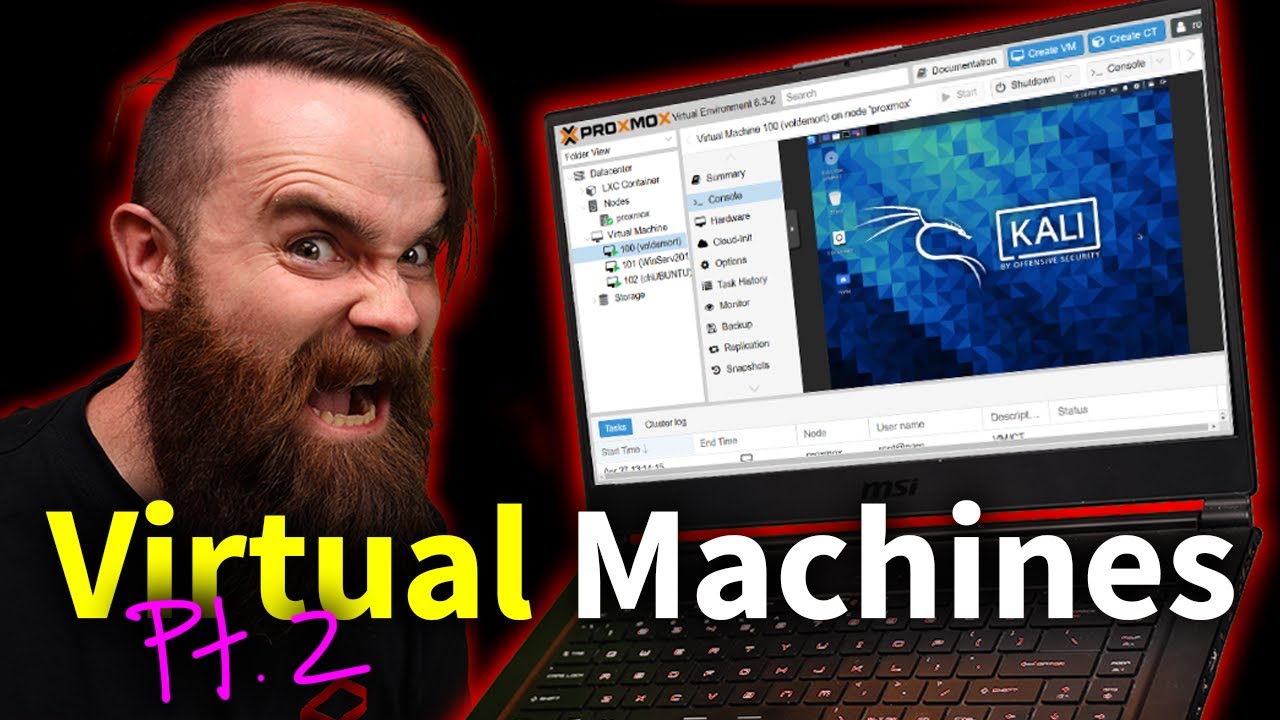
Virtual Machines are AMAZING...so let's get a little crazy and dive into Proxmox. (type 1 Hypervisor)
💻💻Commands and walkthrough: https://bit.ly/32SPodb
This is Virtual Machines Pt. 2. This time, we're going to dive deeper into the world of virtualization and start messing with Type 1 Hypervisors like Proxmox, ESXi..etc. You can take any old laptop or PC and convert it into a Virtual Machine power house!! We'll go through a complete Proxmox install, and touch on why we didn't use vmware.
SUPPORT NETWORKCHUCK
---------------------------------------------------
➡️Become a YouTube Member: https://bit.ly/join_networkchuck
☕☕ COFFEE and MERCH: https://NetworkChuck.coffee
📧Sponsorship Inquiries: sponsor@networkchuck.com
Check out my new channel, https://bit.ly/nc_clips
🆘🆘NEED HELP?? Join the Discord Server: https://discord.gg/networkchuck
STUDY WITH ME on Twitch: https://bit.ly/nc_twitch
READY TO LEARN??
---------------------------------------------------
-Learn Python: https://bit.ly/3rzZjzz
-Get your CCNA: https://bit.ly/nc-ccna
FOLLOW ME EVERYWHERE
---------------------------------------------------
Instagram: https://www.instagram.com/networkchuck/
Twitter: https://twitter.com/networkchuck
Facebook: https://www.facebook.com/NetworkChuck/
Join the Discord server: http://bit.ly/nc-discord
0:00 ⏩ Intro
0:57 ⏩ What is a Type 1 Hypervisor?
4:03 ⏩ Why you NEED to do this
6:30 ⏩ SUPPLIES...what do you need?
7:55 ⏩ STEP 1: Download Proxmox (and Prep Flash Drive)
10:29 ⏩ STEP 2: Install Proxmox
14:45 ⏩ STEP 3: Increase Storage
18:09 ⏩ STEP 4: VIRTUAL MACHINES!!!!
23:27 ⏩ BONUS: Create a Container (LXC)
26:28 ⏩ OPTIONAL: Close your laptop lid
28:16 ⏩ OPTIONAL: Put your screen to sleep
AFFILIATES & REFERRALS
---------------------------------------------------
(GEAR I USE...STUFF I RECOMMEND)
My network gear: https://geni.us/L6wyIUj
Amazon Affiliate Store: https://www.amazon.com/shop/networkchuck
Buy a Raspberry Pi: https://geni.us/aBeqAL
#virtualmachine #proxmox #virtualization
Virtual Machines are AMAZING...so let's get a little crazy and dive into Proxmox. (type 1 Hypervisor)
💻💻Commands and walkthrough: https://bit.ly/32SPodb
This is Virtual Machines Pt. 2. This time, we're going to dive deeper into the world of virtualization and start messing with Type 1 Hypervisors like Proxmox, ESXi..etc. You can take any old laptop or PC and convert it into a Virtual Machine power house!! We'll go through a complete Proxmox install, and touch on why we didn't use vmware.
SUPPORT NETWORKCHUCK
---------------------------------------------------
➡️Become a YouTube Member: https://bit.ly/join_networkchuck
☕☕ COFFEE and MERCH: https://NetworkChuck.coffee
📧Sponsorship Inquiries: sponsor@networkchuck.com
Check out my new channel, https://bit.ly/nc_clips
🆘🆘NEED HELP?? Join the Discord Server: https://discord.gg/networkchuck
STUDY WITH ME on Twitch: https://bit.ly/nc_twitch
READY TO LEARN??
---------------------------------------------------
-Learn Python: https://bit.ly/3rzZjzz
-Get your CCNA: https://bit.ly/nc-ccna
FOLLOW ME EVERYWHERE
---------------------------------------------------
Instagram: https://www.instagram.com/networkchuck/
Twitter: https://twitter.com/networkchuck
Facebook: https://www.facebook.com/NetworkChuck/
Join the Discord server: http://bit.ly/nc-discord
0:00 ⏩ Intro
0:57 ⏩ What is a Type 1 Hypervisor?
4:03 ⏩ Why you NEED to do this
6:30 ⏩ SUPPLIES...what do you need?
7:55 ⏩ STEP 1: Download Proxmox (and Prep Flash Drive)
10:29 ⏩ STEP 2: Install Proxmox
14:45 ⏩ STEP 3: Increase Storage
18:09 ⏩ STEP 4: VIRTUAL MACHINES!!!!
23:27 ⏩ BONUS: Create a Container (LXC)
26:28 ⏩ OPTIONAL: Close your laptop lid
28:16 ⏩ OPTIONAL: Put your screen to sleep
AFFILIATES & REFERRALS
---------------------------------------------------
(GEAR I USE...STUFF I RECOMMEND)
My network gear: https://geni.us/L6wyIUj
Amazon Affiliate Store: https://www.amazon.com/shop/networkchuck
Buy a Raspberry Pi: https://geni.us/aBeqAL
#virtualmachine #proxmox #virtualization
Tags and Topics
Browse our collection to discover more content in these categories.
Video Information
Views
1.5M
Likes
46.4K
Duration
30:39
Published
Apr 27, 2021
User Reviews
4.8
(308) Related Trending Topics
LIVE TRENDSRelated trending topics. Click any trend to explore more videos.
No specific trending topics match this video yet.
Explore All Trends