Using DeepSound for Hiding and Extracting Secret Files in MP3 Audio (Steganography)
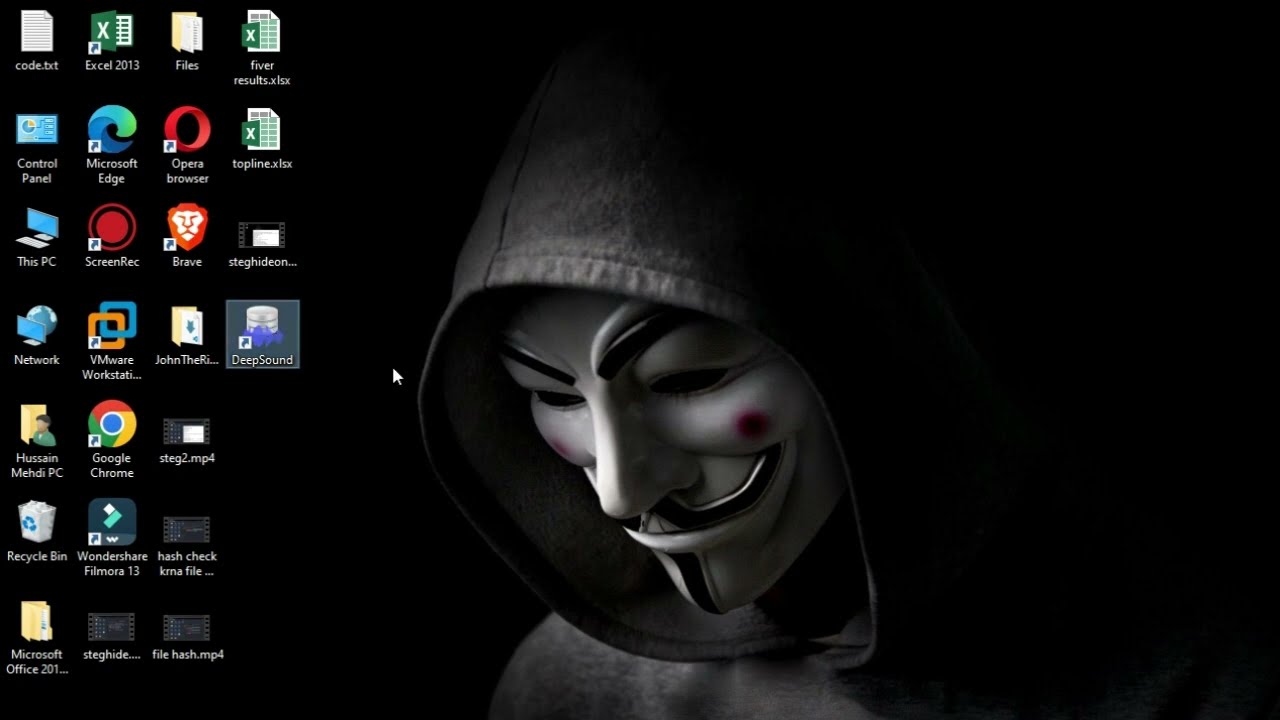
Learn how to hide and extract files such as documents, images, or archives within MP3 music files using DeepSound. This steganography method ensures your data remains concealed within audio files.

Z.S Tech0.5
43 views • Sep 16, 2025
About this video
Learn how to hide any file (like documents, images, or archives) inside an MP3 music file using DeepSound! This steganography technique keeps your data secret because the MP3 still plays normally.
Video Steps:
1. Introduction to Steganography (0:00)
2. Downloading & Installing DeepSound (1:30)
3. Hiding Your Secret File (3:45)
4. Extracting the Hidden File (7:12)
5. Important Tips & Conclusion (9:00)
Tool Used: DeepSound
Carrier File: MP3
Secret File: [Mention what you hid, e.g., "Secret.zip"]
Remember: Always use this technology ethically and with permission.
Like and subscribe for more tech privacy tutorials!
#DeepSoundTutorial #HideFiles #DataProtection #PrivacyTips
#Steganography #DeepSound #CyberSecurity #Privacy #DataHiding #EthicalHacking #MP3 #Tutorial
Video Steps:
1. Introduction to Steganography (0:00)
2. Downloading & Installing DeepSound (1:30)
3. Hiding Your Secret File (3:45)
4. Extracting the Hidden File (7:12)
5. Important Tips & Conclusion (9:00)
Tool Used: DeepSound
Carrier File: MP3
Secret File: [Mention what you hid, e.g., "Secret.zip"]
Remember: Always use this technology ethically and with permission.
Like and subscribe for more tech privacy tutorials!
#DeepSoundTutorial #HideFiles #DataProtection #PrivacyTips
#Steganography #DeepSound #CyberSecurity #Privacy #DataHiding #EthicalHacking #MP3 #Tutorial
Tags and Topics
Browse our collection to discover more content in these categories.
Video Information
Views
43
Duration
4:51
Published
Sep 16, 2025
Related Trending Topics
LIVE TRENDSRelated trending topics. Click any trend to explore more videos.
Trending Now