Transform Your C4D Lite Animations into Stunning Gritty Cinematic Scenes with After Effects 🎬
Learn how to elevate your Cinema 4D Lite projects by adding gritty cinematic effects using After Effects. Follow this step-by-step tutorial to create professional-looking, gritty scenes that stand out!

Motion Science
5.4K views • Sep 19, 2024
About this video
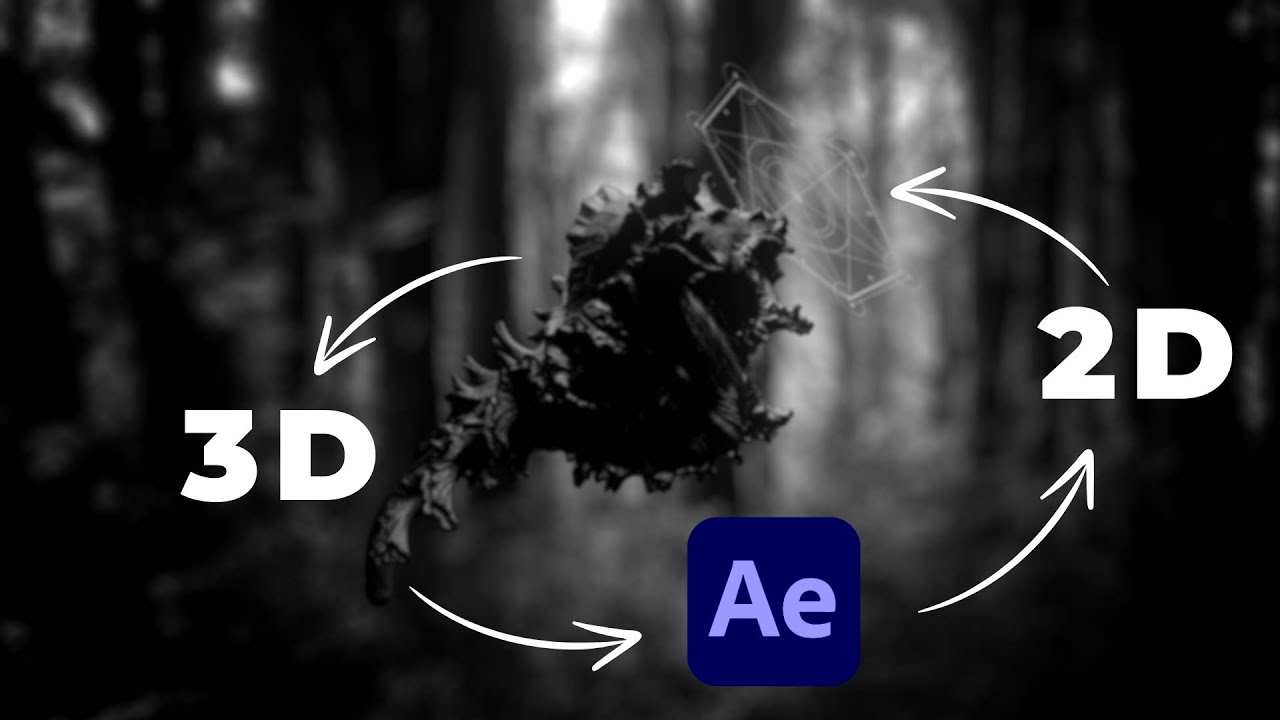
In this tutorial, we'll show you how to transform a simple Cinema 4D Lite animation into an exciting, gritty cinematic scene using After Effects. Learn professional compositing techniques by combining 3D renders with 2D graphics and visual effects for a more dynamic look. Whether you're new to motion graphics or looking to level up your skills, this guide will help you make stunning visual content!
🔥🔥🔥 Join All Access — https://www.motionscience.tv/mastery 🔥🔥🔥
Secrets to Creating Vignettes: https://www.youtube.com/watch?v=nqTkukKqAjE
00:00 Introduction
00:15 C4D Lite Workflow
02:39 Compositing the 2D Graphics
06:26 Compositing the Background
07:13 Adding FX
10:53 Wrap Up
🔥🔥🔥 Join All Access — https://www.motionscience.tv/mastery 🔥🔥🔥
Secrets to Creating Vignettes: https://www.youtube.com/watch?v=nqTkukKqAjE
00:00 Introduction
00:15 C4D Lite Workflow
02:39 Compositing the 2D Graphics
06:26 Compositing the Background
07:13 Adding FX
10:53 Wrap Up
Tags and Topics
Browse our collection to discover more content in these categories.
Video Information
Views
5.4K
Likes
234
Duration
11:38
Published
Sep 19, 2024
User Reviews
4.6
(1) Related Trending Topics
LIVE TRENDSRelated trending topics. Click any trend to explore more videos.
No specific trending topics match this video yet.
Explore All Trends