Transform Any Microphone into a Studio-Quality Sound in Just 5 Minutes 🎙️
Discover quick and easy tips to make any microphone sound professional without costly equipment. Perfect for streamers, podcasters, and content creators looking to upgrade their audio quality fast!

Sarthak Virmani
109.1K views • May 19, 2025
About this video
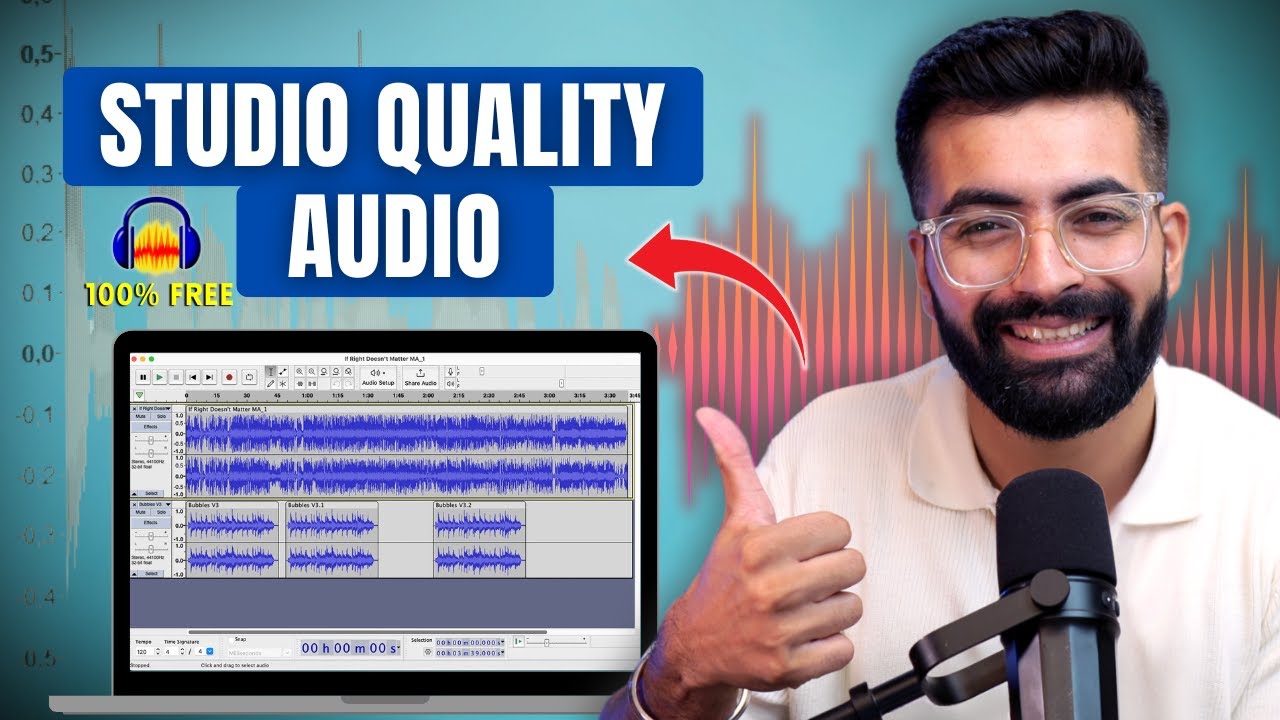
Want to make your mic sound professional without spending on expensive gear? In this video, I’ll show you how to make ANY mic sound like a studio mic using Audacity — step-by-step. Whether you’re a YouTuber, podcaster, or voice-over artist, this free trick will level up your audio instantly.
🎧 Tools used: Audacity (Free Audio Editor)
🎙️ Mic Type: [Insert your mic name, e.g. Boya M1, USB mic, etc.]
Audacity Download Link-
https://www.audacityteam.org/download/
If you find it helpful, please like, subscribe, and share with others!"
Thankyou..
All gears that i use:
Main mic : https://amzn.to/41NcC2j
Secondary mic: https://amzn.to/3R6Zy2O
Camera: https://amzn.to/424X0bO
Iphone: https://amzn.to/4irJiFD
Light: https://amzn.to/4kRHB5Y
Tripod: https://amzn.to/3XR86P7
Best Tripod: https://amzn.to/43JcjIw
RGB Light: https://amzn.to/424Xpek
Magic Arm: https://amzn.to/3FETOea
Lamp: https://amzn.to/3DDUikk
Mic Stand: https://amzn.to/4iQHh5K
Chair - https://amzn.to/452ckYI
Copyright Disclaimer:-
This video has been made with good thinking for education, whose content has been made after very deep research on the internet itself. We apologize if any facts or data are incorrect.
The footage and photos used in the video are for fair use only. We do not intend to violate anyone's sentiments or copyrights.
For more queries contact us at -
sarthakvirmani4@gmail.com
Facebook - https://www.facebook.com/Sarthakvirmani4
Instagram - https://www.instagram.com/sarthakvirmani_
Audacity Voice Tutorial
Podcast Mic Settings
Fix cheap mic sound
#audacity
#professionalaudio
#podcastsetup
#micsetup
🎧 Tools used: Audacity (Free Audio Editor)
🎙️ Mic Type: [Insert your mic name, e.g. Boya M1, USB mic, etc.]
Audacity Download Link-
https://www.audacityteam.org/download/
If you find it helpful, please like, subscribe, and share with others!"
Thankyou..
All gears that i use:
Main mic : https://amzn.to/41NcC2j
Secondary mic: https://amzn.to/3R6Zy2O
Camera: https://amzn.to/424X0bO
Iphone: https://amzn.to/4irJiFD
Light: https://amzn.to/4kRHB5Y
Tripod: https://amzn.to/3XR86P7
Best Tripod: https://amzn.to/43JcjIw
RGB Light: https://amzn.to/424Xpek
Magic Arm: https://amzn.to/3FETOea
Lamp: https://amzn.to/3DDUikk
Mic Stand: https://amzn.to/4iQHh5K
Chair - https://amzn.to/452ckYI
Copyright Disclaimer:-
This video has been made with good thinking for education, whose content has been made after very deep research on the internet itself. We apologize if any facts or data are incorrect.
The footage and photos used in the video are for fair use only. We do not intend to violate anyone's sentiments or copyrights.
For more queries contact us at -
sarthakvirmani4@gmail.com
Facebook - https://www.facebook.com/Sarthakvirmani4
Instagram - https://www.instagram.com/sarthakvirmani_
Audacity Voice Tutorial
Podcast Mic Settings
Fix cheap mic sound
#audacity
#professionalaudio
#podcastsetup
#micsetup
Tags and Topics
Browse our collection to discover more content in these categories.
Video Information
Views
109.1K
Likes
3.2K
Duration
10:45
Published
May 19, 2025
User Reviews
4.7
(21)