Transfer WhatsApp from Android to iPhone 📱
Learn the official method to move WhatsApp chats from Android to a new or reset iPhone easily.

MagFone Official
5.3K views • Sep 22, 2025
About this video
Want to transfer your WhatsApp messages from Android to iPhone?
Here’s the official way.
First, your iPhone must be brand new or fully reset.
On the iPhone setup screen, choose Move Data from Android.
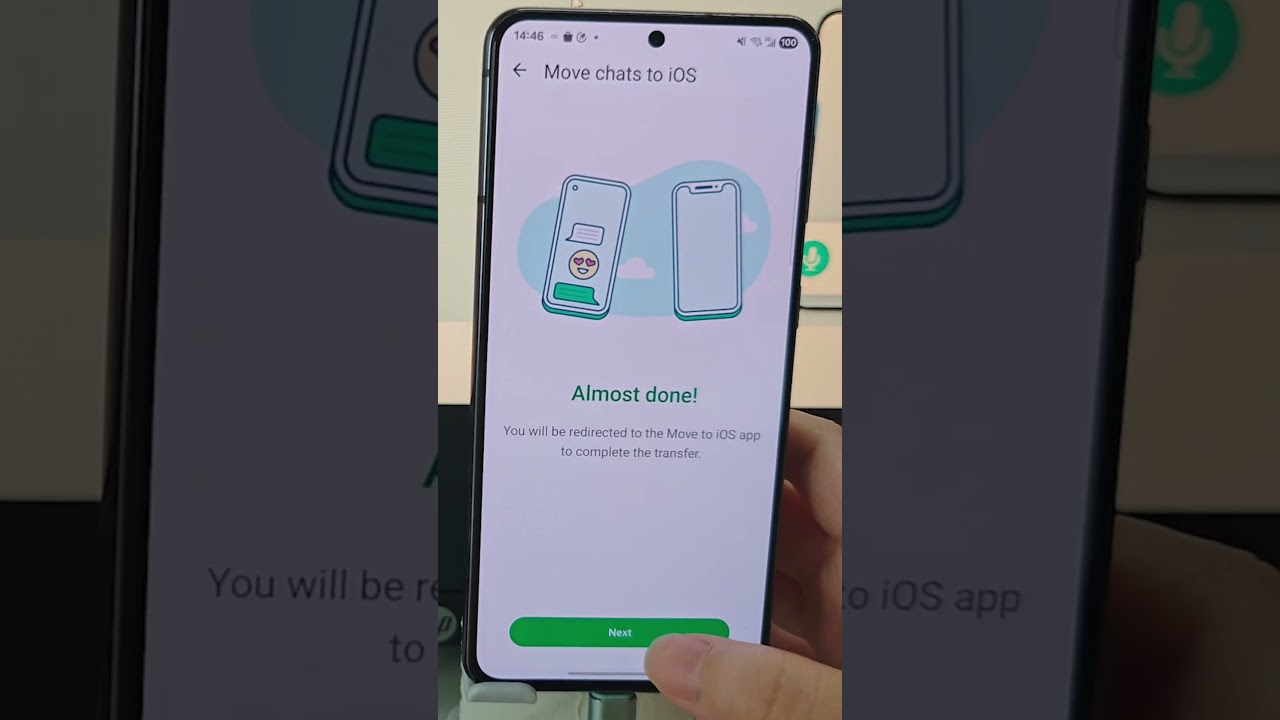
On your Android, install the Move to iOS app and follow the prompts.
Enter the code shown on iPhone to connect both devices.
Keep them on the same Wi-Fi, plugged into power, and don’t close WhatsApp.
This will transfer your account info, chats, media, and settings to your new iPhone.
#whatsapp #android #iphone #whatsapptransfer #movetoios
Here’s the official way.
First, your iPhone must be brand new or fully reset.
On the iPhone setup screen, choose Move Data from Android.
On your Android, install the Move to iOS app and follow the prompts.
Enter the code shown on iPhone to connect both devices.
Keep them on the same Wi-Fi, plugged into power, and don’t close WhatsApp.
This will transfer your account info, chats, media, and settings to your new iPhone.
#whatsapp #android #iphone #whatsapptransfer #movetoios
Tags and Topics
Browse our collection to discover more content in these categories.
Video Information
Views
5.3K
Likes
34
Duration
0:56
Published
Sep 22, 2025
User Reviews
4.1
(1) Related Trending Topics
LIVE TRENDSRelated trending topics. Click any trend to explore more videos.
No specific trending topics match this video yet.
Explore All Trends