Transfer WhatsApp Chats from iPhone to Android 📱
Learn how to move WhatsApp chats from iPhone to Android easily. Get the cable on Amazon: https://amzn.to/3o6v3N0 🔥

Su Amigo Alex
145.1K views • Aug 18, 2023
About this video
► Buy the cable at Amazon: https://amzn.to/3o6v3N0 🔥
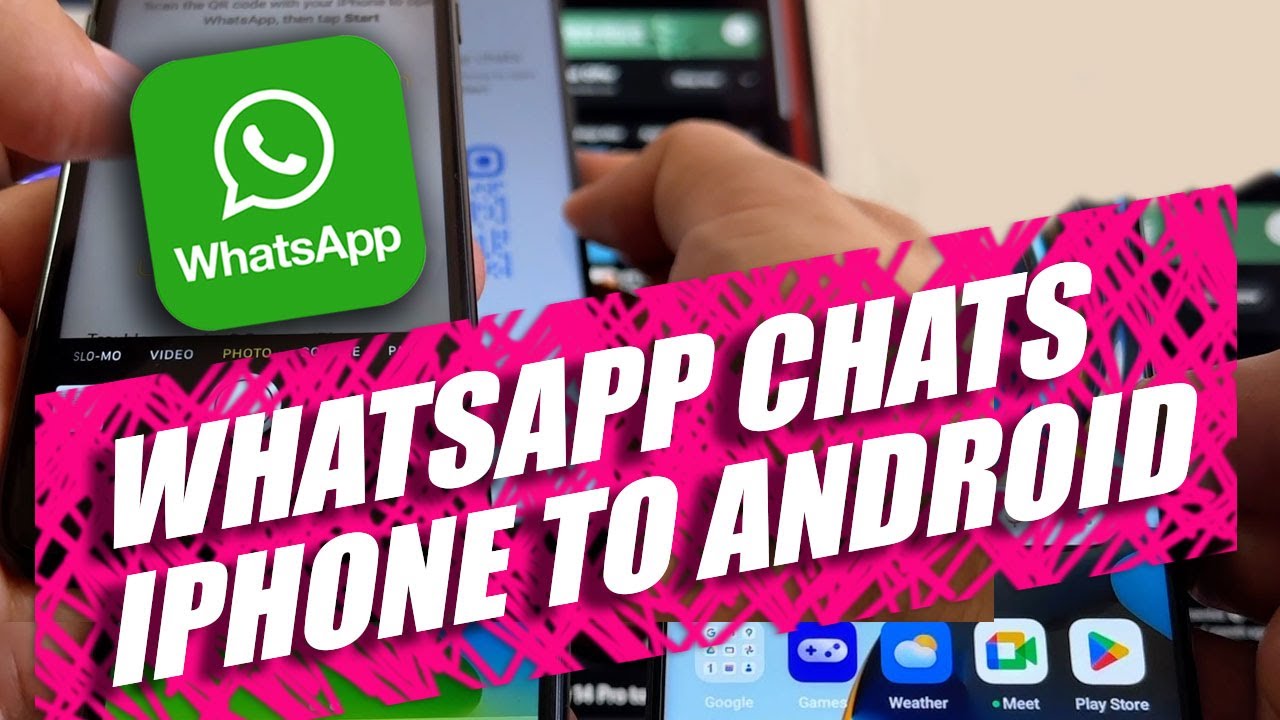
In this video I will show you how to transfer WhatsApp chats from iPhone to Android. I'm using an iPhone 7 with iOS 15.7.8 and a brand new OnePlus Nord N30 5G with Android 13, security update from July 5th 2023.
I'm using a Mint Mobile SIM card which is inside the iPhone.
Newest Android Smartphones for 2023:
Samsung Galaxy Z Flip5
Samsung Galaxy Z Fold5
Google Pixel Fold
Google Pixel 7, 7 Pro, 7a
Nothing Phone (2)
Motorola razr+ 2023
ASUS Zenfone 10
And more...
Steps to successfully transfer your WhatsApp chats from iPhone to Android:
1) Make sure you have the latest OS available on both devices.
2) Make sure you have the latest WhatsApp version on your iPhone.
3) Do a new WhatsApp backup.
4) Fully charge both phones.
5) On the Android do a backup if you have data, and then factory restore the device.
6) Setup your Android phone and find the "Copy apps & data" screen.
7) Connect both devices using a Lighthing to USB-C cable.
8) On the Android sign in to your Google account.
9) Choose what to copy from the iPhone, make sure you select WhatsApp and Contacts.
10) With the iPhone scan de QR code you will see on the Android device.
11) Follow the steps on the "Move Chats to Android" screen.
12) On your "Copying your data" screen please reconnect the cable.
13) Turn off iMessages.
14) Open and configure WhatsApp on the new Android device.
15) Request and enter the "Verification code" on your new Android device.
16) Look for the "Import complete" message on your Android device.
17) Configure your WhatsApp and do a Google Drive backup.
18) Move your SIM card from the iPhone to the new Android device.
19) Subscribe to @SuAmigoAlex (My YouTube channel) to get the latest Smartphone videos.
Thank you for watching!
#WhatsApp #iPhone #Android
In this video I will show you how to transfer WhatsApp chats from iPhone to Android. I'm using an iPhone 7 with iOS 15.7.8 and a brand new OnePlus Nord N30 5G with Android 13, security update from July 5th 2023.
I'm using a Mint Mobile SIM card which is inside the iPhone.
Newest Android Smartphones for 2023:
Samsung Galaxy Z Flip5
Samsung Galaxy Z Fold5
Google Pixel Fold
Google Pixel 7, 7 Pro, 7a
Nothing Phone (2)
Motorola razr+ 2023
ASUS Zenfone 10
And more...
Steps to successfully transfer your WhatsApp chats from iPhone to Android:
1) Make sure you have the latest OS available on both devices.
2) Make sure you have the latest WhatsApp version on your iPhone.
3) Do a new WhatsApp backup.
4) Fully charge both phones.
5) On the Android do a backup if you have data, and then factory restore the device.
6) Setup your Android phone and find the "Copy apps & data" screen.
7) Connect both devices using a Lighthing to USB-C cable.
8) On the Android sign in to your Google account.
9) Choose what to copy from the iPhone, make sure you select WhatsApp and Contacts.
10) With the iPhone scan de QR code you will see on the Android device.
11) Follow the steps on the "Move Chats to Android" screen.
12) On your "Copying your data" screen please reconnect the cable.
13) Turn off iMessages.
14) Open and configure WhatsApp on the new Android device.
15) Request and enter the "Verification code" on your new Android device.
16) Look for the "Import complete" message on your Android device.
17) Configure your WhatsApp and do a Google Drive backup.
18) Move your SIM card from the iPhone to the new Android device.
19) Subscribe to @SuAmigoAlex (My YouTube channel) to get the latest Smartphone videos.
Thank you for watching!
#WhatsApp #iPhone #Android
Video Information
Views
145.1K
Likes
1.3K
Duration
11:23
Published
Aug 18, 2023
User Reviews
4.4
(29) Related Trending Topics
LIVE TRENDSRelated trending topics. Click any trend to explore more videos.
No specific trending topics match this video yet.
Explore All Trends