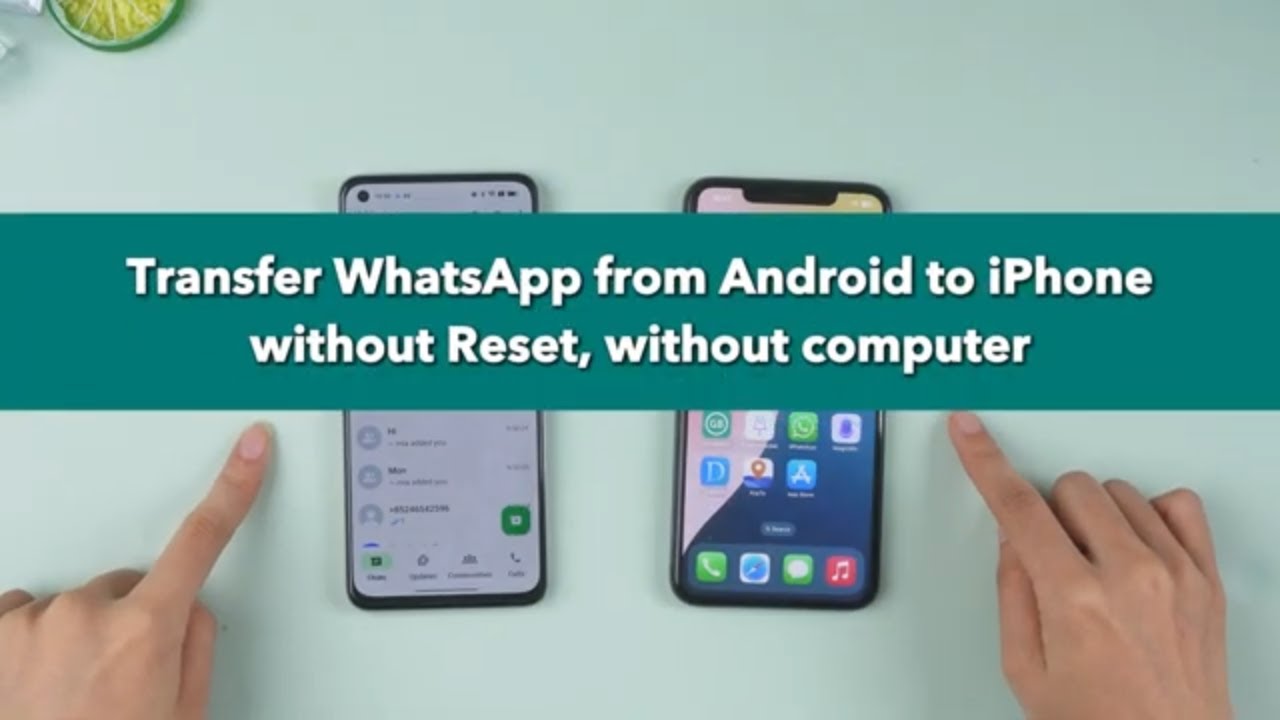
Transfer WhatsApp Chats from Android to iPhone 📱
Learn how to transfer and merge WhatsApp chats from Android to iPhone easily without resetting or using a computer.

iMyFone
102.5K views • Nov 13, 2024
About this video
In this step-by-step tutorial, learn how to easily transfer and merge WhatsApp chats from Android to iPhone without resetting your device or using a computer. We'll walk you through using iMyTrans to safely move all your chats, contacts, and media to your new iPhone with just a few taps. Whether you're upgrading from Android to iOS or managing multiple devices, this guide will ensure you never lose a message again! Try iMyTrans: https://bit.ly/3OcX1Tf
🎬Timestamps:
00:00 INTRO
00:15 Introducing iMyTrans
00:34 Installation and Setup
00:45 Selecting the Transfer Mode
01:30 Backup and Transfer Process
02:25 Turning off the “Find My iPhone” feature
02:39 Finish merging
03:30 END
🔹 Steps Covered:
1. Install iMyTrans on your Android device.
2. Select Data Merge mode for seamless transfer.
3. Backup and restore WhatsApp data.
4. Merge your chats safely from Android to iPhone.
5. Final steps to complete the transfer with no data loss.
💥 Bonus: Use the code 10YT23 to get a special discount when subscribing to iMyTrans!
Text guide 👉: https://bit.ly/40JWb8j
👉 Subscribe for more WhatsApp tips and tricks! Don't forget to like, share, and click the bell icon to stay updated on future tutorials.
These ways are step-by-step guidance, if this video helps, pls
🔔 Subscribe Here (it's FREE!): ► https://rebrand.ly/d4e1d9
----------------------------------------------------------------------------------------
🌟Follow us on :
Facebook: https://www.facebook.com/imyfone/
Twitter: https://twitter.com/imyfone_
Instagram: https://www.instagram.com/imyfone_offical/
Pinterest:https://www.pinterest.com/imyfonesoftware/
#WhatsAppTransfer #iMyTrans #AndroidToiPhone #WhatsAppMerge #NoDataLoss
🎬Timestamps:
00:00 INTRO
00:15 Introducing iMyTrans
00:34 Installation and Setup
00:45 Selecting the Transfer Mode
01:30 Backup and Transfer Process
02:25 Turning off the “Find My iPhone” feature
02:39 Finish merging
03:30 END
🔹 Steps Covered:
1. Install iMyTrans on your Android device.
2. Select Data Merge mode for seamless transfer.
3. Backup and restore WhatsApp data.
4. Merge your chats safely from Android to iPhone.
5. Final steps to complete the transfer with no data loss.
💥 Bonus: Use the code 10YT23 to get a special discount when subscribing to iMyTrans!
Text guide 👉: https://bit.ly/40JWb8j
👉 Subscribe for more WhatsApp tips and tricks! Don't forget to like, share, and click the bell icon to stay updated on future tutorials.
These ways are step-by-step guidance, if this video helps, pls
🔔 Subscribe Here (it's FREE!): ► https://rebrand.ly/d4e1d9
----------------------------------------------------------------------------------------
🌟Follow us on :
Facebook: https://www.facebook.com/imyfone/
Twitter: https://twitter.com/imyfone_
Instagram: https://www.instagram.com/imyfone_offical/
Pinterest:https://www.pinterest.com/imyfonesoftware/
#WhatsAppTransfer #iMyTrans #AndroidToiPhone #WhatsAppMerge #NoDataLoss
Tags and Topics
Browse our collection to discover more content in these categories.
Video Information
Views
102.5K
Likes
401
Duration
3:30
Published
Nov 13, 2024
User Reviews
4.1
(20) Related Trending Topics
LIVE TRENDSRelated trending topics. Click any trend to explore more videos.
No specific trending topics match this video yet.
Explore All Trends