8 Microsoft 365 Copilot Prompts to Save Hours Weekly ⏱️
Discover 8 prompts to boost productivity with Microsoft 365 Copilot. Download the full eBook for ongoing tips! 📘

Scott Brant
14.8K views • Feb 17, 2026
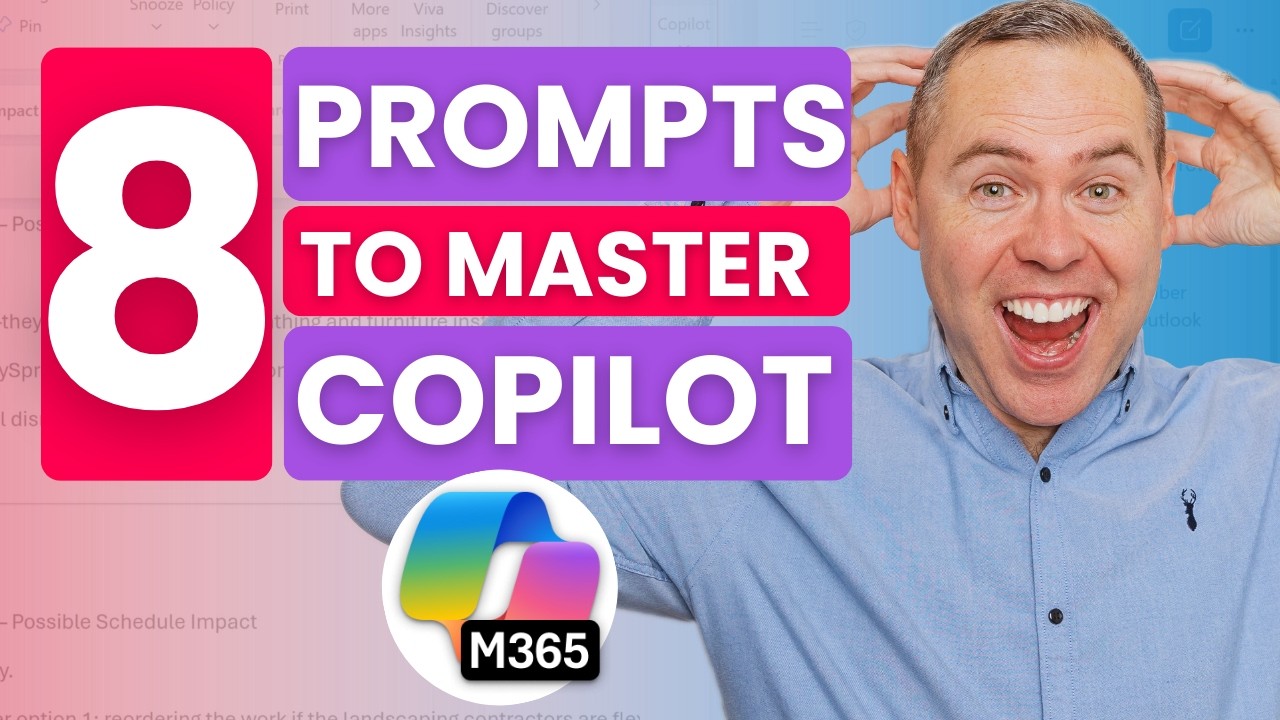
About this video
👉 Download the full Copilot Prompt eBook featured in this video and get ongoing practical tips here:
https://www.your365coach.co.uk/your-365-coach-copilot-prompt-guide
Most people aren’t getting consistent results from Copilot and not because it doesn’t work, but because they’re unsure what to ask.
In this practical, hands-on tutorial, I share the 8 Copilot prompts I use every week inside Microsoft 365 to save time, reduce noise, and focus on the work that actually matters.
These prompts work across both free Copilot and Microsoft 365 Copilot (licensed) experiences, and they cover real business scenarios including email drafting, Excel analysis, meeting catch-ups, document summaries, and project updates.
Rather than clever one-liners, these are structured, repeatable prompts you can use immediately.
🔍 What You’ll Learn in This Video
✅ How to give Copilot memory and preferences so it understands how you work
✅ Draft professional email replies and open them directly in Outlook
✅ Analyse data in Excel using business-focused insight (not just formulas)
✅ Quickly find the right files across OneDrive, SharePoint, and Teams
✅ Summarise Word documents and generate ready-to-send email summaries
✅ Identify important tasks from emails and chats
✅ Catch up on meetings and action points instantly
✅ Get back up to speed on a client opportunity or project topic
✅ Why you are always in control when working with Copilot
🎓 On-Demand Courses & Learning Academy
👉 https://www.your365coach.co.uk/courses
Why I Share This Content
Your 365 Coach is an independent Microsoft 365 training and consulting company. We are not sponsored, endorsed, or affiliated with Microsoft. Everything shared is based on real-world questions and practical scenarios we see when working with professionals, teams, and organisations.
⏱ Video Chapters
00:00 The Problem with Copilot & Prompting
01:29 Prompt One: Give Copilot Memories
02:58 Prompt Two: Draft Emails with Copilot
03:59 Prompt Three: Analyse Data with Copilot
06:03 Prompt Four: Easily Search for Files
07:21 Prompt Five: Summarise Documents
08:22 Prompt Six: Focus on Important Tasks
09:38 Prompt Seven: Catch-up on Meetings
10:55 Prompt Eight: Catch-up on Topics
12:27 Remember, You’re in Control with Copilot
#Copilot #Microsoft365 #Microsoft365Copilot #AIProductivity #Your365Coach #CopilotPrompts #Your365Coach
https://www.your365coach.co.uk/your-365-coach-copilot-prompt-guide
Most people aren’t getting consistent results from Copilot and not because it doesn’t work, but because they’re unsure what to ask.
In this practical, hands-on tutorial, I share the 8 Copilot prompts I use every week inside Microsoft 365 to save time, reduce noise, and focus on the work that actually matters.
These prompts work across both free Copilot and Microsoft 365 Copilot (licensed) experiences, and they cover real business scenarios including email drafting, Excel analysis, meeting catch-ups, document summaries, and project updates.
Rather than clever one-liners, these are structured, repeatable prompts you can use immediately.
🔍 What You’ll Learn in This Video
✅ How to give Copilot memory and preferences so it understands how you work
✅ Draft professional email replies and open them directly in Outlook
✅ Analyse data in Excel using business-focused insight (not just formulas)
✅ Quickly find the right files across OneDrive, SharePoint, and Teams
✅ Summarise Word documents and generate ready-to-send email summaries
✅ Identify important tasks from emails and chats
✅ Catch up on meetings and action points instantly
✅ Get back up to speed on a client opportunity or project topic
✅ Why you are always in control when working with Copilot
🎓 On-Demand Courses & Learning Academy
👉 https://www.your365coach.co.uk/courses
Why I Share This Content
Your 365 Coach is an independent Microsoft 365 training and consulting company. We are not sponsored, endorsed, or affiliated with Microsoft. Everything shared is based on real-world questions and practical scenarios we see when working with professionals, teams, and organisations.
⏱ Video Chapters
00:00 The Problem with Copilot & Prompting
01:29 Prompt One: Give Copilot Memories
02:58 Prompt Two: Draft Emails with Copilot
03:59 Prompt Three: Analyse Data with Copilot
06:03 Prompt Four: Easily Search for Files
07:21 Prompt Five: Summarise Documents
08:22 Prompt Six: Focus on Important Tasks
09:38 Prompt Seven: Catch-up on Meetings
10:55 Prompt Eight: Catch-up on Topics
12:27 Remember, You’re in Control with Copilot
#Copilot #Microsoft365 #Microsoft365Copilot #AIProductivity #Your365Coach #CopilotPrompts #Your365Coach
Tags and Topics
Browse our collection to discover more content in these categories.
Video Information
Views
14.8K
Likes
293
Duration
13:34
Published
Feb 17, 2026
User Reviews
4.6
(2) Related Trending Topics
LIVE TRENDSRelated trending topics. Click any trend to explore more videos.