Easily Switch Between Editor and Terminal in VS Code ⚡
Learn quick and simple methods to toggle your cursor between the editor and terminal in Visual Studio Code for a smoother workflow.
CodePy
3 views • Jul 29, 2024
About this video
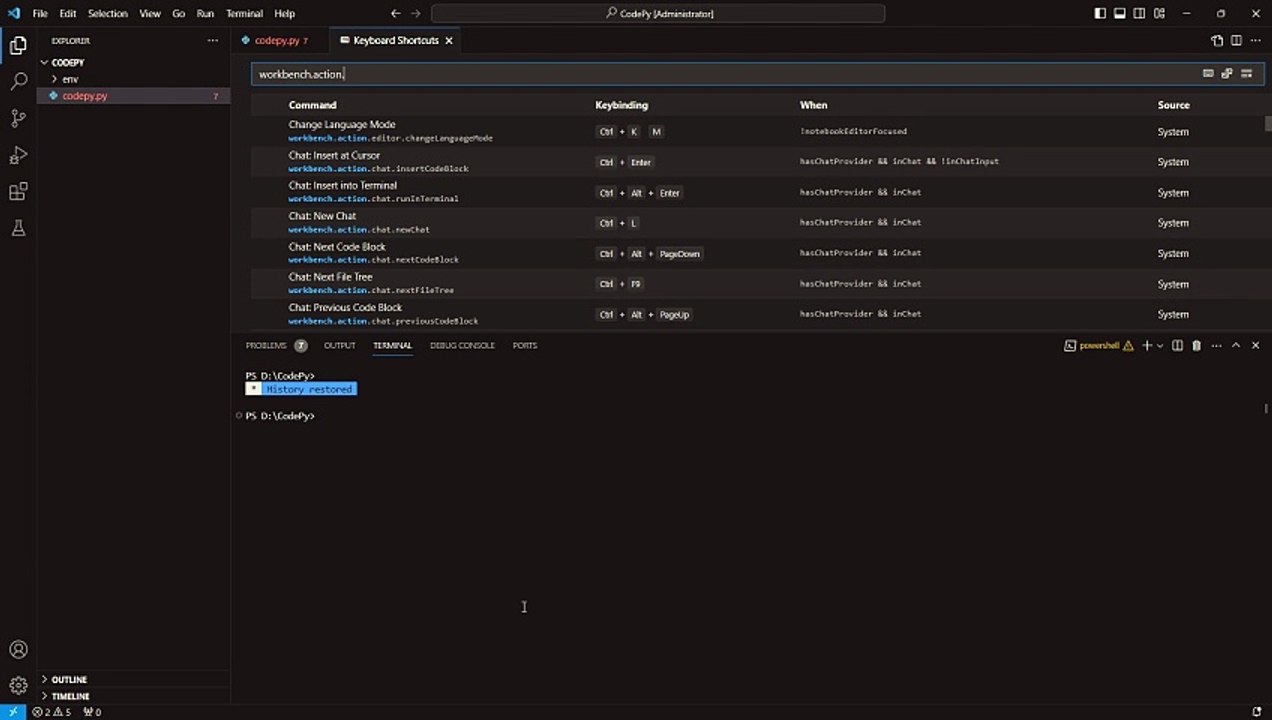
In this tutorial, I am going to show you How to Switch Cursor Between Editor and Terminal In VS Code / Visual Studio Code.<br />#vscode #visualstudiocode #toggleswitch <br /><br />steps:<br />1. ctrl+shift+p<br />2. Search: Open Keyboard Shortcuts<br />3. Serach: workbench.action.terminal.toggleTerminal<br />4. Done<br /><br />Check out our other useful content at our channel,<br />Feel free to ask any queries in the comment section below.<br /><br />Happy Coding! @codepy-ai
Video Information
Views
3
Duration
0:47
Published
Jul 29, 2024
Related Trending Topics
LIVE TRENDSRelated trending topics. Click any trend to explore more videos.
No specific trending topics match this video yet.
Explore All Trends