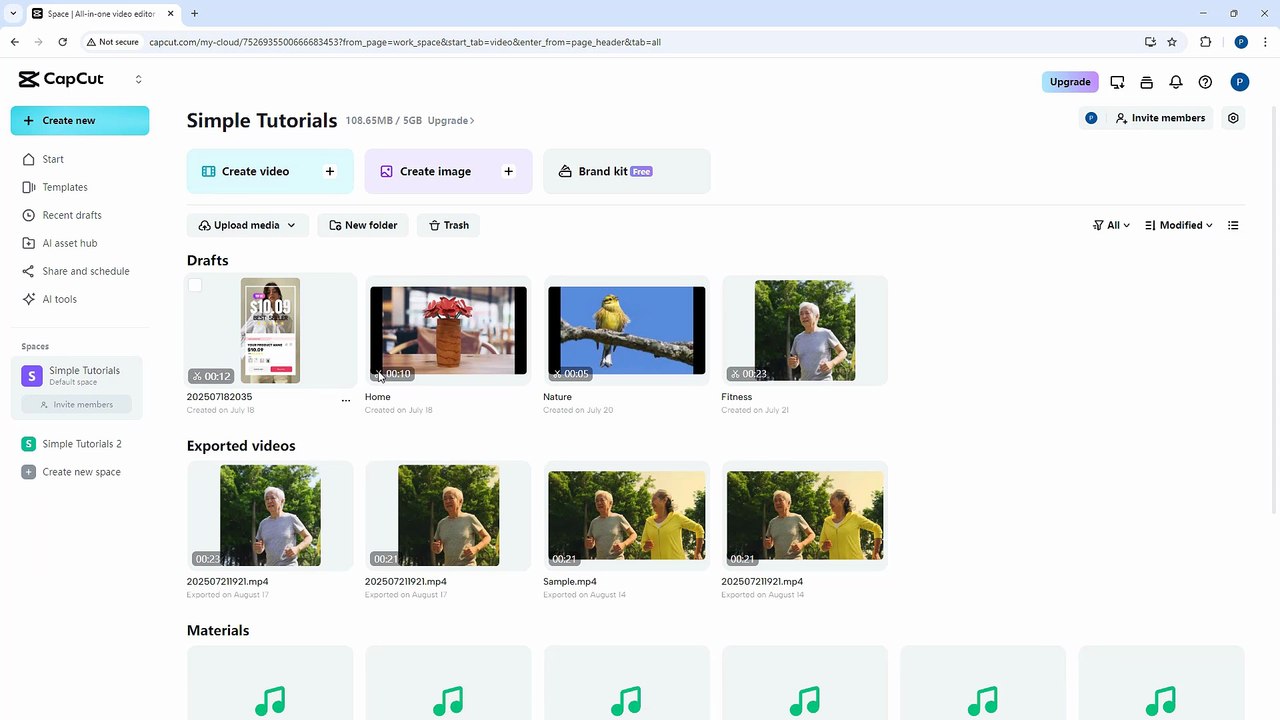
CapCut Web Editor: How to Select and Move Multiple Projects Easily 🎬
Learn step-by-step how to select and move multiple projects in CapCut Web Editor to streamline your editing workflow. Perfect for creators and marketers!
SimpleTutorials
20 views • Aug 20, 2025
About this video
CapCut Web Editor is a versatile and user-friendly online video editing tool designed for creators, marketers, educators, and casual users alike. In this course, you’ll learn how to craft professional-looking videos and engaging graphics right from your browser using CapCut’s intuitive timeline, drag-and-drop features, and AI-powered tools. From basic trimming and adding text to applying effects, transitions, and exporting your content for various platforms, you’ll develop the skills to produce visually impressive projects with ease.<br /><br />In this video lesson, we’ll discuss about Selecting Mutiple Projects and Moving in CapCut Web Editor<br />
Video Information
Views
20
Duration
1:44
Published
Aug 20, 2025