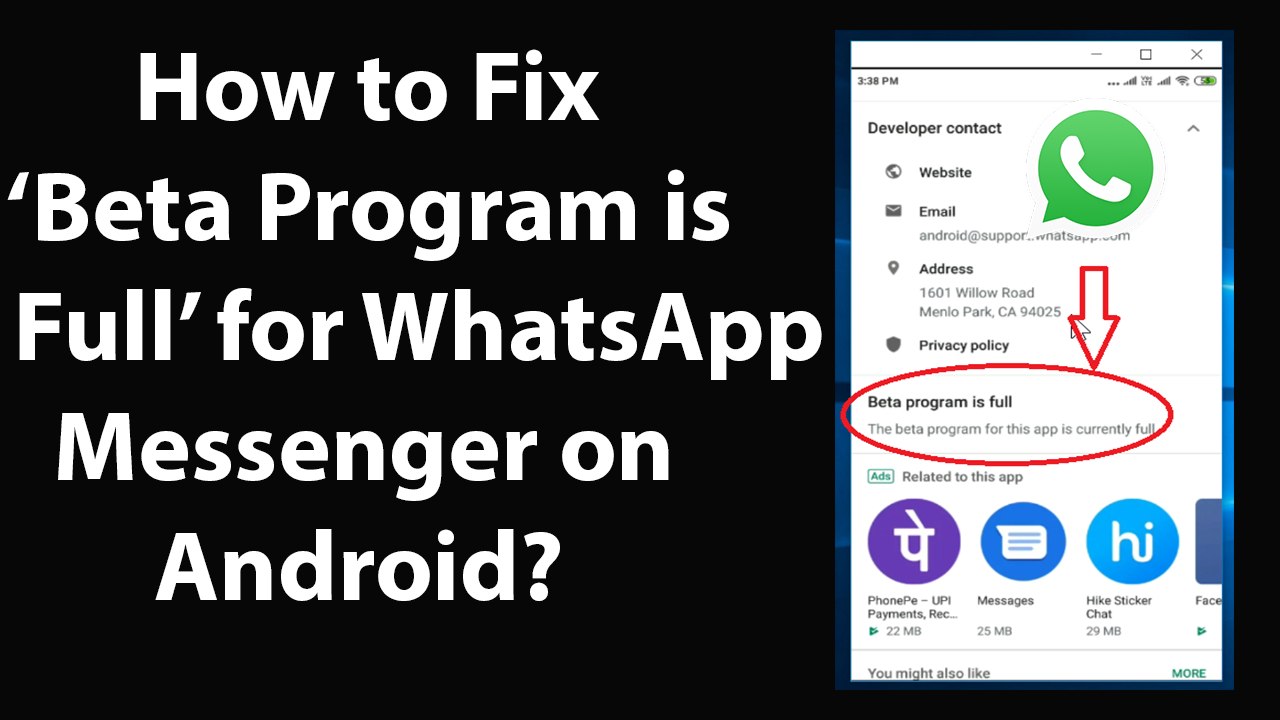
Resolving 'Beta Program is Full' Issue for WhatsApp Messenger on Android
Learn how to fix the 'Beta Program is Full' message in WhatsApp Messenger on Android by following simple steps, including joining the beta program through the Google Play Store.
TechTips
38 views • May 18, 2019
About this video
How to Fix 'Beta Program is Full' for WhatsApp Messenger on Android?<br /><br />Step 1: Open browser on Android, and open the link below:-<br /><br /> https://play.google.com/apps/testing/com.whatsapp<br /><br />Step 2: Sign-in to your google account.<br /><br />Step 3: Scroll down, and then click on 'Become a Tester' button. you will see a message on next screen that 'you are now a tester'.<br /><br />Step 4: Now, Go to play store and open whatsApp Messenger, just wait for an update. I got the update after 5 minutes, it can take more or less time depending on queue.<br /><br />Step 5: When you get the update button, click on 'update' button and update your whatsapp messenger. <br /><br />It's done.<br /><br /><br />Thanks for watching, please like and subscribe <br /><br />==============================================<br /><br />https://www.facebook.com/HowtoTutorialsByAmit/
Video Information
Views
38
Duration
6:56
Published
May 18, 2019
Related Trending Topics
LIVE TRENDSRelated trending topics. Click any trend to explore more videos.
No specific trending topics match this video yet.
Explore All Trends