Troubleshooting Microsoft Edge: Resolving PDF Opening Issues
Learn how to fix problems with Microsoft Edge not opening PDF files, and ensure smooth access to PDFs using the browser's built-in tools.

MDTechVideos
156.4K views • May 2, 2022
About this video
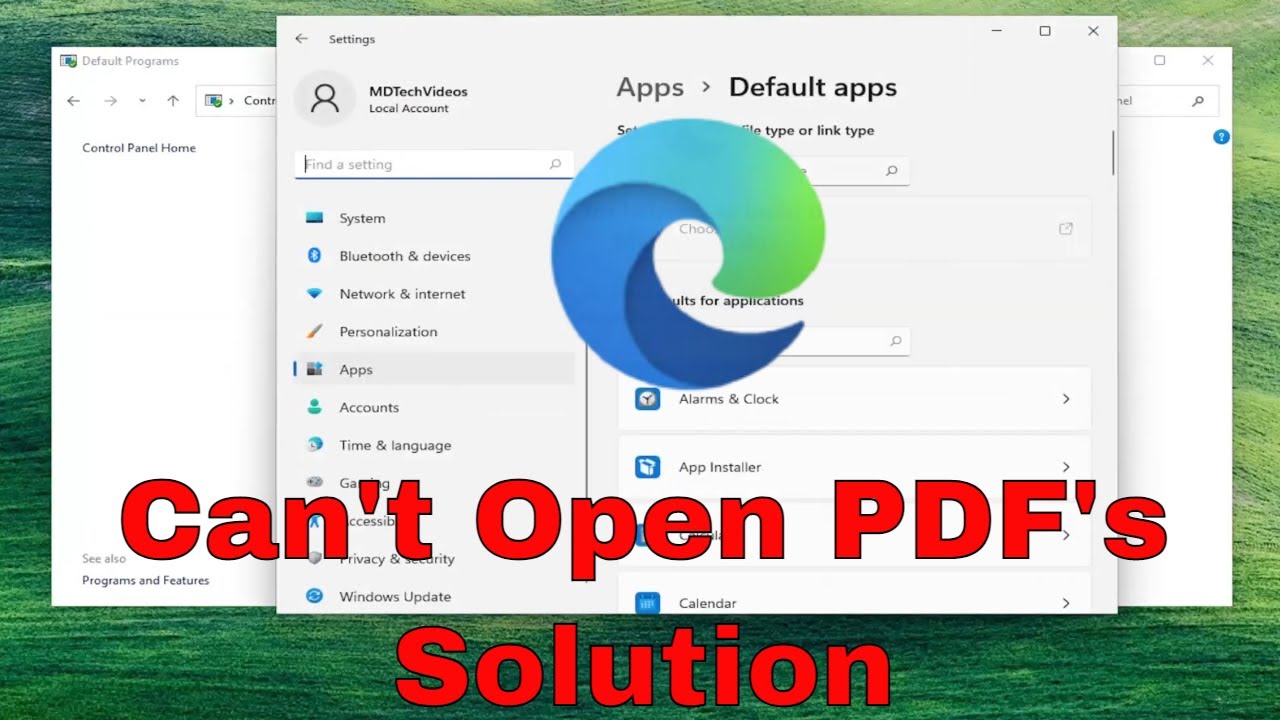
How To Fix Microsoft Edge Won't Open PDF Files
Like most of the popular browsers, Microsoft Edge also comes with built-in PDF tools that allow the Windows users to read PDF files without having to use a third-party PDF tool.
Sometimes, while opening a PDF file in Microsoft Edge users may face Something’s is keeping this PDF from opening error.
Issues addressed in this tutorial:
something’s keeping this pdf
something’s keeping this pdf because there was no
something’s keeping this pdf document
Is Microsoft Edge not opening PDF Files? Microsoft Edge (Chromium) acts as a default PDF viewer in Windows 11 and Windows 10 but it can sometimes, face issues while launching a PDF file or viewing an internet link that has a downloadable PDF file. For example, it can throw an error saying “Couldn’t open PDF in Edge, Something’s keeping this PDF from the opening”. When this occurs, you can try the following troubleshooting steps to fix the issue.
This tutorial will apply for computers, laptops, desktops, and tablets running the Windows 10 and Windows 11 operating systems (Home, Professional, Enterprise, Education) from all supported hardware manufactures, like Dell, HP, Acer, Asus, Toshiba, Lenovo, Alienware, Razer, MSI, Huawei , Microsoft Surface, and Samsung.
Like most of the popular browsers, Microsoft Edge also comes with built-in PDF tools that allow the Windows users to read PDF files without having to use a third-party PDF tool.
Sometimes, while opening a PDF file in Microsoft Edge users may face Something’s is keeping this PDF from opening error.
Issues addressed in this tutorial:
something’s keeping this pdf
something’s keeping this pdf because there was no
something’s keeping this pdf document
Is Microsoft Edge not opening PDF Files? Microsoft Edge (Chromium) acts as a default PDF viewer in Windows 11 and Windows 10 but it can sometimes, face issues while launching a PDF file or viewing an internet link that has a downloadable PDF file. For example, it can throw an error saying “Couldn’t open PDF in Edge, Something’s keeping this PDF from the opening”. When this occurs, you can try the following troubleshooting steps to fix the issue.
This tutorial will apply for computers, laptops, desktops, and tablets running the Windows 10 and Windows 11 operating systems (Home, Professional, Enterprise, Education) from all supported hardware manufactures, like Dell, HP, Acer, Asus, Toshiba, Lenovo, Alienware, Razer, MSI, Huawei , Microsoft Surface, and Samsung.
Video Information
Views
156.4K
Likes
755
Duration
2:09
Published
May 2, 2022
User Reviews
4.2
(31) Related Trending Topics
LIVE TRENDSRelated trending topics. Click any trend to explore more videos.
No specific trending topics match this video yet.
Explore All Trends