Removing Password Protection from PDF Files on Apple Mac
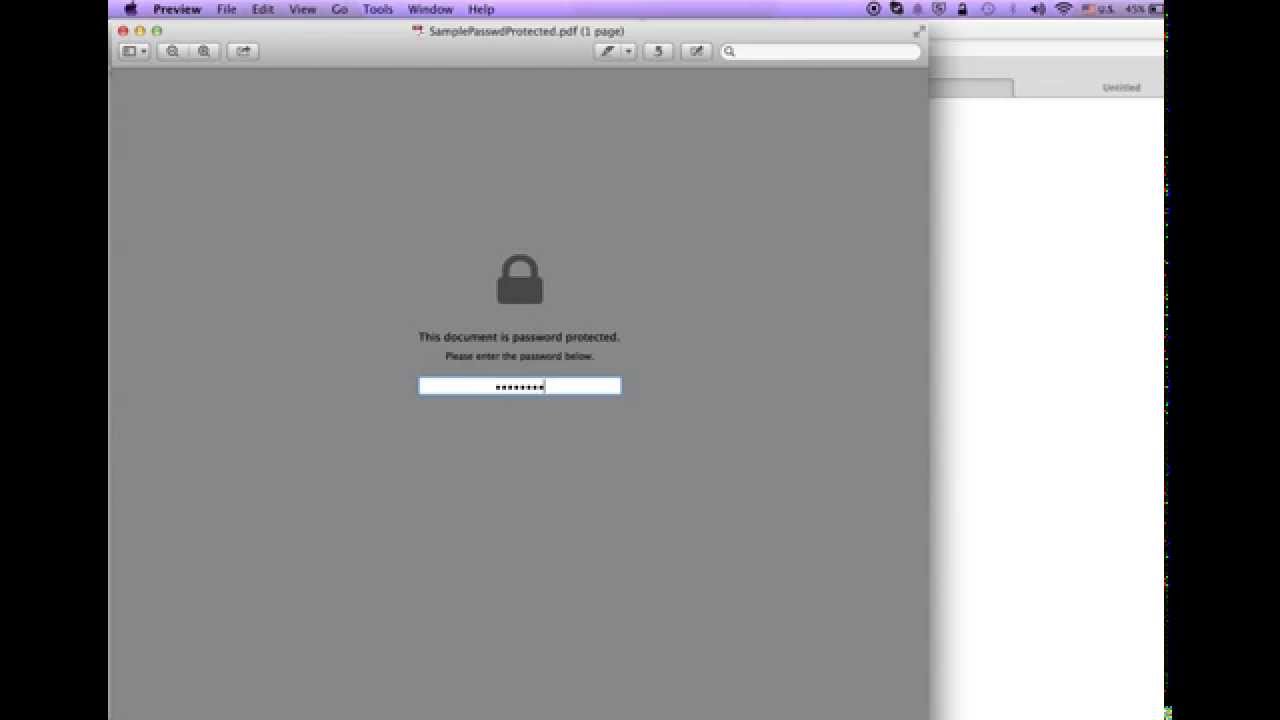
Open the PDF in Preview, duplicate the file via File > Duplicate, then save the duplicate. The new copy will be free of password protection.

Criss Cross
56.9K views • Oct 6, 2014
About this video
Open file in preview. Duplicate the file "File, Duplicate". And than save "File, Save". The new copy will not have password protection.
Tags and Topics
Browse our collection to discover more content in these categories.
Video Information
Views
56.9K
Likes
85
Duration
0:51
Published
Oct 6, 2014
User Reviews
4.0
(11) Related Trending Topics
LIVE TRENDSRelated trending topics. Click any trend to explore more videos.
No specific trending topics match this video yet.
Explore All Trends