Reduce PDF Size for Uploads & Emails 📄
Learn how to shrink PDFs for easier uploads, emailing, and form submissions with Adobe Acrobat in this 2025 guide.

Instant Solver Lab
27 views • May 14, 2025
About this video
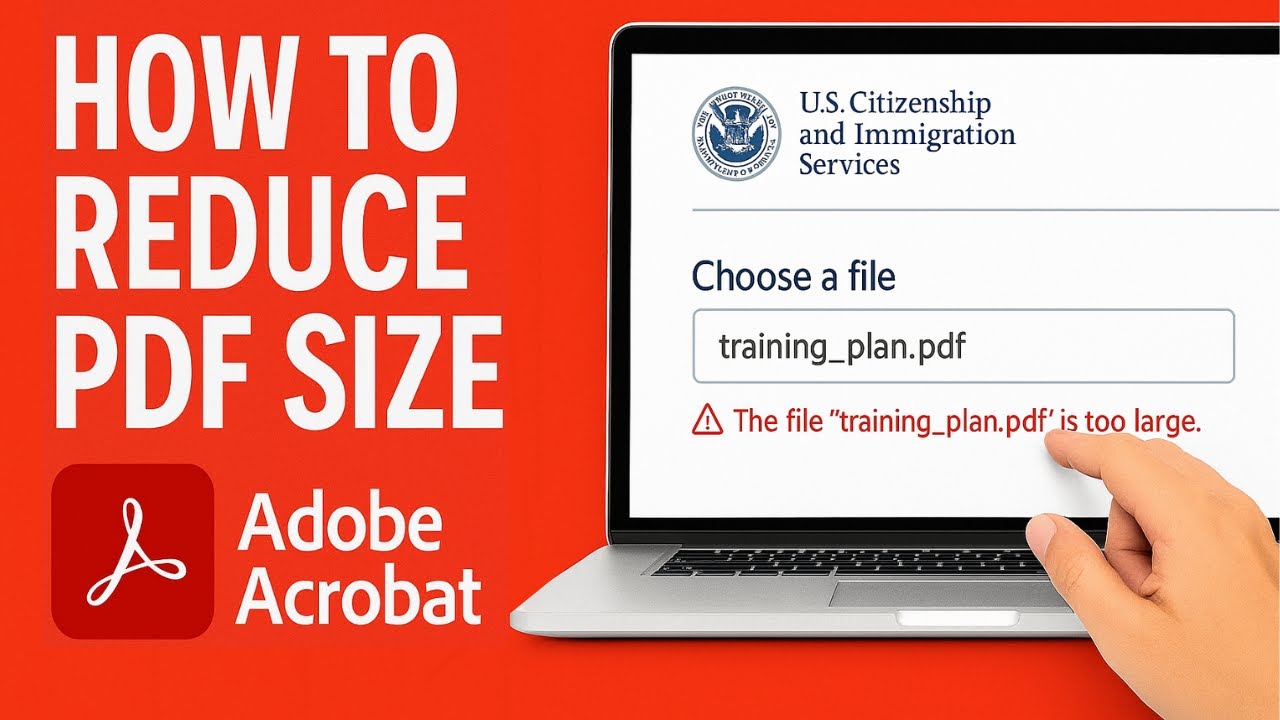
Trying to upload a PDF but keep getting rejected for exceeding the size limit? Whether you're submitting forms to a government portal, emailing documents, or archiving files more efficiently, this tutorial shows you exactly how to reduce PDF file size using Adobe Acrobat — with two built-in tools that work fast and give great results.
📉 In this step-by-step video, you'll learn how to use both:
Save as Reduced Size PDF – A quick and simple way to shrink your file in one click, ideal for text-heavy documents or basic compression.
Save as Optimized PDF – A more powerful tool that gives you flexible control over image compression, font settings, and other elements, allowing you to reduce size without sacrificing document quality, especially useful for image-rich PDFs.
🖼️ This is especially helpful when working with scanned documents, brochures, or any files containing photos or graphics — keeping them readable and clear while reducing the file size dramatically.
🎯 Perfect for:
Legal filings and government uploads with strict file limits
Email attachments that bounce due to size
Sharing materials online without degrading quality
Saving storage space while preserving document fidelity
🛠️ No plugins required — these tools are built into Adobe Acrobat (Standard and Pro).
👉 Watch now to see both methods in action and learn which one is best for your situation.
#ReducePDFSize #AdobeAcrobat #PDFCompression #OptimizedPDF #FileTooLarge #PDFFix #PaperlessOffice #AcrobatTips #PDFHelp #DigitalDocuments
📉 In this step-by-step video, you'll learn how to use both:
Save as Reduced Size PDF – A quick and simple way to shrink your file in one click, ideal for text-heavy documents or basic compression.
Save as Optimized PDF – A more powerful tool that gives you flexible control over image compression, font settings, and other elements, allowing you to reduce size without sacrificing document quality, especially useful for image-rich PDFs.
🖼️ This is especially helpful when working with scanned documents, brochures, or any files containing photos or graphics — keeping them readable and clear while reducing the file size dramatically.
🎯 Perfect for:
Legal filings and government uploads with strict file limits
Email attachments that bounce due to size
Sharing materials online without degrading quality
Saving storage space while preserving document fidelity
🛠️ No plugins required — these tools are built into Adobe Acrobat (Standard and Pro).
👉 Watch now to see both methods in action and learn which one is best for your situation.
#ReducePDFSize #AdobeAcrobat #PDFCompression #OptimizedPDF #FileTooLarge #PDFFix #PaperlessOffice #AcrobatTips #PDFHelp #DigitalDocuments
Video Information
Views
27
Duration
2:14
Published
May 14, 2025
Related Trending Topics
LIVE TRENDSRelated trending topics. Click any trend to explore more videos.