Effortless Offline PDF Compression: Reduce File Size with Adobe Acrobat 📄
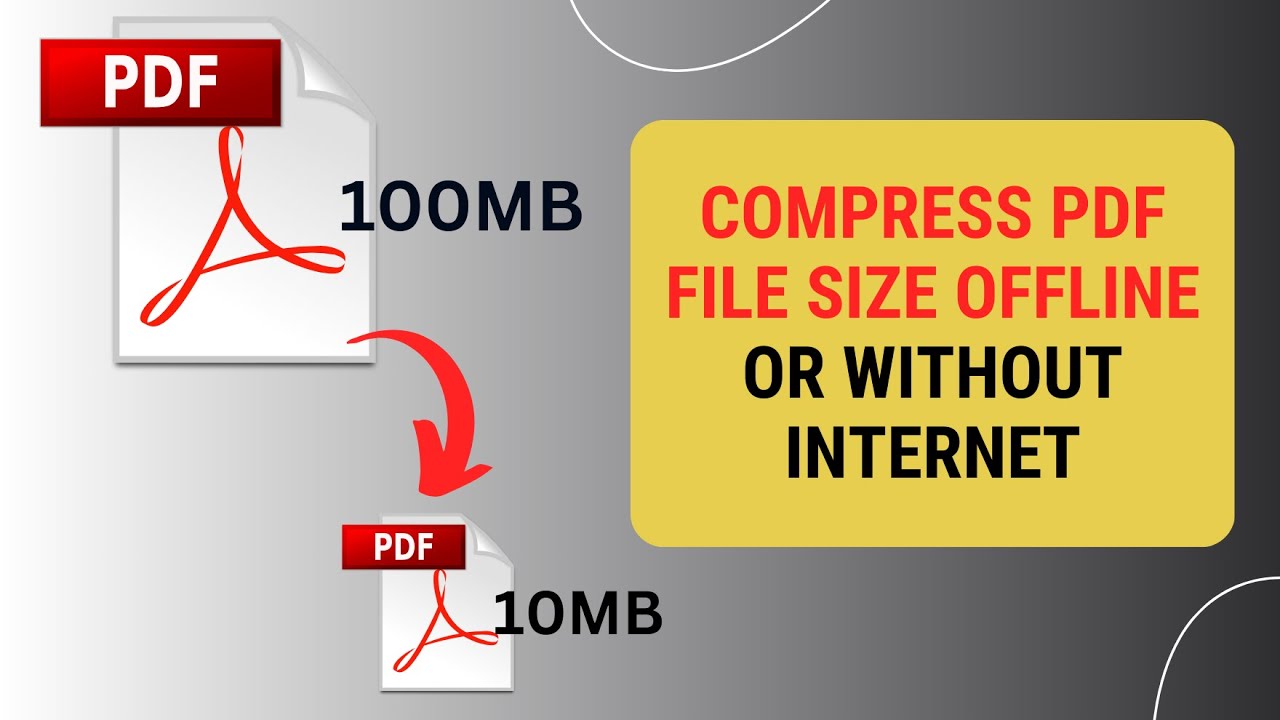
Learn step-by-step how to compress your PDF files offline using Adobe Acrobat. Simplify your file sharing and storage without needing an internet connection!

NetCast on WebTech Zone
3.2K views • Jan 15, 2025
About this video
Learn how to compress a PDF file size offline using Adobe Acrobat in this tutorial. Right-click your PDF file, select Open With, and choose Adobe Acrobat. In the app, go to the Menu, select Save As Other, and click Reduce File Size. Keep default settings, click OK, rename the file, and save it to your desired location. The file size will now be reduced. #compresspdf #reducepdfsize #adobeacrobat #offlinepdftools #techtips
If you found this tutorial helpful, please like, subscribe, and share your feedback in the comments.
If you found this tutorial helpful, please like, subscribe, and share your feedback in the comments.
Video Information
Views
3.2K
Likes
6
Duration
1:51
Published
Jan 15, 2025
User Reviews
3.8
(3) Related Trending Topics
LIVE TRENDSRelated trending topics. Click any trend to explore more videos.
No specific trending topics match this video yet.
Explore All Trends