Quick Method to Repair a Corrupted USB Drive Using CMD
Learn a simple CMD trick to fix a corrupted USB drive quickly and easily. This step-by-step guide will help you restore your USB drive in seconds.

Smart & Easy
242.0K views • Dec 30, 2024
About this video
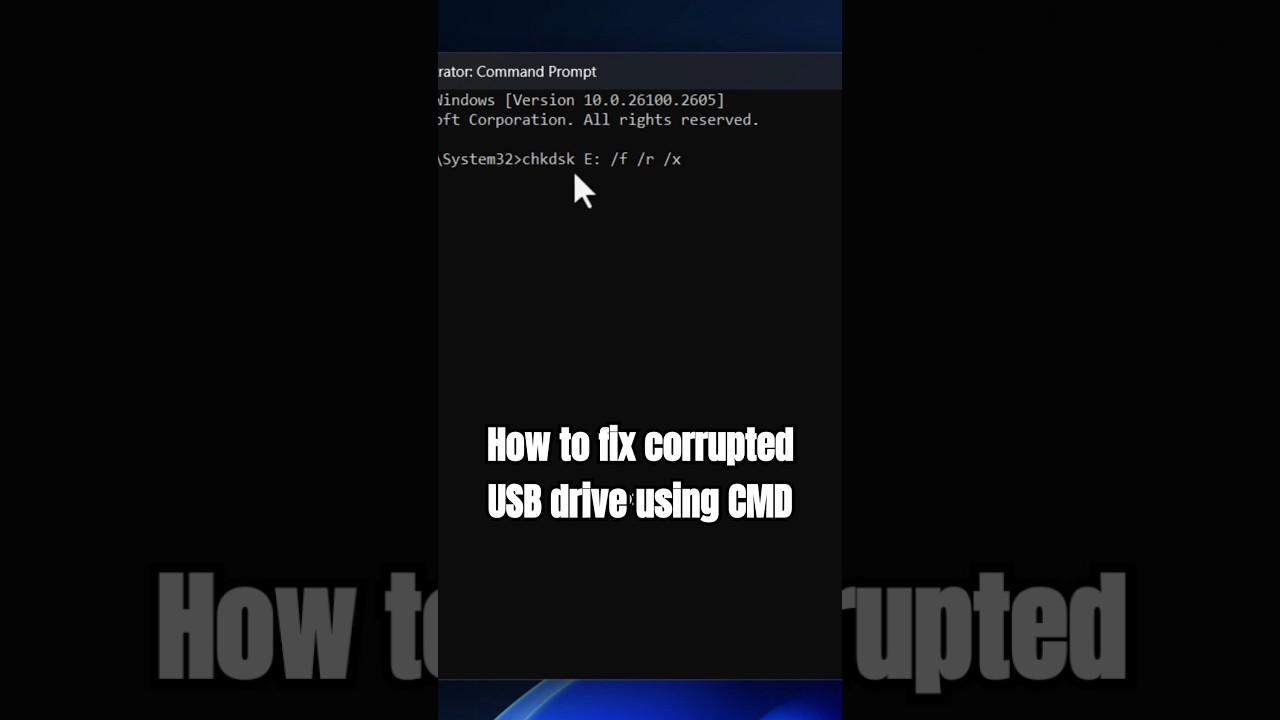
Are you struggling with a corrupted USB drive? Don't worry—this quick CMD hack will fix it in seconds! In this video, I’ll walk you through an easy step-by-step guide to resolve the dreaded ‘file or directory is corrupted and unreadable’ error. Save your USB and your time with this proven solution! 💻✨
Command Used:
chkdsk E: /f /r /x
🔧 What Each Command Does:
/f fixes disk errors.
/r locates bad sectors and recovers data.
/x dismounts the volume before scanning.
Hit that play button, and let me show you how easy it is to fix your USB drive. Like, comment, and share to help others facing the same issue! 🚀
#WindowsTips #TechHacks #USBFix
Command Used:
chkdsk E: /f /r /x
🔧 What Each Command Does:
/f fixes disk errors.
/r locates bad sectors and recovers data.
/x dismounts the volume before scanning.
Hit that play button, and let me show you how easy it is to fix your USB drive. Like, comment, and share to help others facing the same issue! 🚀
#WindowsTips #TechHacks #USBFix
Video Information
Views
242.0K
Duration
0:35
Published
Dec 30, 2024
User Reviews
3.9
(48) Related Trending Topics
LIVE TRENDSRelated trending topics. Click any trend to explore more videos.
No specific trending topics match this video yet.
Explore All Trends