How to Repair Corrupted Windows Files
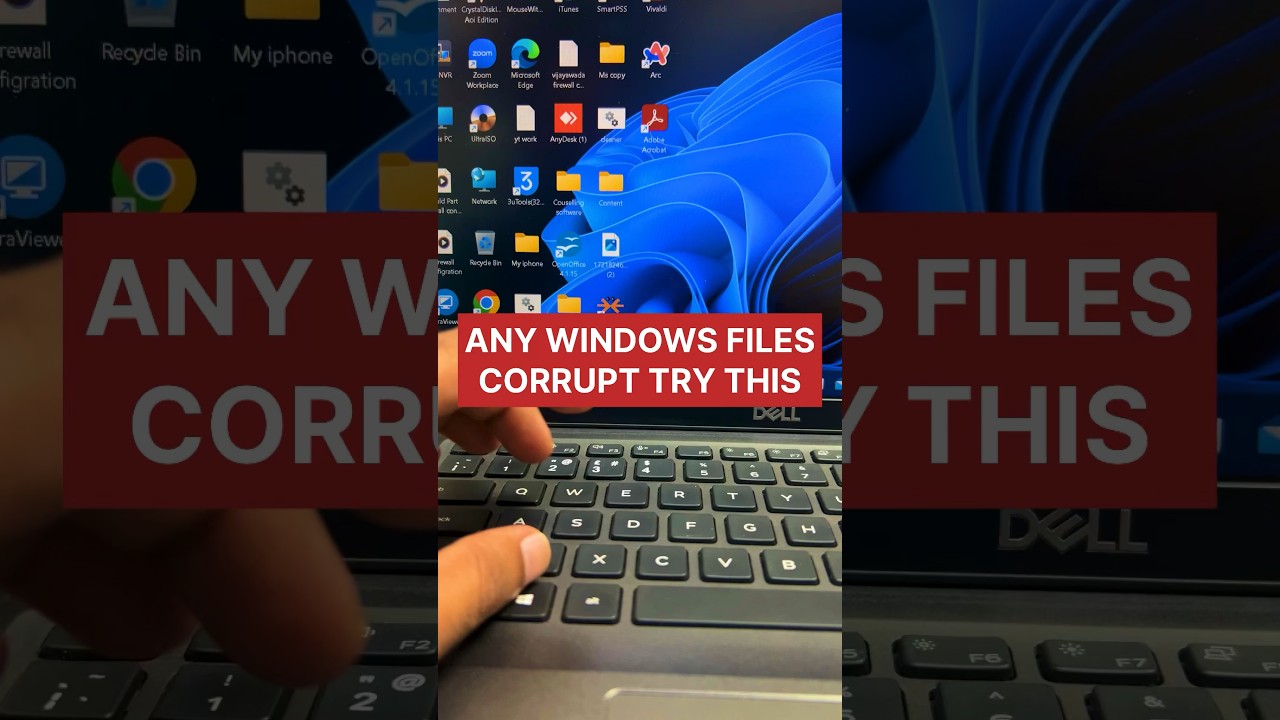
Learn how to fix corrupted Windows files using the sfc /scannow command. This powerful tool helps repair missing or corrupted system files to restore your Windows system's stability.

Ilyas Byahatti
308.8K views • Aug 28, 2024
About this video
How to repair windows corrupted files #pctips #laptoptips #shorts
The sfc /scannow command is a powerful tool in Windows that helps repair missing or corrupted system files. Here’s how it works:
- Open an elevated command prompt (you can search for “Command Prompt” in the Start menu, right-click, and choose “Run as administrator”).
- Type sfc /scannow and press Enter.
- The command will scan all protected system files and attempt to replace any corrupted files with a cached copy located in a compressed folder at %WinDir%\System32\dllcache. The %WinDir% represents the Windows operating system folder (e.g., C:\Windows).
- Do not close the Command Prompt window until the verification is 100% complete.
The sfc /scannow command is a powerful tool in Windows that helps repair missing or corrupted system files. Here’s how it works:
- Open an elevated command prompt (you can search for “Command Prompt” in the Start menu, right-click, and choose “Run as administrator”).
- Type sfc /scannow and press Enter.
- The command will scan all protected system files and attempt to replace any corrupted files with a cached copy located in a compressed folder at %WinDir%\System32\dllcache. The %WinDir% represents the Windows operating system folder (e.g., C:\Windows).
- Do not close the Command Prompt window until the verification is 100% complete.
Video Information
Views
308.8K
Likes
1.7K
Duration
0:14
Published
Aug 28, 2024
User Reviews
4.2
(61) Related Trending Topics
LIVE TRENDSRelated trending topics. Click any trend to explore more videos.
No specific trending topics match this video yet.
Explore All Trends