Quick Guide: How to Find Your iPhone XR's IMEI Number 📱
Learn simple steps to easily locate the IMEI number on your Apple iPhone XR through Settings. Perfect for unlocking, warranty, or insurance purposes!
TechTips
43 views • Feb 24, 2020
About this video
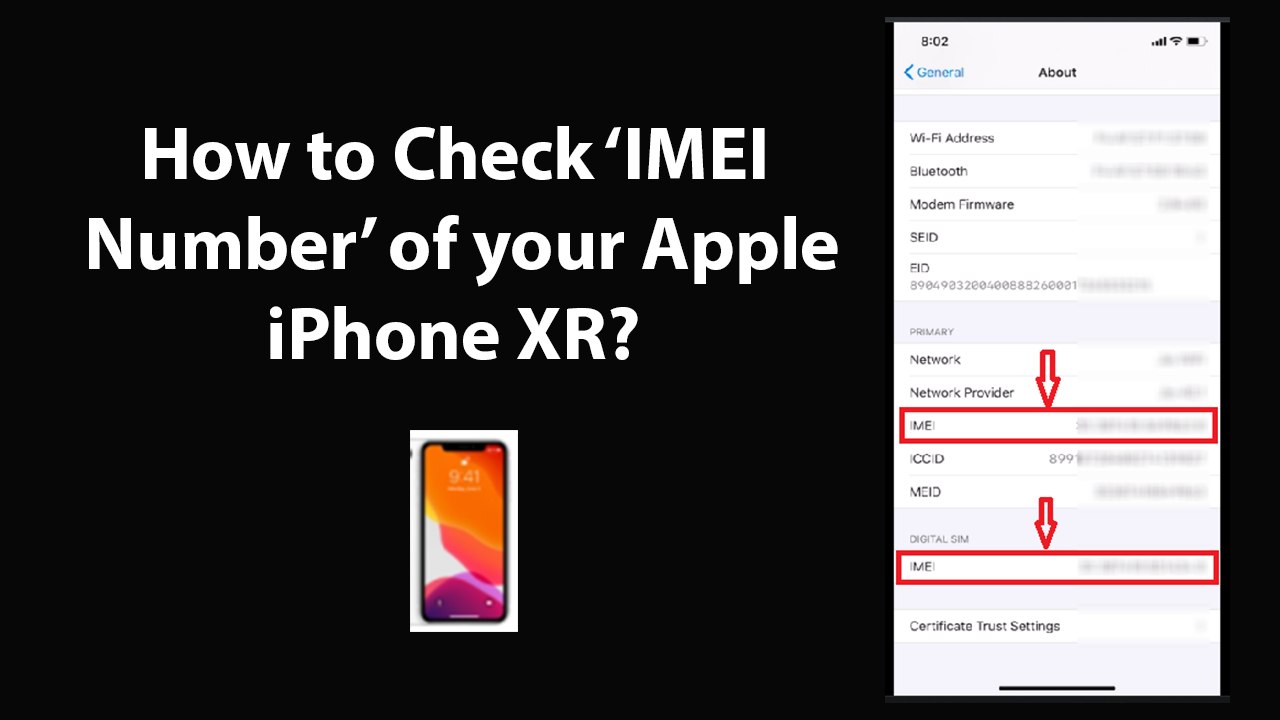
How to Check IMEI Number of your Apple iPhone XR?<br /><br />1st Method:<br /><br />Step 1: Open 'Settings' app.<br /><br />Step 2: Scroll down to 'General,' and then tap on it.<br /><br />Step 3: Tap on 'About' at the top.<br /><br />Step 4: Scroll down to 'Primary,' under that, you will find your first IMEI Number.<br /><br />Step 5: Go to 'Digital SIM,' under that, you will find your Second IMEI Number.<br /><br /><br />2nd Method:<br /><br />Step 1: Open Phone App.<br /><br />Step 2: Tap on 'Keypad' in bottom menu.<br /><br />Step 3: Dial *#06#<br /><br />Step 4: Now, on new screen, you will get IMEI, and IMEI2.<br /><br /><br />It's done.<br /><br />Thanks for watching, please like and subscribe <br /><br />==============================================<br /><br />https://www.facebook.com/HowtoTutorialsByAmit/
Video Information
Views
43
Duration
2:38
Published
Feb 24, 2020
Related Trending Topics
LIVE TRENDSRelated trending topics. Click any trend to explore more videos.
Trending Now