Next.js 13: Better Fonts Management - with Google Fonts & Local
Learn how to work with fonts in Next.js 13! This Next.js tutorial will cover: - How to add Google fonts to the Next.js project - How to use local fonts in t...

Prismic
13.8K views • May 25, 2023
About this video
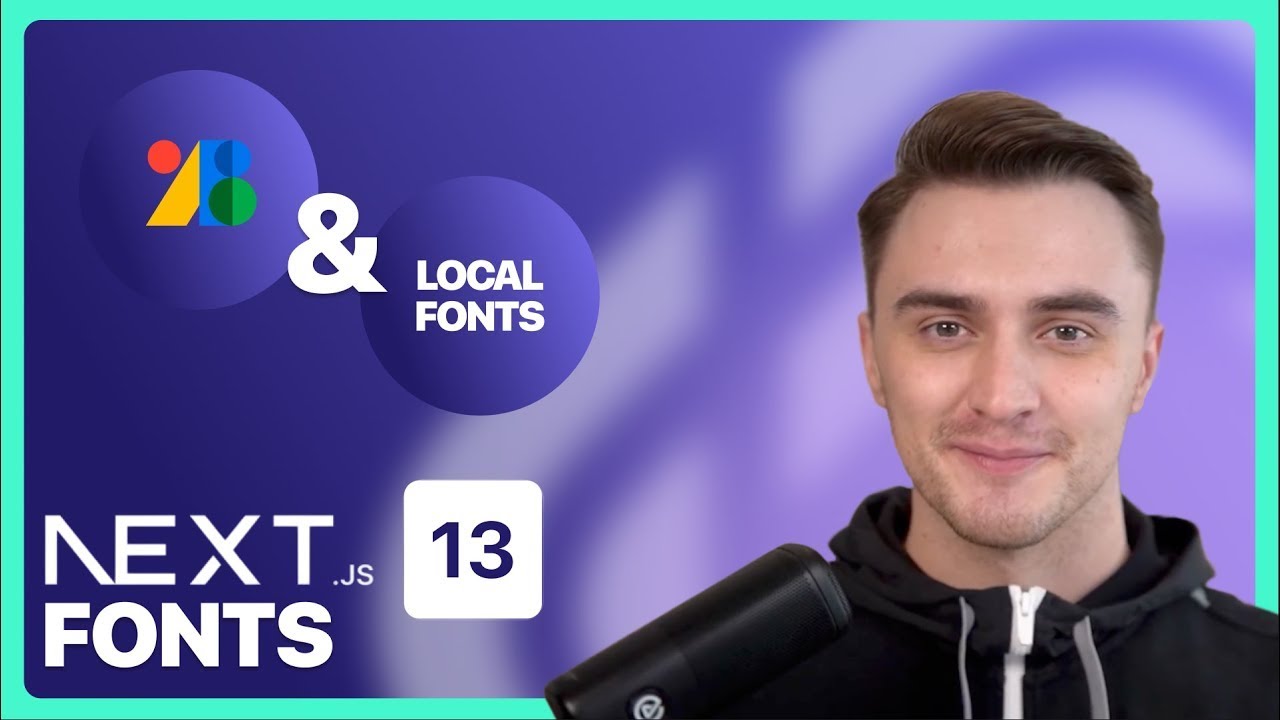
Learn how to work with fonts in Next.js 13!
This Next.js tutorial will cover:
- How to add Google fonts to the Next.js project
- How to use local fonts in the Next.js project
- What are the different methods of attaching the font (Style Prop, ClassName prop, and CSS Variables)
- The benefits that Next.js 13 offers for working with fonts
If you are using Next.js 13.2 or newer, you don't need to install the package manually!
---
As a developer, you should build websites using your favorite Jamstack framework.
Prismic allows you to build website sections, that you can connect to a website builder for your client or team. They will create pages from there and you get that content back to your code through our fast API.
► [Tutorial] Build a full website with Next.js 13, Prismic, Tailwind and Typescript:
https://youtu.be/nfZu56KsK_Q
► [Tutorial] Build a full website with Nuxt 3 and Prismic's new Page Builder:
https://youtu.be/8GmfcbuYOWE
► [Starters] Try Slice Machine on Nuxt: https://prismic.club/nuxt-starters
► [Starters] Try Slice Machine on Next.js: https://prismic.club/nextjs-starters
► [Learn more about Slice Machine]: https://prismic.club/slice-machine
---
Chapters:
📍00:00 Intro - Fonts
📍00:41 Using Next.js 13 with Google Fonts & next/font
📍02:32 Using a local font on our Next.js 13 project
📍05:41 Injecting our global font in the head of HTML document & CSS Variable
📍08:15 Outro
#nextjs13 #fonts
This Next.js tutorial will cover:
- How to add Google fonts to the Next.js project
- How to use local fonts in the Next.js project
- What are the different methods of attaching the font (Style Prop, ClassName prop, and CSS Variables)
- The benefits that Next.js 13 offers for working with fonts
If you are using Next.js 13.2 or newer, you don't need to install the package manually!
---
As a developer, you should build websites using your favorite Jamstack framework.
Prismic allows you to build website sections, that you can connect to a website builder for your client or team. They will create pages from there and you get that content back to your code through our fast API.
► [Tutorial] Build a full website with Next.js 13, Prismic, Tailwind and Typescript:
https://youtu.be/nfZu56KsK_Q
► [Tutorial] Build a full website with Nuxt 3 and Prismic's new Page Builder:
https://youtu.be/8GmfcbuYOWE
► [Starters] Try Slice Machine on Nuxt: https://prismic.club/nuxt-starters
► [Starters] Try Slice Machine on Next.js: https://prismic.club/nextjs-starters
► [Learn more about Slice Machine]: https://prismic.club/slice-machine
---
Chapters:
📍00:00 Intro - Fonts
📍00:41 Using Next.js 13 with Google Fonts & next/font
📍02:32 Using a local font on our Next.js 13 project
📍05:41 Injecting our global font in the head of HTML document & CSS Variable
📍08:15 Outro
#nextjs13 #fonts
Tags and Topics
Browse our collection to discover more content in these categories.
Video Information
Views
13.8K
Likes
215
Duration
8:44
Published
May 25, 2023
User Reviews
4.6
(2) Related Trending Topics
LIVE TRENDSRelated trending topics. Click any trend to explore more videos.
No specific trending topics match this video yet.
Explore All Trends