MS Excel: Using SUMIF, SUMIFS, AVERAGEIF, and AVERAGEIFS Functions
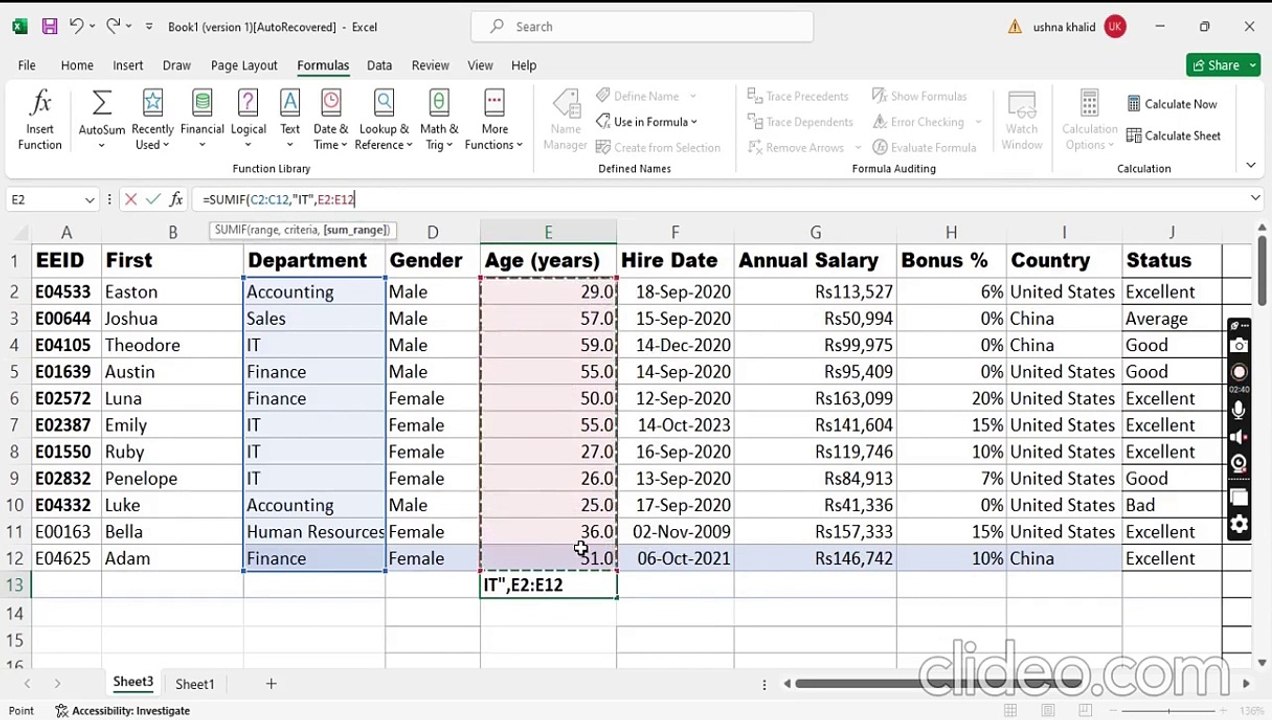
This tutorial explains how to utilize MS Excel functions SUMIF, SUMIFS, AVERAGEIF, and AVERAGEIFS to perform conditional calculations such as summing or averaging based on specific criteria.
U Knowledge Center
11 views • Jul 2, 2024
About this video
This tutorial demonstrates how to use the following Ms Excel functions:<br />SUMIF, SUMIFS, AVERAGEIF, AVERAGEIFS<br /><br />SUMIF - Add values if a condition is met, such as adding up all purchases from one category.<br /><br />SUMIFS function calculates the sum of cells in a range that meets multiple criteria <br /><br />AVERAGEIF Averages only the cells that meet specified criteria. Example: Average the order totals for only London sales<br /><br />AVERAGEIFS returns the average of all cells that meet multiple criteria.<br /><br />#excel <br />#excelfunctions <br />#excelformula
Video Information
Views
11
Duration
8:19
Published
Jul 2, 2024
Related Trending Topics
LIVE TRENDSRelated trending topics. Click any trend to explore more videos.
No specific trending topics match this video yet.
Explore All Trends