Microsoft OneNote vs. Loop: 3 Key Reasons to Switch or Stay 📝
Considering an upgrade? Discover 3 essential reasons to choose Microsoft Loop or stick with OneNote for your note-taking needs. Make an informed decision today!

Office Skills with Amy
7.7K views • Sep 2, 2025
About this video
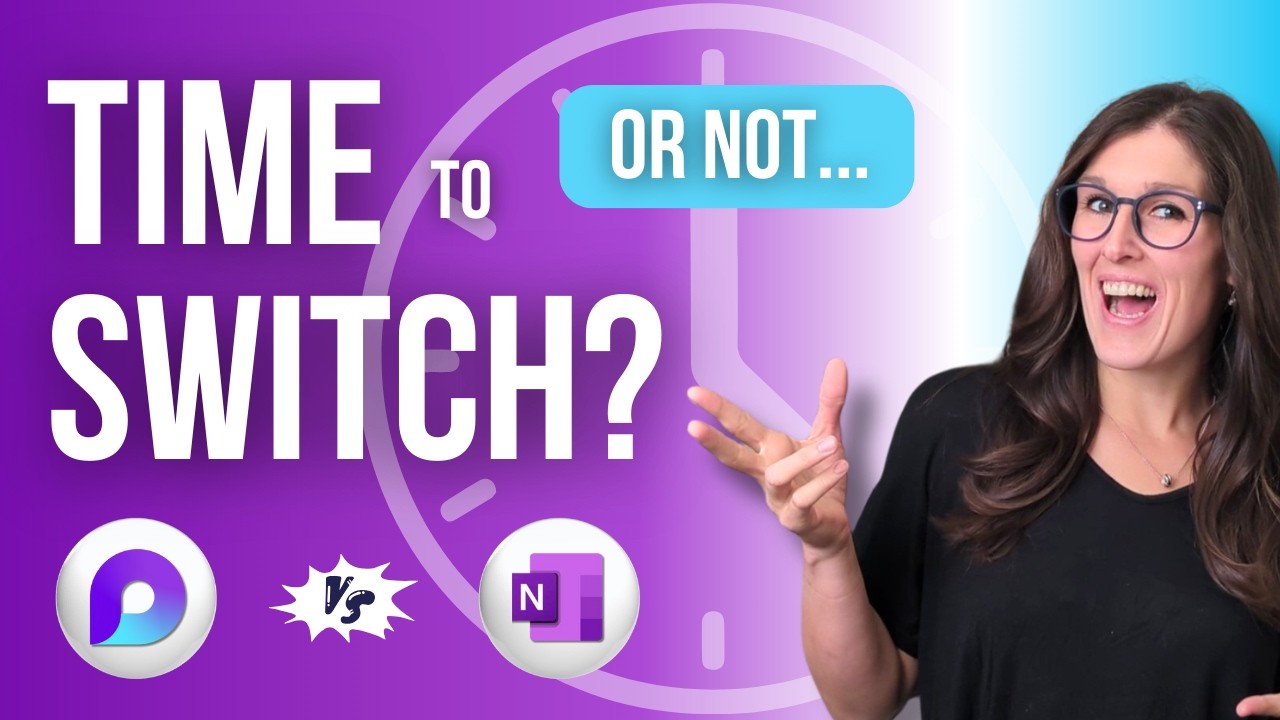
If you're using OneNote and wondering if it's time to switch to Microsoft Loop, here are 3 reasons to switch—or stay.
Loop has workspaces organized into pages and subpages. OneNote uses notebooks divided into sections, then broken down into pages and subpages. Both offer personal and team-integrated spaces, giving you flexibility in your workflow. Aside from these similarities, OneNote has been around for over 20 years and is familiar to most users, while Loop is a newer, modern, and minimalistic app.
In this video, we'll explore 3 reasons to switch to Microsoft Loop or stay with Microsoft OneNote.
If you are a student, teacher, project manager, business owner or super nerd like me, then we have got you covered!
Let's nerd out 🤓
🟡 FREE RESOURCES 🟡
eBook, Navigating Microsoft Passages:
https://www.officeskillswithamy.com/ebook
Loop Beginner Guide:
https://www.officeskillswithamy.com/microsoft-loop-beginner-guide
Copilot Agent Toolkit:
https://www.officeskillswithamy.com/copilot-agent-toolkit
💙 SUPPORT THE CHANNEL 💙
If you’ve learned something from my videos you can now Buy Me A Coffee:
https://www.officeskillswithamy.com/buy-me-a-coffee
🧠 1:1 PERSONALIZED COACHING 🧠
Work directly with Amy to streamline your Microsoft 365 workflows.
https://www.officeskillswithamy.com/microsoft-365-coaching
🍎 WHAT TO WATCH NEXT 🍎
https://youtu.be/HOQdEsI4dgo
⏰ KEY MOMENTS
00:00 OneNote vs. Loop: 3 Reasons to Switch (or Stay)
00:10 OneNote vs. Loop
01:04 Loop #1 – Collaboration That Stays on Topic
01:49 OneNote #1 – Reliable Offline Access
02:17 Loop #2 – Task & Project Management
03:00 OneNote #2 – Free-form Notetaking
03:45 Loop #3 – Modern Workflows
04:41 OneNote #3 – Traditional Productivity Features
🤓 WELCOME TO OFFICE SKILLS WITH AMY
My tutorials offer Microsoft 365 training.
'Empowering businesses to streamline their Microsoft 365 Workflows.'
I simplify learning Microsoft 365 products so that you can navigate apps with confidence, increase productivity, and reclaim your time for meaningful work.
Loop has workspaces organized into pages and subpages. OneNote uses notebooks divided into sections, then broken down into pages and subpages. Both offer personal and team-integrated spaces, giving you flexibility in your workflow. Aside from these similarities, OneNote has been around for over 20 years and is familiar to most users, while Loop is a newer, modern, and minimalistic app.
In this video, we'll explore 3 reasons to switch to Microsoft Loop or stay with Microsoft OneNote.
If you are a student, teacher, project manager, business owner or super nerd like me, then we have got you covered!
Let's nerd out 🤓
🟡 FREE RESOURCES 🟡
eBook, Navigating Microsoft Passages:
https://www.officeskillswithamy.com/ebook
Loop Beginner Guide:
https://www.officeskillswithamy.com/microsoft-loop-beginner-guide
Copilot Agent Toolkit:
https://www.officeskillswithamy.com/copilot-agent-toolkit
💙 SUPPORT THE CHANNEL 💙
If you’ve learned something from my videos you can now Buy Me A Coffee:
https://www.officeskillswithamy.com/buy-me-a-coffee
🧠 1:1 PERSONALIZED COACHING 🧠
Work directly with Amy to streamline your Microsoft 365 workflows.
https://www.officeskillswithamy.com/microsoft-365-coaching
🍎 WHAT TO WATCH NEXT 🍎
https://youtu.be/HOQdEsI4dgo
⏰ KEY MOMENTS
00:00 OneNote vs. Loop: 3 Reasons to Switch (or Stay)
00:10 OneNote vs. Loop
01:04 Loop #1 – Collaboration That Stays on Topic
01:49 OneNote #1 – Reliable Offline Access
02:17 Loop #2 – Task & Project Management
03:00 OneNote #2 – Free-form Notetaking
03:45 Loop #3 – Modern Workflows
04:41 OneNote #3 – Traditional Productivity Features
🤓 WELCOME TO OFFICE SKILLS WITH AMY
My tutorials offer Microsoft 365 training.
'Empowering businesses to streamline their Microsoft 365 Workflows.'
I simplify learning Microsoft 365 products so that you can navigate apps with confidence, increase productivity, and reclaim your time for meaningful work.
Tags and Topics
Browse our collection to discover more content in these categories.
Video Information
Views
7.7K
Likes
121
Duration
5:40
Published
Sep 2, 2025
User Reviews
4.6
(1) Related Trending Topics
LIVE TRENDSRelated trending topics. Click any trend to explore more videos.
No specific trending topics match this video yet.
Explore All Trends