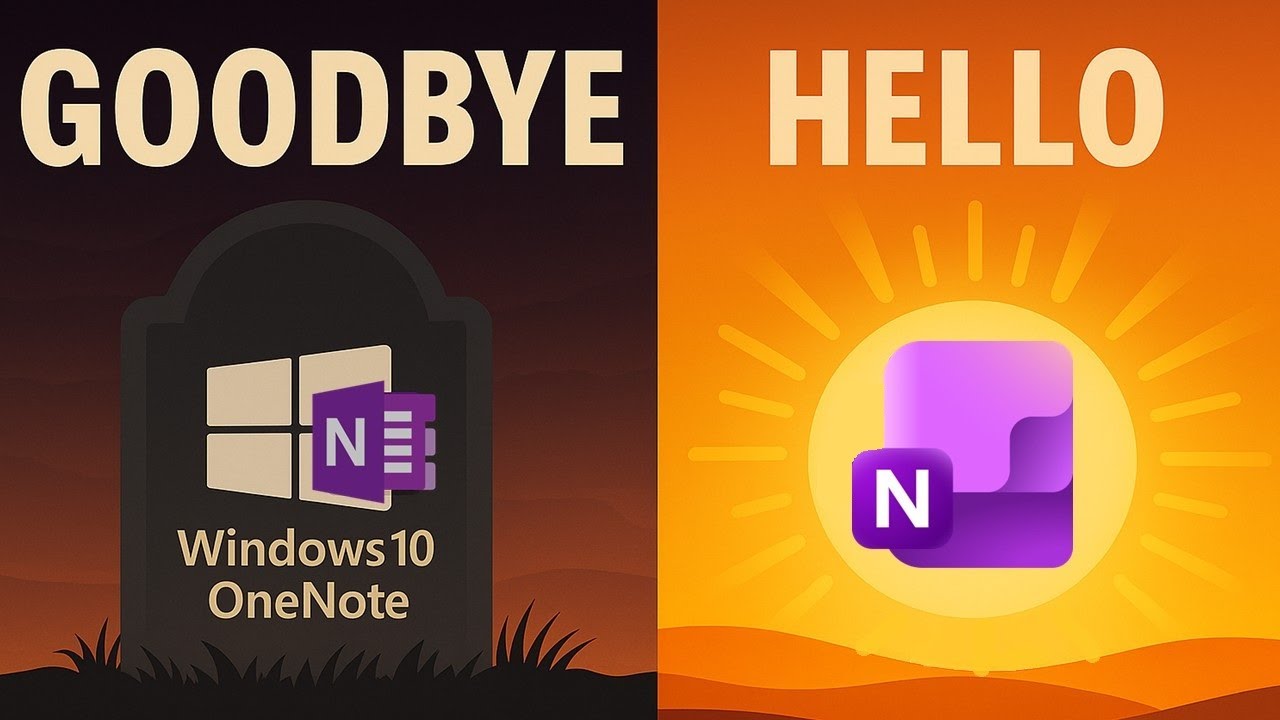
Goodbye OneNote for Windows 10 👋 Welcome Modern OneNote!
Learn about the new features in Microsoft OneNote and discover 22 tips and tricks to master the modern version of OneNote.

Mike Tholfsen
49.4K views • Oct 9, 2025
About this video
Discover what’s replacing OneNote for Windows 10 — a tutorial covering new features in Microsoft OneNote, plus tips and tricks to master the modern version fast! Even if you’re a long-time OneNote Desktop 365 user, you’ll see new features, tips, and secrets I reveal that you probably didn’t know about.
🚨 Final date for Commercial and Consumer users in October 15th, 2025. OneNote for Windows 10 goes into read-only mode and Support is ending
🚨 FOR EDUCATION CUSTOMERS ONLY (Teachers, Faculty and Students) - OneNote for Windows 10 goes read-only on a later date that will be communicated soon. This date will try to avoid being in the middle of a semester/school year
✅ Microsoft 365 Insider blog about OneNote for Windows 10 deprecation https://techcommunity.microsoft.com/blog/microsoft365insiderblog/onenote-for-windows-10-support-is-ending/4445230
✅ Microsoft Support page: https://support.microsoft.com/en-us/office/what-is-happening-to-onenote-for-windows-10-2b453bfe-66bc-4ab2-9118-01e7eb54d2d6
✅ https://support.microsoft.com/en-us/office/what-is-happening-to-onenote-for-windows-10-2b453bfe-66bc-4ab2-9118-01e7eb54d2d6
✅ IT Admin Migration Guidance: https://learn.microsoft.com/en-us/microsoft-365-apps/deploy/onenote-for-windows-10-migration-guide
✈️ Copilot Chat coming to OneNote: https://techcommunity.microsoft.com/blog/microsoft365copilotblog/copilot-chat-comes-to-the-microsoft-365-apps/4453349
NOTE: This is a personal project and the opinions expressed in this video are my own, not those of my employer (Microsoft)
📝 Table of Contents
0:00 Introduction
0:43 Dates information about going read-only and Support ending
1:12 Docs for Migrating from OneNote for Windows 10
1:33 How to download the Modern OneNote
💜 Windows 10 features that are also in the Modern OneNote 💜
1:57 Vertical tabs and other options
3:14 Sorting pages
3:49 Inking features and Drawing tools
4:53 Math Assistant
5:23 Dark mode
5:31 Class Notebook toolbar
💜 Tips, tricks and new feature in the Modern OneNote for Windows 💜
6:05 Fast OCR
6:50 Loop Components
8:20 Copilot Chat
9:27 Meetings details/Teams integration
10:16 Merge table cells
10:47 Image Crop
10:58 Forward Link
11:26 Ink sticks to images
12:05 Export and Save notebooks locally
12:58 Dictate
13:21 Tools Options
14:11 Page Templates
15:14 Print to Background pages and locking them
16:07 Security and Compliance labels
16:34 Recent Edits
17:26 OneTastic
🔔 Subscribe to my Channel: https://aka.ms/MikeYouTubeSubscribe
*Connect with me on Social:
X: https://twitter.com/mtholfsen
LinkedIn: https://www.linkedin.com/in/miketholfsen
Instagram: https://www.instagram.com/mtholfsen
Pinterest: https://www.pinterest.com/miketholfsen
TikTok: https://www.tiktok.com/@mtholfsen
Wakelet: https://www.wakelet.com/@mtholfsen
#Microsoft #OneNote #microsoft365
🚨 Final date for Commercial and Consumer users in October 15th, 2025. OneNote for Windows 10 goes into read-only mode and Support is ending
🚨 FOR EDUCATION CUSTOMERS ONLY (Teachers, Faculty and Students) - OneNote for Windows 10 goes read-only on a later date that will be communicated soon. This date will try to avoid being in the middle of a semester/school year
✅ Microsoft 365 Insider blog about OneNote for Windows 10 deprecation https://techcommunity.microsoft.com/blog/microsoft365insiderblog/onenote-for-windows-10-support-is-ending/4445230
✅ Microsoft Support page: https://support.microsoft.com/en-us/office/what-is-happening-to-onenote-for-windows-10-2b453bfe-66bc-4ab2-9118-01e7eb54d2d6
✅ https://support.microsoft.com/en-us/office/what-is-happening-to-onenote-for-windows-10-2b453bfe-66bc-4ab2-9118-01e7eb54d2d6
✅ IT Admin Migration Guidance: https://learn.microsoft.com/en-us/microsoft-365-apps/deploy/onenote-for-windows-10-migration-guide
✈️ Copilot Chat coming to OneNote: https://techcommunity.microsoft.com/blog/microsoft365copilotblog/copilot-chat-comes-to-the-microsoft-365-apps/4453349
NOTE: This is a personal project and the opinions expressed in this video are my own, not those of my employer (Microsoft)
📝 Table of Contents
0:00 Introduction
0:43 Dates information about going read-only and Support ending
1:12 Docs for Migrating from OneNote for Windows 10
1:33 How to download the Modern OneNote
💜 Windows 10 features that are also in the Modern OneNote 💜
1:57 Vertical tabs and other options
3:14 Sorting pages
3:49 Inking features and Drawing tools
4:53 Math Assistant
5:23 Dark mode
5:31 Class Notebook toolbar
💜 Tips, tricks and new feature in the Modern OneNote for Windows 💜
6:05 Fast OCR
6:50 Loop Components
8:20 Copilot Chat
9:27 Meetings details/Teams integration
10:16 Merge table cells
10:47 Image Crop
10:58 Forward Link
11:26 Ink sticks to images
12:05 Export and Save notebooks locally
12:58 Dictate
13:21 Tools Options
14:11 Page Templates
15:14 Print to Background pages and locking them
16:07 Security and Compliance labels
16:34 Recent Edits
17:26 OneTastic
🔔 Subscribe to my Channel: https://aka.ms/MikeYouTubeSubscribe
*Connect with me on Social:
X: https://twitter.com/mtholfsen
LinkedIn: https://www.linkedin.com/in/miketholfsen
Instagram: https://www.instagram.com/mtholfsen
Pinterest: https://www.pinterest.com/miketholfsen
TikTok: https://www.tiktok.com/@mtholfsen
Wakelet: https://www.wakelet.com/@mtholfsen
#Microsoft #OneNote #microsoft365
Video Information
Views
49.4K
Likes
934
Duration
19:45
Published
Oct 9, 2025
User Reviews
4.7
(9) Related Trending Topics
LIVE TRENDSRelated trending topics. Click any trend to explore more videos.
No specific trending topics match this video yet.
Explore All Trends