Mastering Transparent Data Encryption (TDE) in SQL Server for Data Security 🔐
Learn how to implement Transparent Data Encryption (TDE) in SQL Server to protect your entire database with ease. Discover step-by-step guidance on encryption best practices in SQL.
Right to Learn @BK
9.6K views • Apr 15, 2024
About this video
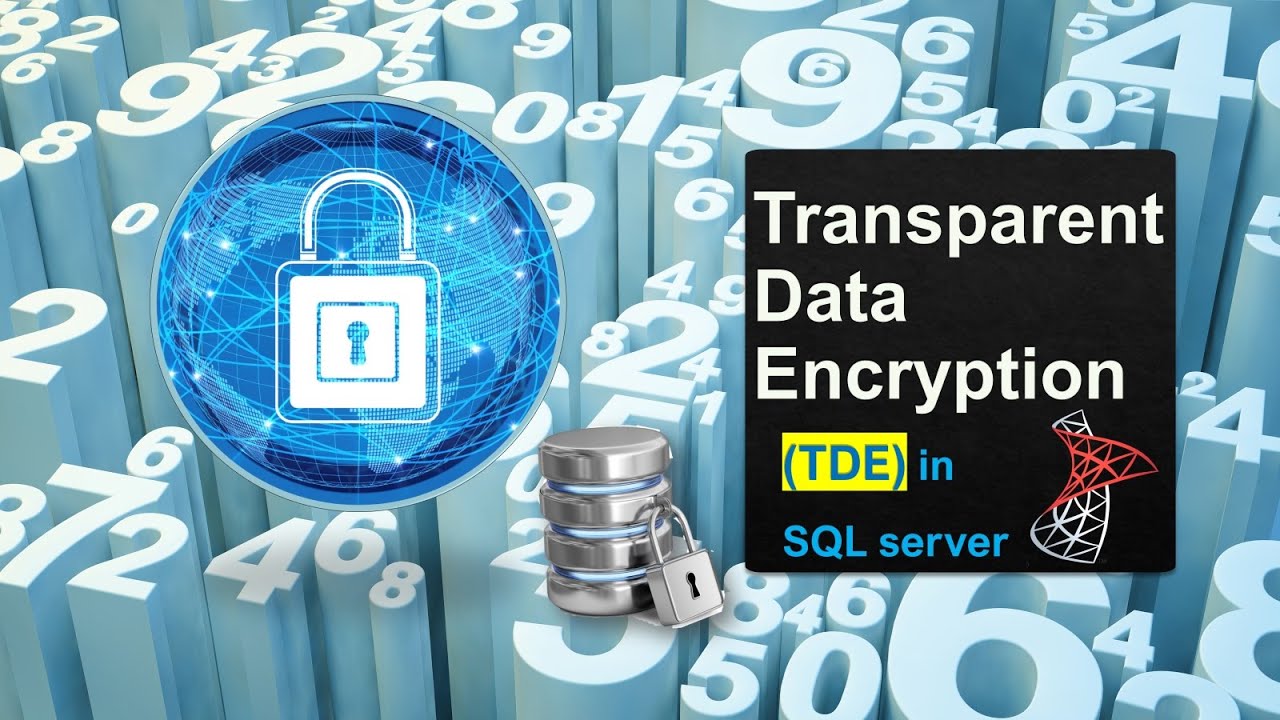
Transparent Data Encryption (TDE) is a special case of encryption using a symmetric key. TDE encrypts entire database using a symmetric key called the database encryption key – DEK.
TDE does real-time I/O encryption and decryption of data and log files.
This encryption is known as encrypting data at rest. Introduced with SQL server 2008.
TDE isn't available for system databases. It can't be used to encrypt master, model, or msdb.
However, tempdb is automatically encrypted when a user database enabled TDE, but can't be encrypted directly.
TDE doesn't provide encryption across communication channels.
--Video link on how to encrypt a database backup
https://youtu.be/YFA0eWUmj7s?si=97XhUehg-Hr9bJzl
----SQL Script used in this video----
-- Encrypt a user database
--1.Create a Master key
use master
CREATE MASTER KEY ENCRYPTION BY PASSWORD = 'abc@123';
--2.Create a Certificate
CREATE CERTIFICATE democert WITH SUBJECT = 'my demo cert subject';
--3.Create a Database encryption key
use demo
CREATE DATABASE ENCRYPTION KEY
WITH ALGORITHM = AES_256
ENCRYPTION BY SERVER CERTIFICATE democert
--4.Backup the certificate and key
use master
BACKUP CERTIFICATE democert
TO FILE = 'F:\dbbackups\democert_cert.cer'
WITH PRIVATE KEY (FILE = 'F:\dbbackups\democert_key.key' , ENCRYPTION BY PASSWORD = 'abc@1123')
--5.Set encryption ON for the database
ALTER DATABASE demo set ENCRYPTION on
select name, database_id, is_encrypted
from sys.databases
--------------------------------------------------------------------------
-- To restore a encrypted database --
restore database demo
from disk = 'F:\dbbackups\demo2.bak'
-- 1. Create a Master key
use master
CREATE MASTER KEY ENCRYPTION BY PASSWORD = 'xyz@123';
--2.Create a Certificate using the backup of source certificate & key
CREATE CERTIFICATE democert_pitr
FROM FILE = 'F:\dbbackups\democert_cert.cer'
WITH PRIVATE KEY (FILE = 'F:\dbbackups\democert_key.key',DECRYPTION BY PASSWORD = 'abc@1123')
------------------------------------------------------------------------
TDE does real-time I/O encryption and decryption of data and log files.
This encryption is known as encrypting data at rest. Introduced with SQL server 2008.
TDE isn't available for system databases. It can't be used to encrypt master, model, or msdb.
However, tempdb is automatically encrypted when a user database enabled TDE, but can't be encrypted directly.
TDE doesn't provide encryption across communication channels.
--Video link on how to encrypt a database backup
https://youtu.be/YFA0eWUmj7s?si=97XhUehg-Hr9bJzl
----SQL Script used in this video----
-- Encrypt a user database
--1.Create a Master key
use master
CREATE MASTER KEY ENCRYPTION BY PASSWORD = 'abc@123';
--2.Create a Certificate
CREATE CERTIFICATE democert WITH SUBJECT = 'my demo cert subject';
--3.Create a Database encryption key
use demo
CREATE DATABASE ENCRYPTION KEY
WITH ALGORITHM = AES_256
ENCRYPTION BY SERVER CERTIFICATE democert
--4.Backup the certificate and key
use master
BACKUP CERTIFICATE democert
TO FILE = 'F:\dbbackups\democert_cert.cer'
WITH PRIVATE KEY (FILE = 'F:\dbbackups\democert_key.key' , ENCRYPTION BY PASSWORD = 'abc@1123')
--5.Set encryption ON for the database
ALTER DATABASE demo set ENCRYPTION on
select name, database_id, is_encrypted
from sys.databases
--------------------------------------------------------------------------
-- To restore a encrypted database --
restore database demo
from disk = 'F:\dbbackups\demo2.bak'
-- 1. Create a Master key
use master
CREATE MASTER KEY ENCRYPTION BY PASSWORD = 'xyz@123';
--2.Create a Certificate using the backup of source certificate & key
CREATE CERTIFICATE democert_pitr
FROM FILE = 'F:\dbbackups\democert_cert.cer'
WITH PRIVATE KEY (FILE = 'F:\dbbackups\democert_key.key',DECRYPTION BY PASSWORD = 'abc@1123')
------------------------------------------------------------------------
Tags and Topics
Browse our collection to discover more content in these categories.
Video Information
Views
9.6K
Likes
205
Duration
11:23
Published
Apr 15, 2024
User Reviews
4.6
(1) Related Trending Topics
LIVE TRENDSRelated trending topics. Click any trend to explore more videos.
No specific trending topics match this video yet.
Explore All Trends