Master Unigraphics NX-7.5: Essential Video Tutorials for Beginners 📹
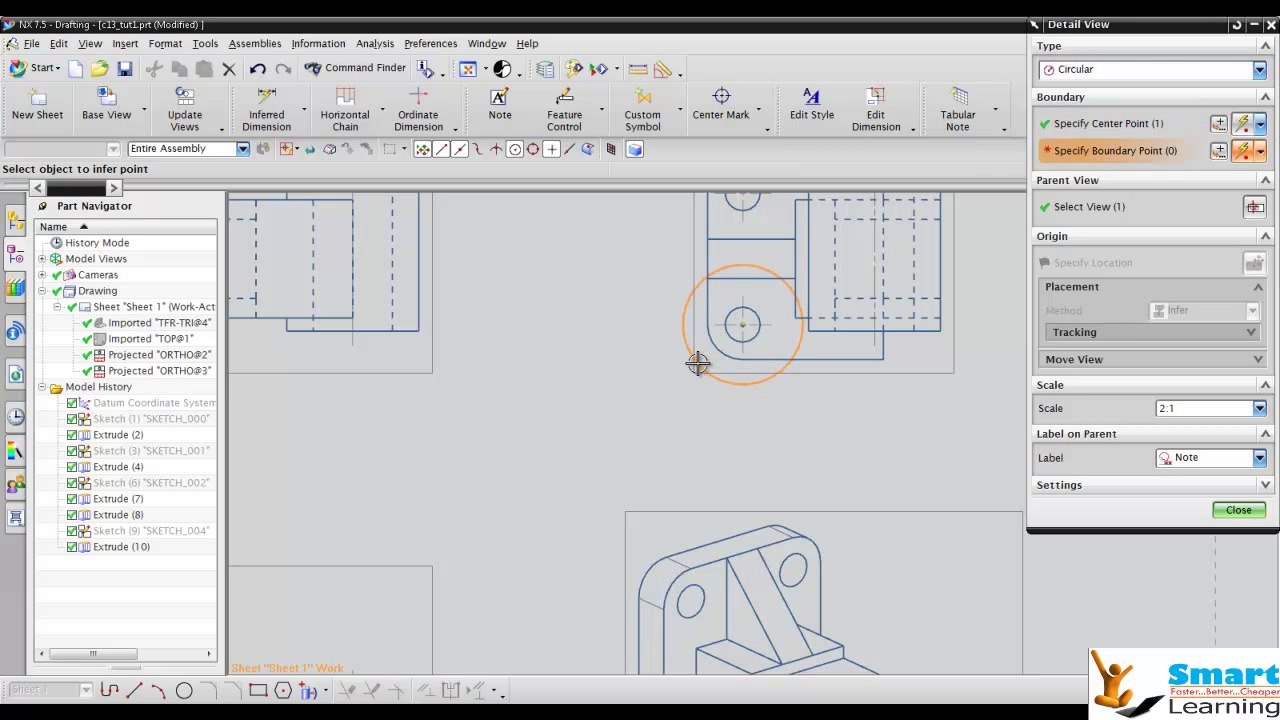
Kickstart your NX-7.5 journey with comprehensive video tutorials! Learn how to navigate the Sketcher environment, create new files, and explore key features step-by-step.
Smart Learning Technologies India Private Limited
318 views • Feb 16, 2014
About this video
Unigraphics NX-7.5- Video Training <br /> <br /> Chapter 1 <br /> <br />• Understand the need for the Sketcher environment. <br /> <br />• Start NX and create a new file in it. <br /> <br />• Invoke different NX Environments. <br /> <br />• Understand the need for datum planes. <br /> <br />• Create three fixed datum planes. <br /> <br />• Invoke the Sketcher environment. <br /> <br />• Use various drawing display tools. <br /> <br />• Understand different selection filters. <br /> <br />• Select and deselect objects. <br /> <br /> <br /> <br />Chapter 2 <br /> <br />• Understand the concept of under-constrainted, fully-constrained, and <br /> <br />over-constrained sketches. <br /> <br />• Understand different types of geometric constraints . <br /> <br />• Configure settings for applying constraints automatically while sketching. <br /> <br />• Force additional geometric constraints to sketches. <br /> <br />• View and delete geometric constraints from sketches. <br /> <br />• Animate a fully-constrained sketch. <br /> <br />• Understand different types of dimensional constraints . <br /> <br />• Measure the distance value between the objects in a sketch. <br /> <br />• Measure the angle between the entities. <br /> <br />• Exercises & Projects. <br /> <br /> <br /> <br />Chapter 3 <br /> <br />• Edit sketches using the editing tools. <br /> <br />• Edit sketched entities by dragging. <br /> <br />• Convert sketches into base features by extruding and revolving. <br /> <br />• Hide and show the objects. <br /> <br />• Rotate the view of the model dynamically in 3D space. <br /> <br />• Change the view and display of the models. <br /> <br />• Exercises & Projects. <br /> <br /> <br /> <br />Chapter 4 <br /> <br />• Understand the usage of reference geometries in NX. <br /> <br />• Understand the different types of datum planes in NX. <br /> <br />• Create fixed and relative datum planes. <br /> <br />• Understand the usage of CSYS (coordinate system). <br /> <br />• Create coordinate systems using various methods. <br /> <br />• Understand the usage of the datum axis. <br /> <br />• Create datum axis using various methods. <br /> <br />• Use additional extrude and revolve options. <br /> <br />• Project existing elements on the current sketching plane. <br /> <br />• Exercises & Projects. <br /> <br /> <br /> <br />Chapter 5 <br /> <br />• Create hole features. <br /> <br />• Create groove features. <br /> <br />• Create slot features. <br /> <br />• Create chamfers. <br /> <br />• Create edge blends (fillets) <br /> <br />• Exercises & Projects. <br /> <br /> <br /> <br />Chapter 6 <br /> <br />• Create the rectangular and circular arrays of a feature. <br /> <br />• Mirror selected features and bodies. <br /> <br />• Create sweep features. <br /> <br />• Use the Swept tool to create lofted features. <br /> <br />• Create tube features. <br /> <br />• Create threads. <br /> <br />• Convert solid features into hollow features. <br /> <br />• Exercises & Projects. <br /> <br /> <br /> <br />Chapter 7 <br /> <br />• Edit hole features. <br /> <br />• Edit the positioning of groove features. <br /> <br />• Edit the positioning of slot features. <br /> <br />• Edit the parameters of features. <br /> <br />• Edit the parameters of features with rollback. <br /> <br />• Reorder features. <br /> <br />• Create boss features. <br /> <br />• Create pocket features. <br /> <br />• Create pad features. <br /> <br />• Create draft features. <br /> <br />• Exercises & Projects. <br /> <br /> <br /> <br />Chapter 8 <br /> <br />• Start the Assembly environment in NX. <br /> <br />• Understand different types of assembly design approaches in NX. <br /> <br />• Understand the meaning and usage of assembly relations. <br /> <br />• Create assemblies using the Bottom-up assembly design approach. <br /> <br />• Modify assembly relations. <br /> <br />• Modify a component in the Assembly environment. <br /> <br />• Manipulate the components in the Assembly environment. <br /> <br />• Create a pattern of components in an assembly. <br /> <br />• Exercises & Projects. <br /> <br /> <br /> <br />Chapter 9 <br /> <br />• Create assemblies using the top-down assembly design approach. <br /> <br />• Create sub-assemblies. <br /> <br />• Check for interference and clearance between the components of an <br /> <br />assembly. <br /> <br />• Create exploded views of an assembly. <br /> <br />• Modify the assembly constraints. <br /> <br />• Replace an assembly constraint from an assembly. <br /> <br />• Exercises & Projects. <br /> <br /> <br /> <br />Chapter 10 <br /> <br />• Create extrude, revolve, and sweep surfaces. <br /> <br />• Create the ruled surface. <br /> <br />• Create surfaces using the Through Curves and Through Curve Mesh tools. <br /> <br />• Create a surface by using four points. <br /> <br />• Create a swoop surface. <br /> <br />• Create a bounding plane surface. <br /> <br />• Create a transition surface.
Video Information
Views
318
Duration
7:19
Published
Feb 16, 2014
Related Trending Topics
LIVE TRENDSRelated trending topics. Click any trend to explore more videos.
No specific trending topics match this video yet.
Explore All Trends