Master the Updated Adobe Acrobat: Easy Guide to Creating and Editing Bookmarks 📖
Discover step-by-step instructions to create and edit bookmarks in the latest Adobe Acrobat interface on PC and Mac. Enhance your PDF navigation skills today!

Erin Wright Writing
25.2K views • Aug 26, 2024
About this video
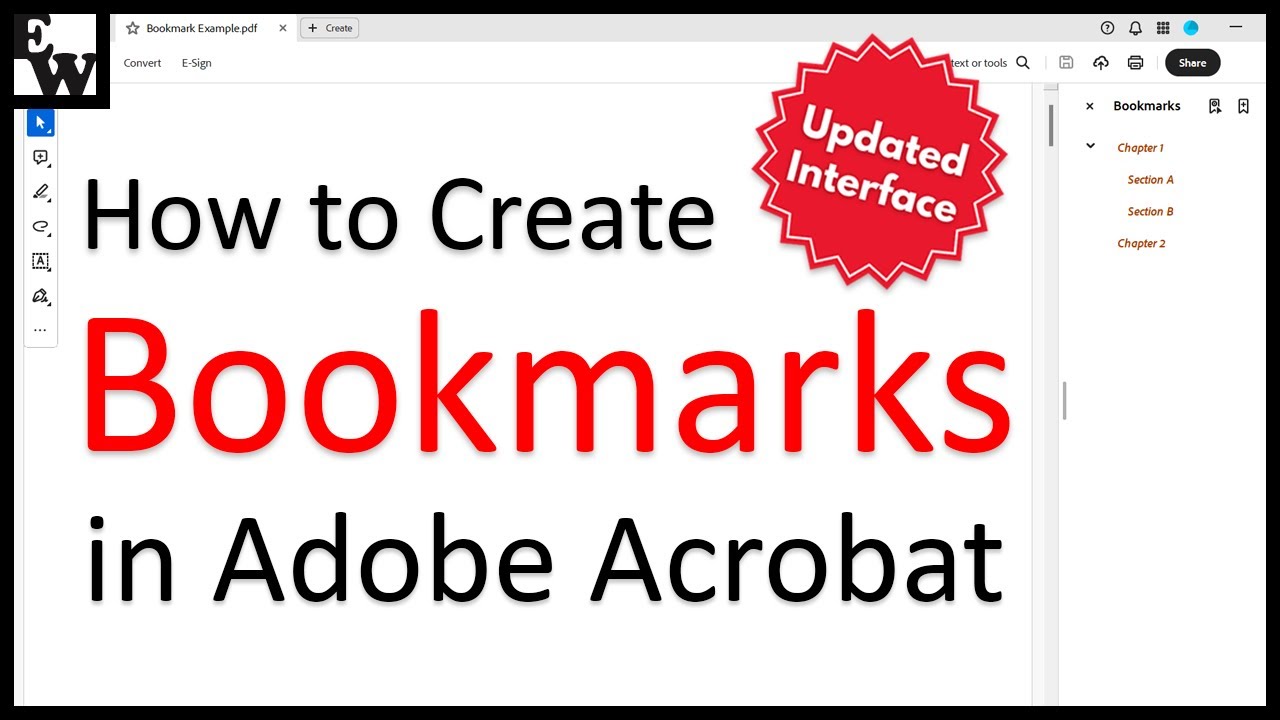
Learn how to create bookmarks in Adobe Acrobat using the updated interface on both PC and Mac.
After creating the bookmarks, we will look at how to edit them, including renaming them, reorganizing the hierarchy, changing the destination, customizing the appearance, and deleting them.
👉Are you using an OLDER version of Adobe Acrobat? Please see the previous version of this tutorial: https://youtu.be/OkmZxW2Bdws
Chapters:
00:00 Introduction
00:48 How to Create Bookmarks
01:07 How to Bookmark Page Views
01:35 How to Bookmark Text
02:28 How to Bookmark Images
03:01 Pro Tip: Add Bookmark Between Existing Bookmarks
03:23 How to Edit Bookmarks
03:41 How to Rename Bookmarks
04:05 How to Change the Bookmark Hierarchy
04:52 How to Change a Bookmark's Linked Destination
05:30 How to Change the Font, Size, and Color of Bookmarks
06:43 How to Delete Bookmarks
📝 Corresponding Blog Post/Transcript for This Video
============================================
How to Switch to Dark Mode in Adobe Acrobat and Reader (UPDATED Interface)
https://erinwrightwriting.com/bookmarks-in-adobe-acrobat-updated-interface/
💻 Related Resources
==================
How to Split PDFs in Adobe Acrobat (Updated Interface)
https://youtu.be/lLxAorv_k0I
How to Use Adobe Acrobat Playlist
https://www.youtube.com/playlist?list=PLTcwfTvXiBsiS-pGbA0O4FXvw6IJR_mIP
💻 Please visit my website at https://erinwrightwriting.com for more writing-related software tutorials.
Please leave your questions about Microsoft Word, PowerPoint, or Adobe Acrobat in the comment section below. Although I can’t guarantee I will be able to answer every question, I will certainly make an effort to create as many viewer-requested videos as possible.
Thank you for watching!
#adobeacrobat #pdf #writingcommunity
All Rights Reserved © 2025 Erin Wright
After creating the bookmarks, we will look at how to edit them, including renaming them, reorganizing the hierarchy, changing the destination, customizing the appearance, and deleting them.
👉Are you using an OLDER version of Adobe Acrobat? Please see the previous version of this tutorial: https://youtu.be/OkmZxW2Bdws
Chapters:
00:00 Introduction
00:48 How to Create Bookmarks
01:07 How to Bookmark Page Views
01:35 How to Bookmark Text
02:28 How to Bookmark Images
03:01 Pro Tip: Add Bookmark Between Existing Bookmarks
03:23 How to Edit Bookmarks
03:41 How to Rename Bookmarks
04:05 How to Change the Bookmark Hierarchy
04:52 How to Change a Bookmark's Linked Destination
05:30 How to Change the Font, Size, and Color of Bookmarks
06:43 How to Delete Bookmarks
📝 Corresponding Blog Post/Transcript for This Video
============================================
How to Switch to Dark Mode in Adobe Acrobat and Reader (UPDATED Interface)
https://erinwrightwriting.com/bookmarks-in-adobe-acrobat-updated-interface/
💻 Related Resources
==================
How to Split PDFs in Adobe Acrobat (Updated Interface)
https://youtu.be/lLxAorv_k0I
How to Use Adobe Acrobat Playlist
https://www.youtube.com/playlist?list=PLTcwfTvXiBsiS-pGbA0O4FXvw6IJR_mIP
💻 Please visit my website at https://erinwrightwriting.com for more writing-related software tutorials.
Please leave your questions about Microsoft Word, PowerPoint, or Adobe Acrobat in the comment section below. Although I can’t guarantee I will be able to answer every question, I will certainly make an effort to create as many viewer-requested videos as possible.
Thank you for watching!
#adobeacrobat #pdf #writingcommunity
All Rights Reserved © 2025 Erin Wright
Tags and Topics
Browse our collection to discover more content in these categories.
Video Information
Views
25.2K
Likes
168
Duration
7:53
Published
Aug 26, 2024
User Reviews
4.2
(5) Related Trending Topics
LIVE TRENDSRelated trending topics. Click any trend to explore more videos.
No specific trending topics match this video yet.
Explore All Trends