How to Combine PDFs into a Single File Using Adobe Acrobat (Updated Interface)
Learn two methods to merge multiple PDFs into one in Adobe Acrobat with the latest interface on PC and Mac. These techniques also allow inserting other file types.
Erin Wright Writing
76.2K views • Jun 19, 2023
About this video
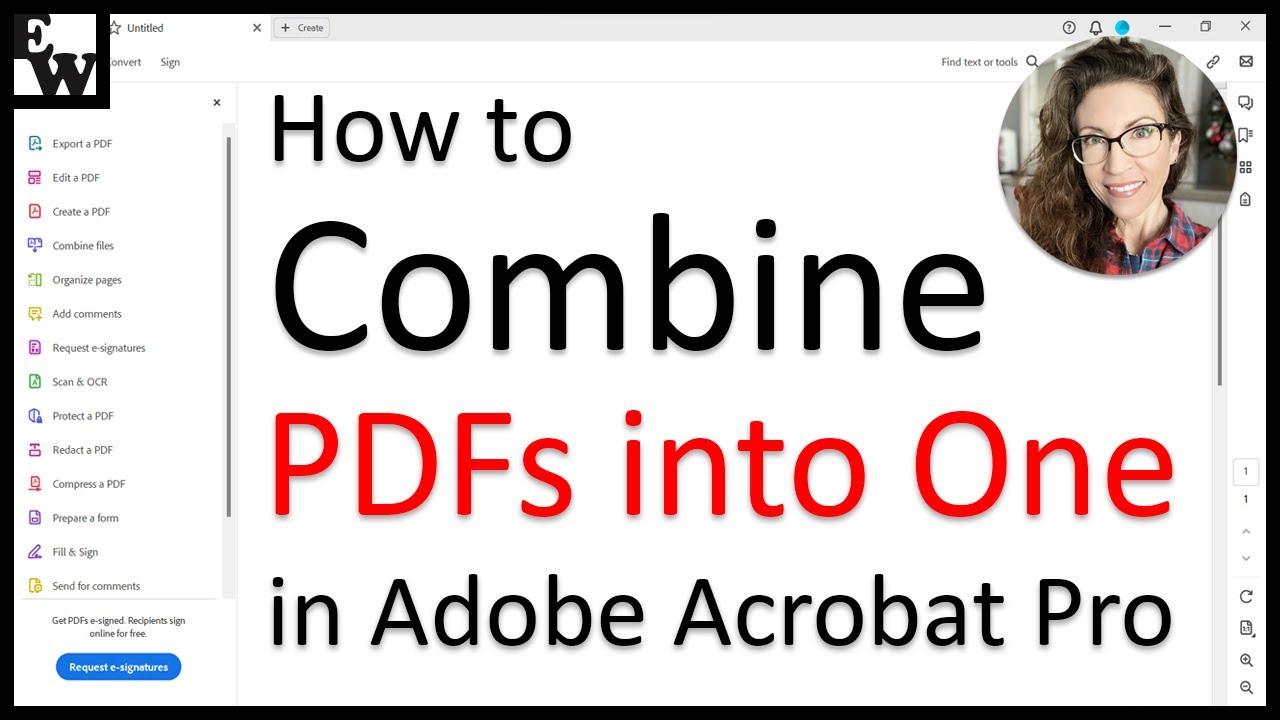
Learn two ways to combine PDFs into one in Adobe Acrobat using the updated interface on both PC and Mac.
Both methods can be used to insert other types of files, such as images, Microsoft Word documents, and Excel spreadsheets into PDFs. Please note that non-PDF files will be converted to the PDF format once combined in Acrobat.
Chapters:
00:00 Introduction
00:48 Method 1: Combine PDFs without Opening a PDF
02:16 Method 2: Combine PDFs with an Open PDF
📝 Corresponding Blog Post/Transcript for This Video
============================================
How to Combine PDFs into One in Adobe Acrobat (Updated Interface)
https://erinwrightwriting.com/combine-pdfs-into-one-in-adobe-acrobat/
💻 Related Resources
==================
How to Combine Files into One PDF in Adobe Acrobat [OLD VERSION]
https://youtu.be/5c2gSgBrRj0
How to Insert Files into Existing PDFs in Adobe Acrobat [OLD VERSION]
https://youtu.be/3OejZBQXxiY
How to Use Adobe Acrobat Playlist
https://www.youtube.com/playlist?list=PLTcwfTvXiBsiS-pGbA0O4FXvw6IJR_mIP
💻 Please visit my website at https://erinwrightwriting.com for more writing-related software tutorials.
Please leave your questions about Microsoft Word, PowerPoint, or Adobe Acrobat in the comment section below. Although I can’t guarantee I will be able to answer every question, I will certainly make an effort to create as many viewer-requested videos as possible.
Thank you for watching!
#adobeacrobat #pdf #writing
All Rights Reserved © 2025 Erin Wright
Both methods can be used to insert other types of files, such as images, Microsoft Word documents, and Excel spreadsheets into PDFs. Please note that non-PDF files will be converted to the PDF format once combined in Acrobat.
Chapters:
00:00 Introduction
00:48 Method 1: Combine PDFs without Opening a PDF
02:16 Method 2: Combine PDFs with an Open PDF
📝 Corresponding Blog Post/Transcript for This Video
============================================
How to Combine PDFs into One in Adobe Acrobat (Updated Interface)
https://erinwrightwriting.com/combine-pdfs-into-one-in-adobe-acrobat/
💻 Related Resources
==================
How to Combine Files into One PDF in Adobe Acrobat [OLD VERSION]
https://youtu.be/5c2gSgBrRj0
How to Insert Files into Existing PDFs in Adobe Acrobat [OLD VERSION]
https://youtu.be/3OejZBQXxiY
How to Use Adobe Acrobat Playlist
https://www.youtube.com/playlist?list=PLTcwfTvXiBsiS-pGbA0O4FXvw6IJR_mIP
💻 Please visit my website at https://erinwrightwriting.com for more writing-related software tutorials.
Please leave your questions about Microsoft Word, PowerPoint, or Adobe Acrobat in the comment section below. Although I can’t guarantee I will be able to answer every question, I will certainly make an effort to create as many viewer-requested videos as possible.
Thank you for watching!
#adobeacrobat #pdf #writing
All Rights Reserved © 2025 Erin Wright
Tags and Topics
Browse our collection to discover more content in these categories.
Video Information
Views
76.2K
Likes
373
Duration
4:46
Published
Jun 19, 2023
User Reviews
4.1
(15) Related Trending Topics
LIVE TRENDSRelated trending topics. Click any trend to explore more videos.
No specific trending topics match this video yet.
Explore All Trends