Easily Combine Multiple Files into One PDF on Your Mac 📄
Learn simple steps to merge documents from various apps like Pages into a single PDF on your Mac. Perfect for organizing and sharing your files efficiently!
macmostvideo
154.6K views • Jul 30, 2020
About this video
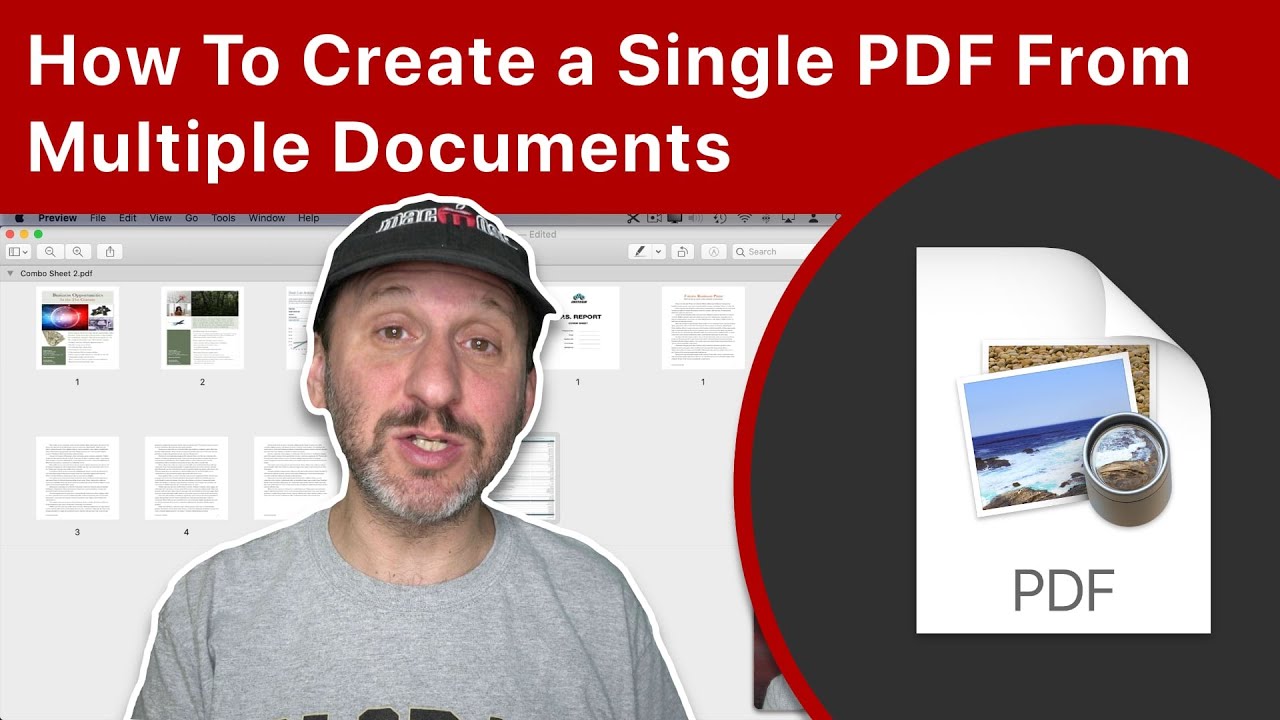
https://macmost.com/e-2232 You don't have to create a document all at once in a single app. You can take different documents from different apps like Pages, Numbers, Keynote, web reports, images and more, and combine them into a single PDF using Preview. This allows you to create pages of your document in the app best suited for that content.
FOLLOW MACMOST FOR NEW TUTORIALS EVERY DAY
▶︎ YouTube — http://macmost.com/j-youtube (And hit the 🔔)
▶︎ Weekly Email Newsletter — https://macmost.com/newsletter ✉️
SUPPORT MACMOST AT PATREON
▶︎ https://macmost.com/patreon ❤️
#macmost #mergepdfs #macpreview
FOLLOW MACMOST FOR NEW TUTORIALS EVERY DAY
▶︎ YouTube — http://macmost.com/j-youtube (And hit the 🔔)
▶︎ Weekly Email Newsletter — https://macmost.com/newsletter ✉️
SUPPORT MACMOST AT PATREON
▶︎ https://macmost.com/patreon ❤️
#macmost #mergepdfs #macpreview
Tags and Topics
Browse our collection to discover more content in these categories.
Video Information
Views
154.6K
Likes
2.0K
Duration
9:33
Published
Jul 30, 2020
User Reviews
4.6
(30) Related Trending Topics
LIVE TRENDSRelated trending topics. Click any trend to explore more videos.