Master RAG (Retrieval Augmented Generation) Locally: Step-by-Step Guide with LMStudio & AnythingLLM
Learn how to set up and run a Retrieval Augmented Generation (RAG) system locally using LMStudio and AnythingLLM. Perfect for beginners looking to harness powerful AI capabilities! 🚀

GosuCoder
1.5K views • Jan 13, 2025
About this video
In this video, I walk you through the basics of setting up a Retrieval Augmented Generation (RAG) system using LMStudio and AnythingLLM. Whether you're a beginner or just curious about leveraging AI for powerful question-answering systems, this guide is for you!
We’ll cover:
By the end of this tutorial, you’ll have a fully functional RAG system running on your machine, ready to handle complex queries with ease.
🔧 My System Specs:
CPU: AMD Ryzen 7 7800X3D
GPU: AMD Radeon RX 7900 XTX
Tools Used: LMStudio, AnythingLLM, and a custom Vector DB setup.
📂 What You’ll Learn:
How to install and configure LMStudio for local model management.
Setting up AnythingLLM to create a seamless interface for your RAG system.
Loading and embedding the MTG card dataset into a Vector DB.
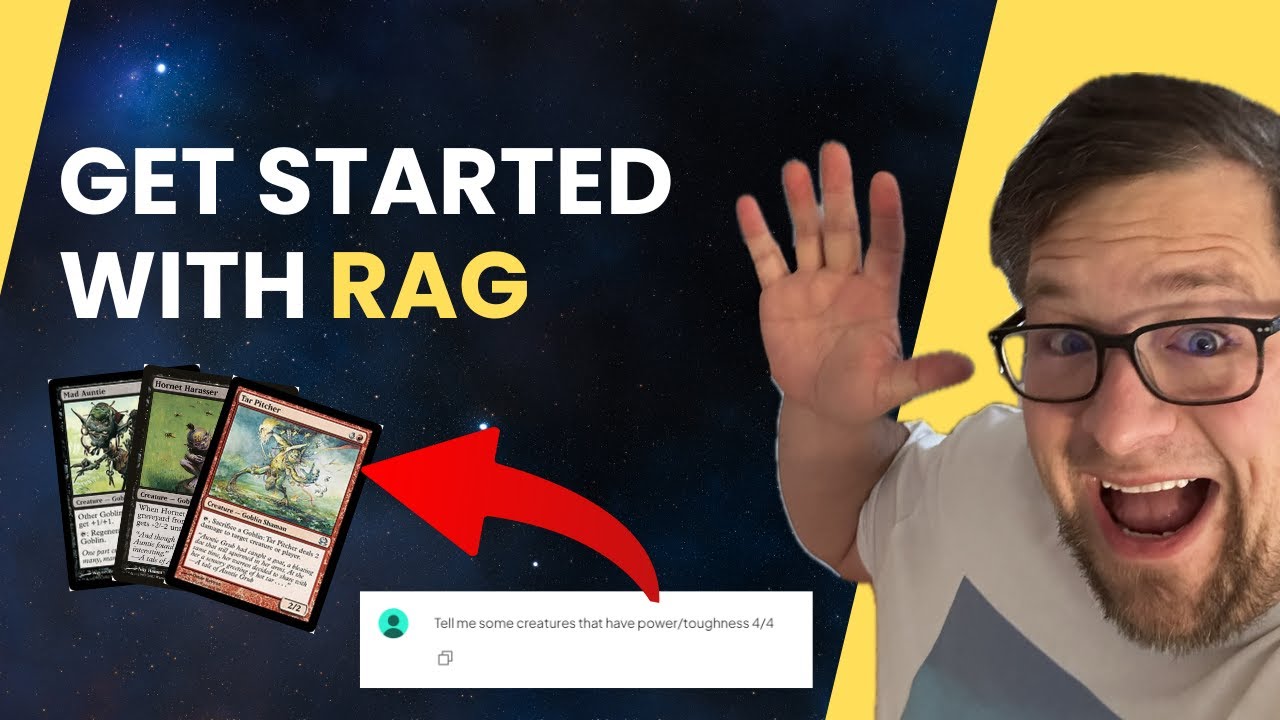
Demo: Asking questions like “Show me some creates with power/toughness 4/4” or “Show me all blue cards with mana cost 3.” and getting accurate, context-aware answers.
✨ Why RAG?
Retrieval Augmented Generation combines the power of large language models with external knowledge bases, making it perfect for tasks like document retrieval, Q&A systems, and more.
Things I used:
LMStudio
AnythingLLM
Mistral Nemo 2407 - Instruct
MTG Card Dataset https://mtgjson.com/downloads/all-files/
💬 Let me know in the comments:
What dataset would you would like to know more about with RAG?
📌 Hashtags:
#RAG #RetrievalAugmentedGeneration #LMStudio #AnythingLLM #AI #MachineLearning #MTG #MagicTheGathering #AMD7800X3D #AMD7900XTX #VectorDatabase #AITutorial #LocalAI #TextEmbedding #AIDemo #TechTutorial #AIForBeginners
Don’t forget to like, subscribe for more content like this!
We’ll cover:
By the end of this tutorial, you’ll have a fully functional RAG system running on your machine, ready to handle complex queries with ease.
🔧 My System Specs:
CPU: AMD Ryzen 7 7800X3D
GPU: AMD Radeon RX 7900 XTX
Tools Used: LMStudio, AnythingLLM, and a custom Vector DB setup.
📂 What You’ll Learn:
How to install and configure LMStudio for local model management.
Setting up AnythingLLM to create a seamless interface for your RAG system.
Loading and embedding the MTG card dataset into a Vector DB.
Demo: Asking questions like “Show me some creates with power/toughness 4/4” or “Show me all blue cards with mana cost 3.” and getting accurate, context-aware answers.
✨ Why RAG?
Retrieval Augmented Generation combines the power of large language models with external knowledge bases, making it perfect for tasks like document retrieval, Q&A systems, and more.
Things I used:
LMStudio
AnythingLLM
Mistral Nemo 2407 - Instruct
MTG Card Dataset https://mtgjson.com/downloads/all-files/
💬 Let me know in the comments:
What dataset would you would like to know more about with RAG?
📌 Hashtags:
#RAG #RetrievalAugmentedGeneration #LMStudio #AnythingLLM #AI #MachineLearning #MTG #MagicTheGathering #AMD7800X3D #AMD7900XTX #VectorDatabase #AITutorial #LocalAI #TextEmbedding #AIDemo #TechTutorial #AIForBeginners
Don’t forget to like, subscribe for more content like this!
Video Information
Views
1.5K
Likes
35
Duration
16:02
Published
Jan 13, 2025
User Reviews
4.5
(1) Related Trending Topics
LIVE TRENDSRelated trending topics. Click any trend to explore more videos.
No specific trending topics match this video yet.
Explore All Trends