Loop Solves Top Microsoft 365 Challenge in 2025
Discover 7 ways Microsoft Loop consolidates your work across Microsoft 365 for seamless productivity. 🚀

Office Skills with Amy
48.4K views • Aug 12, 2025
About this video
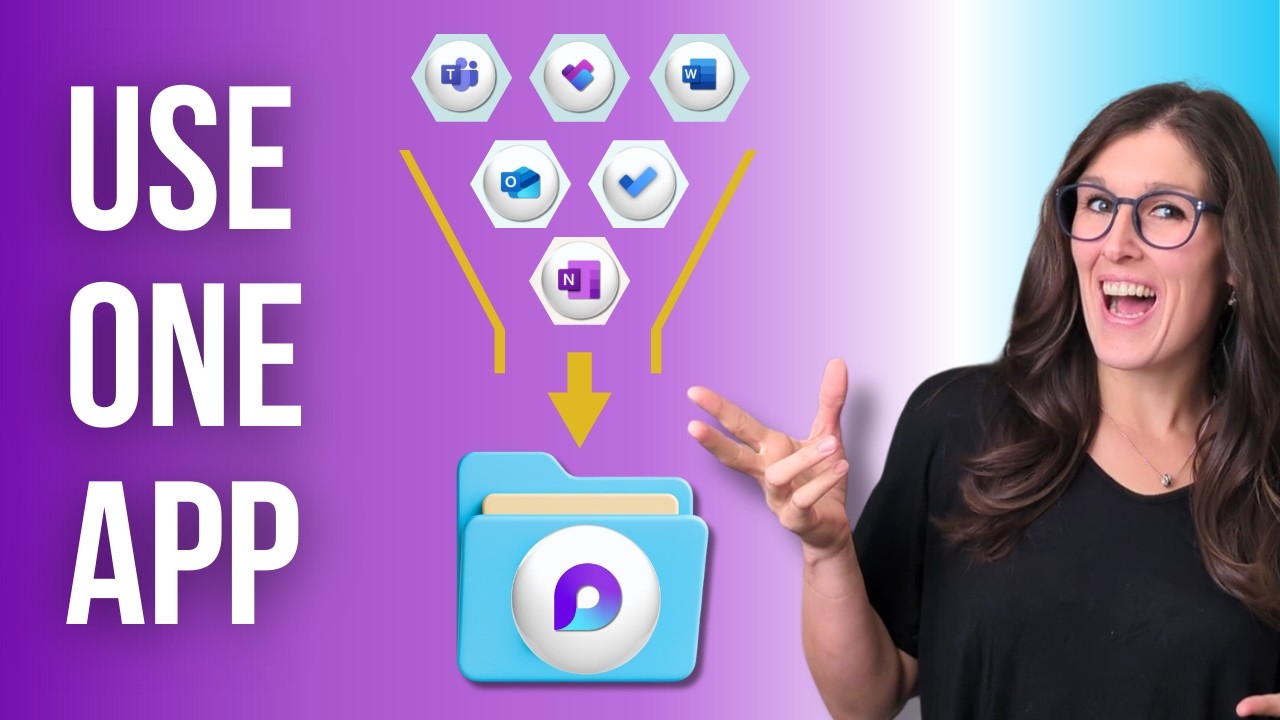
If you're work is scattered across Microsoft 365 then loop brings it all together in one app. And these are: 7 ways that you can use Loop in your daily workflows.
If you are a student, teacher, project manager, business owner or super nerd like me, then we have got you covered!
Let's nerd out 🤓
🟠 LOOP COURSE 🟠
7 Ways To use Loop in Daily Workflows
https://www.officeskillswithamy.com/microsoft-loop-training
🟡 FREE RESOURCES 🟡
eBook, Navigating Microsoft Passages:
https://www.officeskillswithamy.com/ebook
Loop Beginner Guide:
https://www.officeskillswithamy.com/microsoft-loop-beginner-guide
Copilot Agent Toolkit:
https://www.officeskillswithamy.com/copilot-agent-toolkit
💙 SUPPORT THE CHANNEL 💙
If you’ve learned something from my videos you can now Buy Me A Coffee:
https://www.officeskillswithamy.com/buy-me-a-coffee
🧠 1:1 PERSONALIZED COACHING 🧠
Work directly with Amy to streamline your Microsoft 365 workflows.
https://www.officeskillswithamy.com/microsoft-365-coaching
🍎 WHAT TO WATCH NEXT 🍎
https://youtu.be/touezL4sG3A
⏰ KEY MOMENTS
00:00 Loop SOLVES the #1 Problem in Microsoft 365 | Microsoft Loop Tutorial
00:14 What is Microsoft Loop?
00:37 Building blocks of Loop
01:37 Integration between Loop and Microsoft Teams
03:00 Templates
03:41 What is a Microsoft Loop Component?
05:12 Streamlined Collaboration
06:33 Project Management in Microsoft Loop
08:00 Microsoft Loop Status Area
08:24 Teams Meeting Notes
10:12 Loop Adapts to you
🤓 WELCOME TO OFFICE SKILLS WITH AMY
My tutorials offer Microsoft 365 training.
'Empowering businesses to streamline their Microsoft 365 Workflows.'
I simplify learning Microsoft 365 products so that you can navigate apps with confidence, increase productivity, and reclaim your time for meaningful work.
If you are a student, teacher, project manager, business owner or super nerd like me, then we have got you covered!
Let's nerd out 🤓
🟠 LOOP COURSE 🟠
7 Ways To use Loop in Daily Workflows
https://www.officeskillswithamy.com/microsoft-loop-training
🟡 FREE RESOURCES 🟡
eBook, Navigating Microsoft Passages:
https://www.officeskillswithamy.com/ebook
Loop Beginner Guide:
https://www.officeskillswithamy.com/microsoft-loop-beginner-guide
Copilot Agent Toolkit:
https://www.officeskillswithamy.com/copilot-agent-toolkit
💙 SUPPORT THE CHANNEL 💙
If you’ve learned something from my videos you can now Buy Me A Coffee:
https://www.officeskillswithamy.com/buy-me-a-coffee
🧠 1:1 PERSONALIZED COACHING 🧠
Work directly with Amy to streamline your Microsoft 365 workflows.
https://www.officeskillswithamy.com/microsoft-365-coaching
🍎 WHAT TO WATCH NEXT 🍎
https://youtu.be/touezL4sG3A
⏰ KEY MOMENTS
00:00 Loop SOLVES the #1 Problem in Microsoft 365 | Microsoft Loop Tutorial
00:14 What is Microsoft Loop?
00:37 Building blocks of Loop
01:37 Integration between Loop and Microsoft Teams
03:00 Templates
03:41 What is a Microsoft Loop Component?
05:12 Streamlined Collaboration
06:33 Project Management in Microsoft Loop
08:00 Microsoft Loop Status Area
08:24 Teams Meeting Notes
10:12 Loop Adapts to you
🤓 WELCOME TO OFFICE SKILLS WITH AMY
My tutorials offer Microsoft 365 training.
'Empowering businesses to streamline their Microsoft 365 Workflows.'
I simplify learning Microsoft 365 products so that you can navigate apps with confidence, increase productivity, and reclaim your time for meaningful work.
Tags and Topics
Browse our collection to discover more content in these categories.
Video Information
Views
48.4K
Likes
655
Duration
10:57
Published
Aug 12, 2025
User Reviews
4.5
(9) Related Trending Topics
LIVE TRENDSRelated trending topics. Click any trend to explore more videos.
No specific trending topics match this video yet.
Explore All Trends