Localize iOS App to Arabic Without Restart 🚀
Learn how to localize your iOS app to Arabic in Swift 4 without restarting the app or changing device language.

Swift Tutorials
15.2K views • Aug 18, 2018
About this video
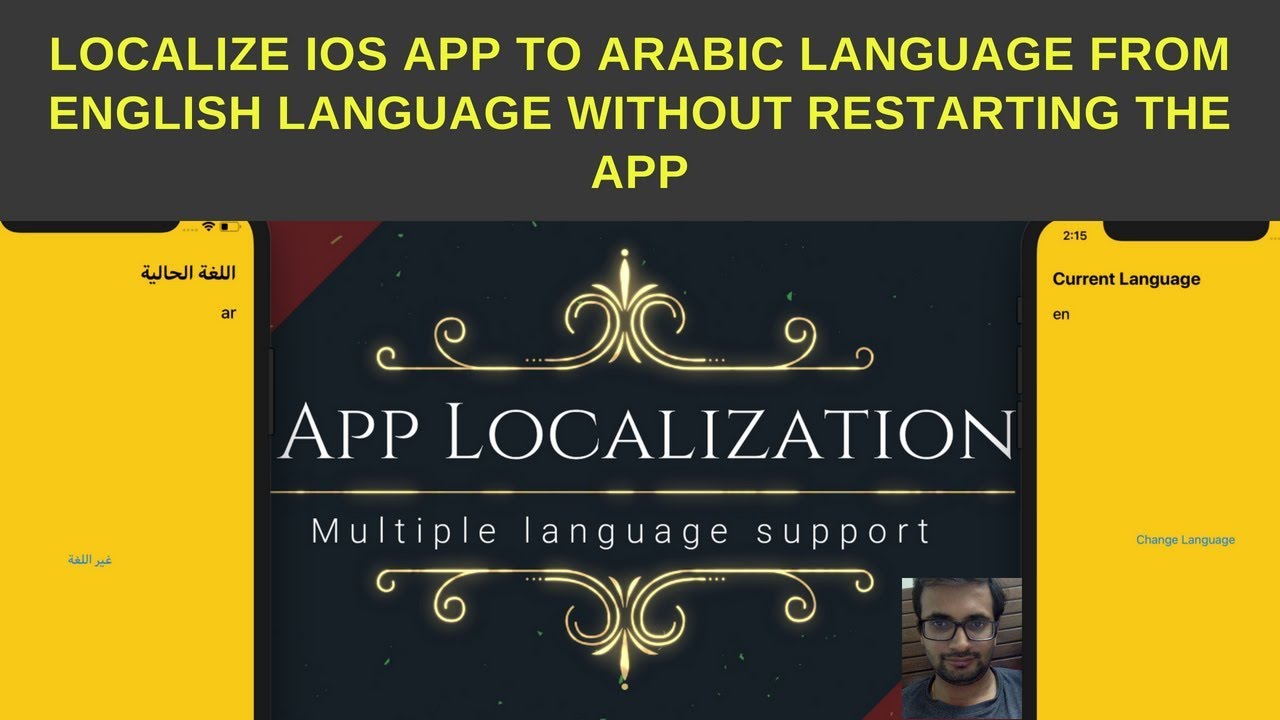
In this video, We will learn how to localize iOS app in swift 4 without changing the device language.With localisation what we mean an iOS app that support multiple languages.
Feature of this video tutorial:
1) User can change app language from inside of app.
2) App language will be independent of iOS device language.
3) App layout will be changed from left to right (LTR) to right to left (RTL) without letting user to restart or open the app in case of Arabic language support.
4) Learn about semanticContentAttribute property of iOS.
Source code: http://bit.ly/2wfSHKE
Feature of this video tutorial:
1) User can change app language from inside of app.
2) App language will be independent of iOS device language.
3) App layout will be changed from left to right (LTR) to right to left (RTL) without letting user to restart or open the app in case of Arabic language support.
4) Learn about semanticContentAttribute property of iOS.
Source code: http://bit.ly/2wfSHKE
Tags and Topics
Browse our collection to discover more content in these categories.
Video Information
Views
15.2K
Likes
224
Duration
17:10
Published
Aug 18, 2018
User Reviews
4.6
(3) Related Trending Topics
LIVE TRENDSRelated trending topics. Click any trend to explore more videos.
No specific trending topics match this video yet.
Explore All Trends