Localize iOS Apps with String Catalogs in Xcode 15
Learn how to translate and localize your iOS app using string catalogs in Xcode 15 for better global reach. 🌍

Karin Prater
21.4K views • Sep 19, 2023
About this video
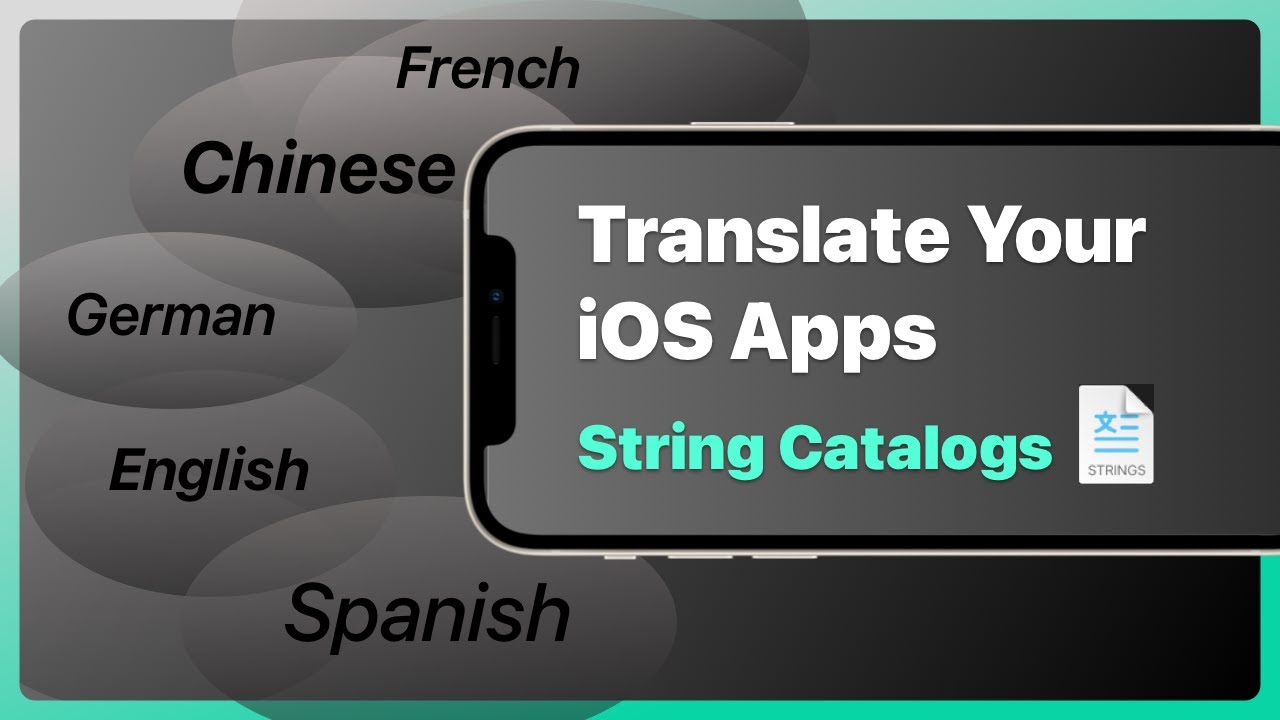
In this tutorial, I show you how to translate and localize an iOS app with string catalogs in Xcode 15. Localizing your app and managing string resources can be a difficult task, but with the new string catalogs feature in Xcode 15, it has become much easier. In this video, I walk you through the process of working with string catalogs and converting an existing project.
First, I demonstrate how to create a new string catalog in a completely new project. String catalogs are based on the same file as the legacy strings files, which means you can use string catalogs for projects that support older iOS versions as well.
Next, I guide you through the process of adding translations for different languages in the string catalog. I show you how to add languages like German and French, and how to add translations for specific strings. I also explain how Xcode automatically tracks all the strings in your project and shows you which ones are localized and which ones are not.
I then demonstrate how to test the translations in the simulator and in SwiftUI previews. I show you how to change the language settings in the simulator and how to generate new locales for testing different languages in SwiftUI previews.
After that, I explain how to migrate an existing project from using localizable strings files to using string catalogs. I show you how to automatically migrate the strings files to the new string catalog and how to localize other files like the Info.plist file.
Next, I discuss more advanced cases like handling plural forms and formatting dates in different languages. I explain how to handle plurals using the localized string resource.
⬇️ Download the example files from https://github.com/gahntpo/LocalizationProject
📃 Get the summary in this blog post https://www.swiftyplace.com/blog/localization-ios-app-xcode-15
00:00 Introduction
00:38 Adding String Catalog
03:02 Testing localization in the simulator
04:33 Localization in Xcode preview with Locale
05:43 Migrating an old project to the new swift catalogs
06:41 Translating info plist files
07:58 What resources are added to string catalog
12:11 Translating enum values for picker display texts
15:55 Working with multiple string catalog files
18:29 Exporting string catalog files for translations
20:14 Translating with plurals
27:10 Wrap up
If you liked what you learned and you want to see more, check out one of my courses!
👨💻 my SwiftUI course https://learn.swiftyplace.com/swiftui-layout-course
👨💻 my Core Data and SwiftUI course https://learn.swiftyplace.com/swiftui-core-data-mastery-course
#swiftui #xcode
First, I demonstrate how to create a new string catalog in a completely new project. String catalogs are based on the same file as the legacy strings files, which means you can use string catalogs for projects that support older iOS versions as well.
Next, I guide you through the process of adding translations for different languages in the string catalog. I show you how to add languages like German and French, and how to add translations for specific strings. I also explain how Xcode automatically tracks all the strings in your project and shows you which ones are localized and which ones are not.
I then demonstrate how to test the translations in the simulator and in SwiftUI previews. I show you how to change the language settings in the simulator and how to generate new locales for testing different languages in SwiftUI previews.
After that, I explain how to migrate an existing project from using localizable strings files to using string catalogs. I show you how to automatically migrate the strings files to the new string catalog and how to localize other files like the Info.plist file.
Next, I discuss more advanced cases like handling plural forms and formatting dates in different languages. I explain how to handle plurals using the localized string resource.
⬇️ Download the example files from https://github.com/gahntpo/LocalizationProject
📃 Get the summary in this blog post https://www.swiftyplace.com/blog/localization-ios-app-xcode-15
00:00 Introduction
00:38 Adding String Catalog
03:02 Testing localization in the simulator
04:33 Localization in Xcode preview with Locale
05:43 Migrating an old project to the new swift catalogs
06:41 Translating info plist files
07:58 What resources are added to string catalog
12:11 Translating enum values for picker display texts
15:55 Working with multiple string catalog files
18:29 Exporting string catalog files for translations
20:14 Translating with plurals
27:10 Wrap up
If you liked what you learned and you want to see more, check out one of my courses!
👨💻 my SwiftUI course https://learn.swiftyplace.com/swiftui-layout-course
👨💻 my Core Data and SwiftUI course https://learn.swiftyplace.com/swiftui-core-data-mastery-course
#swiftui #xcode
Tags and Topics
Browse our collection to discover more content in these categories.
Video Information
Views
21.4K
Likes
601
Duration
28:04
Published
Sep 19, 2023
User Reviews
4.6
(4) Related Trending Topics
LIVE TRENDSRelated trending topics. Click any trend to explore more videos.
No specific trending topics match this video yet.
Explore All Trends