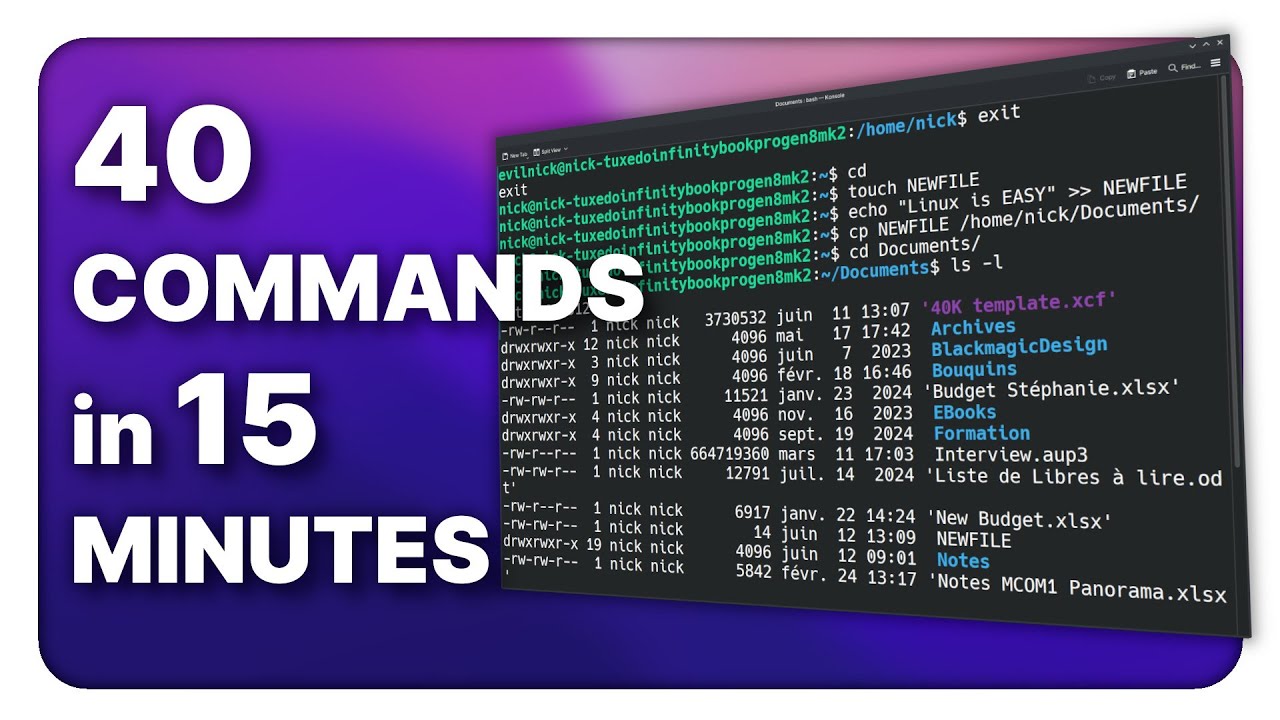
Learn the LINUX COMMAND LINE: 40 commands in 15 minutes !
Try Kasm Workspaces to stream any desktop, app or OS to your web browser: https://kasmweb.com/community-edition https://kasmweb.com/cloud-personal Grab a br...

The Linux Experiment
34.3K views • Jun 12, 2025
About this video
Try Kasm Workspaces to stream any desktop, app or OS to your web browser:
https://kasmweb.com/community-edition
https://kasmweb.com/cloud-personal
Grab a brand new laptop or desktop running Linux: https://www.tuxedocomputers.com/en# https://www.youtube.com/watch?v=3d65Mnr8onE
More terminal utilities:
https://youtu.be/nCS4BtJ34-o
https://youtu.be/kFh1acsQ8DQ
👏 SUPPORT THE CHANNEL:
Get access to:
- a Daily Linux News show
- a weekly patroncast for more thoughts
- your name in the credits
YouTube: https://www.youtube.com/@TheLinuxEXP/join
Patreon: https://www.patreon.com/thelinuxexperiment
Or, you can donate whatever you want:
https://paypal.me/thelinuxexp
Liberapay: https://liberapay.com/TheLinuxExperiment/
👕 GET TLE MERCH
Support the channel AND get cool new gear: https://the-linux-experiment.creator-spring.com/
Timestamps:
00:00 Intro
00:59 Sponsor: Kasm Workspaces
01:50 pwd: see where you are
02:17 cd: move to another directory
03:08 ls: list files and directories
03:37 mkdir: create a new directory
04:07 echo: add text to a file
05:10 nano: text editor
05:35 cat or less: display the contents of a file
06:38 find: search for files or directories
07:01 chmod: change permissions
07:36 cp: copy a file somewhere else
07:48 mv: move a file somewhere else
08:00 cmp: compare 2 files
08:12 rm & rmdir: delete a file or directory
08:49 ln: create a link to folder or file
09:37 zip & unzip: compress files and folders
09:56 which & whereis: find where files are located
10:18 sudo: run as administrateur
10:37 clear & ctrl+L: clean up the terminal window
10:51 history: display your terminal history
10:57 whoami: know which user you're logged in as
11:05 adduser: create a new user
11:15 su: switch to a user
12:05 passwd: change the user password
12:33 man & --help: learn the ins and outs of all commands
12:56 whatis: get the tldr about a program
13:11 ifconfig: details about your internet connection
13:22 grep: filter out the output of a command
14:31 free: check out your free RAM
14:38 df: look at your free disk space
15:08 top & htop: a system monitor
15:32 kill & pkill: terminate processes
16:49 Sponsor: Tuxedo Computer
17:29 Support the channel
#linux #linuxtutorial #commandline
https://kasmweb.com/community-edition
https://kasmweb.com/cloud-personal
Grab a brand new laptop or desktop running Linux: https://www.tuxedocomputers.com/en# https://www.youtube.com/watch?v=3d65Mnr8onE
More terminal utilities:
https://youtu.be/nCS4BtJ34-o
https://youtu.be/kFh1acsQ8DQ
👏 SUPPORT THE CHANNEL:
Get access to:
- a Daily Linux News show
- a weekly patroncast for more thoughts
- your name in the credits
YouTube: https://www.youtube.com/@TheLinuxEXP/join
Patreon: https://www.patreon.com/thelinuxexperiment
Or, you can donate whatever you want:
https://paypal.me/thelinuxexp
Liberapay: https://liberapay.com/TheLinuxExperiment/
👕 GET TLE MERCH
Support the channel AND get cool new gear: https://the-linux-experiment.creator-spring.com/
Timestamps:
00:00 Intro
00:59 Sponsor: Kasm Workspaces
01:50 pwd: see where you are
02:17 cd: move to another directory
03:08 ls: list files and directories
03:37 mkdir: create a new directory
04:07 echo: add text to a file
05:10 nano: text editor
05:35 cat or less: display the contents of a file
06:38 find: search for files or directories
07:01 chmod: change permissions
07:36 cp: copy a file somewhere else
07:48 mv: move a file somewhere else
08:00 cmp: compare 2 files
08:12 rm & rmdir: delete a file or directory
08:49 ln: create a link to folder or file
09:37 zip & unzip: compress files and folders
09:56 which & whereis: find where files are located
10:18 sudo: run as administrateur
10:37 clear & ctrl+L: clean up the terminal window
10:51 history: display your terminal history
10:57 whoami: know which user you're logged in as
11:05 adduser: create a new user
11:15 su: switch to a user
12:05 passwd: change the user password
12:33 man & --help: learn the ins and outs of all commands
12:56 whatis: get the tldr about a program
13:11 ifconfig: details about your internet connection
13:22 grep: filter out the output of a command
14:31 free: check out your free RAM
14:38 df: look at your free disk space
15:08 top & htop: a system monitor
15:32 kill & pkill: terminate processes
16:49 Sponsor: Tuxedo Computer
17:29 Support the channel
#linux #linuxtutorial #commandline
Tags and Topics
Browse our collection to discover more content in these categories.
Video Information
Views
34.3K
Likes
2.2K
Duration
18:23
Published
Jun 12, 2025
User Reviews
4.7
(6) Related Trending Topics
LIVE TRENDSRelated trending topics. Click any trend to explore more videos.
No specific trending topics match this video yet.
Explore All Trends