✔ Lasso Tool | Polygonal Lasso Tool | Magnetic Lasso Tool | Photoshop Tutorial | Artose
Photoshop Playlist https://www.youtube.com/playlist?list=PL-IowgdSczqd5nBstLhZtslVC-rlctJEP 🟦 Facebook - https://www.facebook.com/artoseofficial 🟦 Ins...

A R T O S E
41.3K views • Dec 28, 2019
About this video
Photoshop Playlist
https://www.youtube.com/playlist?list=PL-IowgdSczqd5nBstLhZtslVC-rlctJEP
🟦 Facebook - https://www.facebook.com/artoseofficial
🟦 Instagram - https://www.instagram.com/artoseofficial
🟦 Twitter - https://twitter.com/artoseofficial
🟦 Telegram - https://t.me/artoseofficial
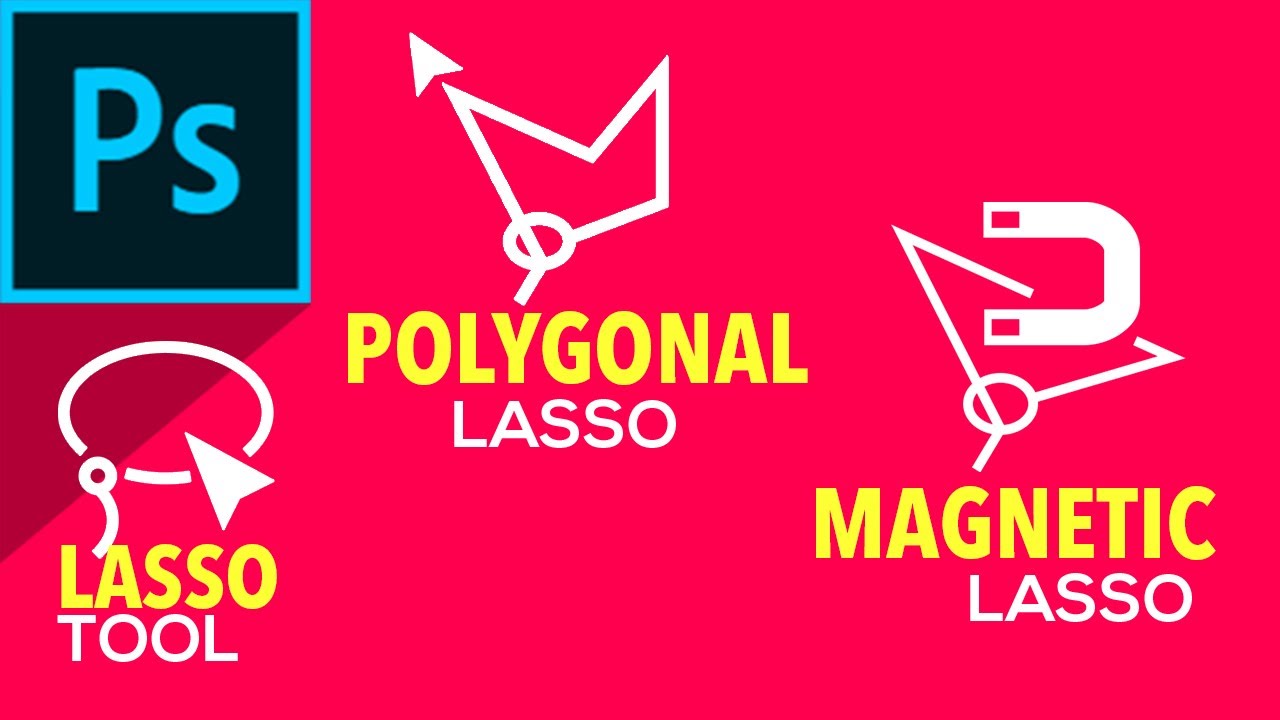
In this tutorial we will learn the Lasso Tool, Polygon Lasso Tool and Magnetic Lasso Tool in Photoshop .Lasso tools are a type of Selection tool in Photoshop.It allows you more flexible ways to make selections around objects.While the Lasso tool offers a freeform method of selection ,the Polygonal Lasso Tool lets you click points to make a polygonal selection of any number of sides and the Magnetic Lasso tools brings you the power to automatically detect precise edges of an objects without laboring manually.I would recommend watching my other photoshop Tutorials on the marquee tools , the magic wand tool and the quick selection tool to get a comprehensive idea of how selection tools work in photoshop.
We will cover the following:
Intro 0:00
Lasso Tool 0:30
New Selections 0:59
Add Selection 1:07
Subtract Selection 1:17
Intersect Selections 1:27
Anti -alias 1:50
Feather 2:27
Polygon Lasso Tool 2:56
Close selection 3:15
Straight Perpendicular Lines 3:36
Magnetic Lasso Tool 3:50
Width Option 4:41
Contrast Option 6:32
Frequency Option 7:03
Delete Anchor Points 7:57
LINKS
✔️Marquee Tools Photoshop | Selection tools in Photoshop Part-1
( https://youtu.be/b5ZgqI088E0 )
#photoshop
#LassoTool_PolygonLasso_ToolMagneticLassoTool
#PhotoshopTutorial
#artose
https://www.youtube.com/playlist?list=PL-IowgdSczqd5nBstLhZtslVC-rlctJEP
🟦 Facebook - https://www.facebook.com/artoseofficial
🟦 Instagram - https://www.instagram.com/artoseofficial
🟦 Twitter - https://twitter.com/artoseofficial
🟦 Telegram - https://t.me/artoseofficial
In this tutorial we will learn the Lasso Tool, Polygon Lasso Tool and Magnetic Lasso Tool in Photoshop .Lasso tools are a type of Selection tool in Photoshop.It allows you more flexible ways to make selections around objects.While the Lasso tool offers a freeform method of selection ,the Polygonal Lasso Tool lets you click points to make a polygonal selection of any number of sides and the Magnetic Lasso tools brings you the power to automatically detect precise edges of an objects without laboring manually.I would recommend watching my other photoshop Tutorials on the marquee tools , the magic wand tool and the quick selection tool to get a comprehensive idea of how selection tools work in photoshop.
We will cover the following:
Intro 0:00
Lasso Tool 0:30
New Selections 0:59
Add Selection 1:07
Subtract Selection 1:17
Intersect Selections 1:27
Anti -alias 1:50
Feather 2:27
Polygon Lasso Tool 2:56
Close selection 3:15
Straight Perpendicular Lines 3:36
Magnetic Lasso Tool 3:50
Width Option 4:41
Contrast Option 6:32
Frequency Option 7:03
Delete Anchor Points 7:57
LINKS
✔️Marquee Tools Photoshop | Selection tools in Photoshop Part-1
( https://youtu.be/b5ZgqI088E0 )
#photoshop
#LassoTool_PolygonLasso_ToolMagneticLassoTool
#PhotoshopTutorial
#artose
Tags and Topics
Browse our collection to discover more content in these categories.
Video Information
Views
41.3K
Likes
606
Duration
8:25
Published
Dec 28, 2019
User Reviews
4.6
(8) Related Trending Topics
LIVE TRENDSRelated trending topics. Click any trend to explore more videos.
Trending Now