Photoshop Lasso Tool Tips: 10 Pro Secrets ✂️
Master Photoshop's Lasso Tool with 10 expert tips to make better selections. Download the Creator's Toolkit for more! https://nucly.com/toolkit

Nucly • Photoshop and Creative Design Training
11.1K views • Feb 17, 2025
About this video
Download the Photoshop Creator's Toolkit here: https://nucly.com/toolkit
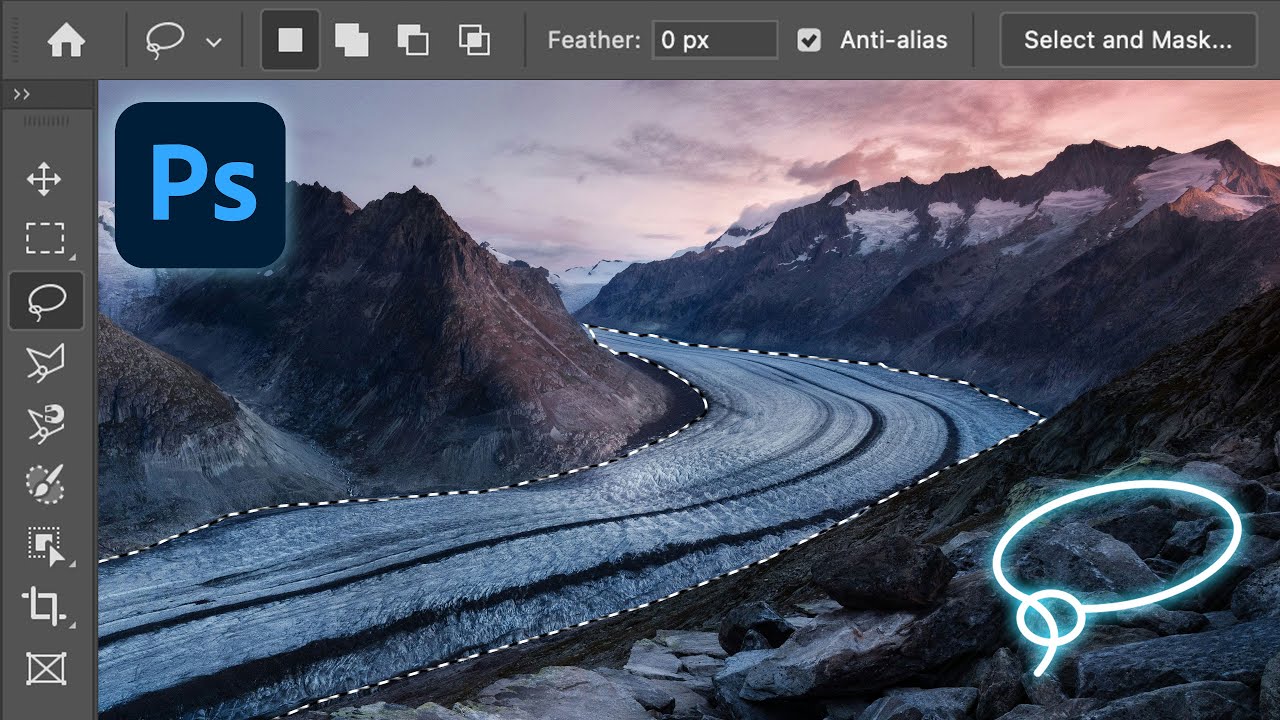
Unlock the full potential of Photoshop’s Lasso Tool with these 10 powerful tips and tricks! In this tutorial, I’ll show you how to make precise selections, work faster, and take full advantage of the Lasso, Polygonal, and Magnetic Lasso tools. Whether you're a beginner or an advanced user, these tips will help you refine your workflow and improve your selections.
🚀 What You’ll Learn:
• How to seamlessly switch between Lasso and Polygonal Lasso
• Time-saving shortcuts for adding, subtracting, and intersecting selections
• Tips for feathering, refining, and modifying selections
• Hidden features of the Magnetic Lasso for faster, smarter selections
• How to convert selections into editable paths for more control
⏱️ Timestamps for Easy Navigation:
00:00 - Introduction
00:30 - Tip 1: Switch Between the Lasso and Polygonal Lasso On the Fly
01:43 - Tip 2: Shortcuts for Adding, Subtracting, and Intersecting Selections
03:10 - Tip 3: Set Feathering Before Making a Selection
04:38 - Tip 4: Feather a Selection After Making It
05:50 - Tip 5: Magnetic Lasso - Auto-Select with Control
08:15 - Tip 6: Change the Magnetic Lasso Width with Brackets
09:29 - Tip 7: Zoom In or Out While Making a Lasso Selection
11:06 - Tip 8: Delete Key Removes Unwanted Anchor Points
12:03 - Tip 9: Quickly Reselect Your Last Selection
13:24 - Tip 10: Convert a Lasso Selection into a Precise Path
If you found these tips helpful, don’t forget to like, subscribe, and drop a comment letting me know which tip was your favorite!
—
Don’t forget to SUBSCRIBE and turn on notifications! And likes and shares help a lot too!
Check out my full professional Photoshop training courses here: https://www.nucly.com/courses
And all my asset packs here: https://www.nucly.com/tools
—
Follow me:
Professional Training - https://www.nucly.com
Blog - https://zevendesign.com
Facebook - https://www.facebook.com/zevendesign
Instagram - https://www.instagram.com/zevendesign
500px - https://500px.com/rikardrodin
Unlock the full potential of Photoshop’s Lasso Tool with these 10 powerful tips and tricks! In this tutorial, I’ll show you how to make precise selections, work faster, and take full advantage of the Lasso, Polygonal, and Magnetic Lasso tools. Whether you're a beginner or an advanced user, these tips will help you refine your workflow and improve your selections.
🚀 What You’ll Learn:
• How to seamlessly switch between Lasso and Polygonal Lasso
• Time-saving shortcuts for adding, subtracting, and intersecting selections
• Tips for feathering, refining, and modifying selections
• Hidden features of the Magnetic Lasso for faster, smarter selections
• How to convert selections into editable paths for more control
⏱️ Timestamps for Easy Navigation:
00:00 - Introduction
00:30 - Tip 1: Switch Between the Lasso and Polygonal Lasso On the Fly
01:43 - Tip 2: Shortcuts for Adding, Subtracting, and Intersecting Selections
03:10 - Tip 3: Set Feathering Before Making a Selection
04:38 - Tip 4: Feather a Selection After Making It
05:50 - Tip 5: Magnetic Lasso - Auto-Select with Control
08:15 - Tip 6: Change the Magnetic Lasso Width with Brackets
09:29 - Tip 7: Zoom In or Out While Making a Lasso Selection
11:06 - Tip 8: Delete Key Removes Unwanted Anchor Points
12:03 - Tip 9: Quickly Reselect Your Last Selection
13:24 - Tip 10: Convert a Lasso Selection into a Precise Path
If you found these tips helpful, don’t forget to like, subscribe, and drop a comment letting me know which tip was your favorite!
—
Don’t forget to SUBSCRIBE and turn on notifications! And likes and shares help a lot too!
Check out my full professional Photoshop training courses here: https://www.nucly.com/courses
And all my asset packs here: https://www.nucly.com/tools
—
Follow me:
Professional Training - https://www.nucly.com
Blog - https://zevendesign.com
Facebook - https://www.facebook.com/zevendesign
Instagram - https://www.instagram.com/zevendesign
500px - https://500px.com/rikardrodin
Tags and Topics
Browse our collection to discover more content in these categories.
Video Information
Views
11.1K
Likes
392
Duration
15:36
Published
Feb 17, 2025
User Reviews
4.6
(2) Related Trending Topics
LIVE TRENDSRelated trending topics. Click any trend to explore more videos.