iOS 15 Settings You Need To Turn Off Now
David & David tell you about fifteen iOS 15 settings you should turn off now. There are several new iOS 15 settings you need to know about, and some older se...
Payette Forward
9.4M views • Sep 20, 2021
About this video
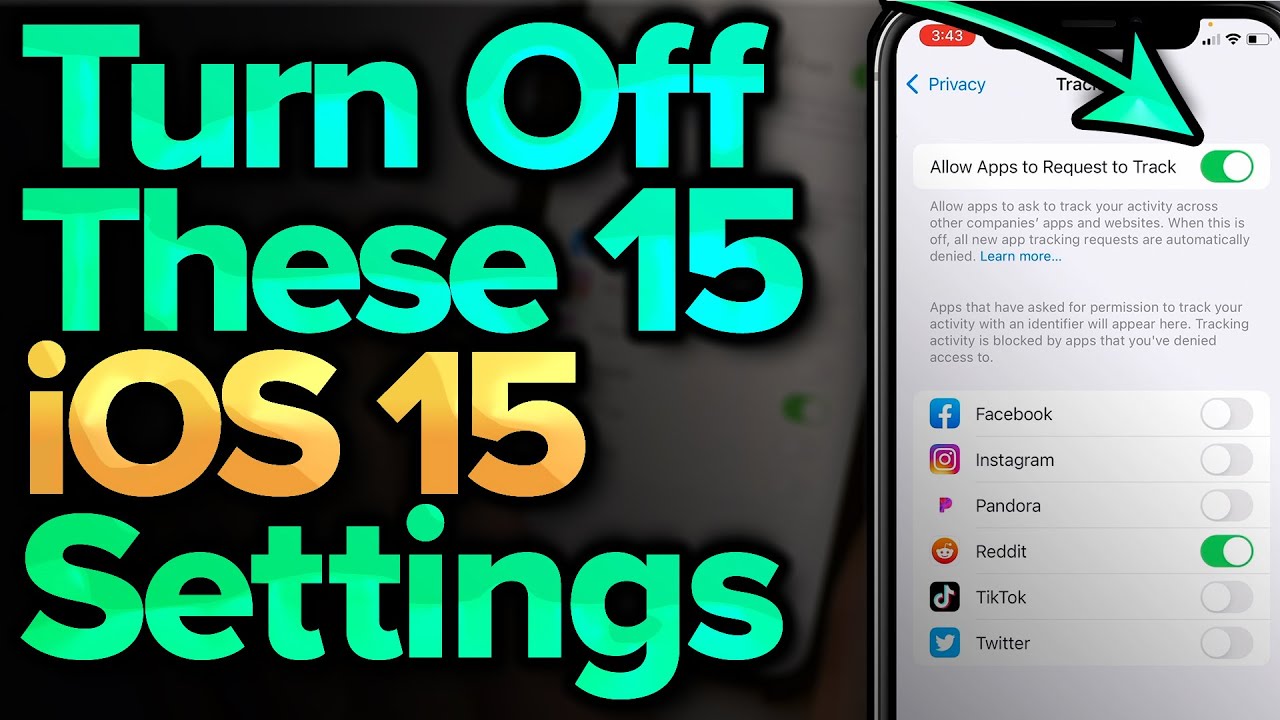
David & David tell you about fifteen iOS 15 settings you should turn off now. There are several new iOS 15 settings you need to know about, and some older settings have a way of getting turned on again after an update.
0:00 Introduction
0:18 Stop Allowing Apps To Request To Track You
1:29 Choose Location Services Wisely
2:36 Turn Off Unnecessary System Services
4:03 Turn Off Significant Locations
4:25 Turn Off Product Improvement
4:41 Turn Off Analytics & Improvements
5:26 Turn Off Personalized Ads
5:56 Turn Off Sensor & Usage Data Collection
6:26 Make Sure Privacy Protection Is Turned On
6:43 Turn Off Push Mail
7:23 Turn Off Back Up Over Cellular
8:22 Turn Off Cellular Data For iCloud Drive
9:08 Stop Photos From Burning Through Your Cellular Data
10:14 Turn Off Preload Top Hit
10:54 Close Tabs Automatically
11:37 Set Background App Refresh To Wi-Fi
📱 iOS 15 settings to turn on now: https://www.youtube.com/watch?v=JJ8DpQIA35I&list=PLZ6vj1GD_4H7S8kRtJvhA0jUl0K1GqZlM&index=3
🔋 iOS 15 battery tips: https://www.youtube.com/watch?v=a3VG6CEkqo8&list=PLZ6vj1GD_4H7S8kRtJvhA0jUl0K1GqZlM&index=18
🍎 Learn more about iOS 15: https://youtu.be/8J-RoZXzLaQ
For more iPhone help, visit https://www.payetteforward.com
Compare every cell phone, every plan, and coverage maps on UpPhone: https://www.upphone.com
Get Social With Payette Forward:
On Facebook: https://www.facebook.com/payetteforwardinc
On Instagram: https://www.instagram.com/payetteforward
On Twitter: https://twitter.com/payetteforward
#iPhone #iOS15
0:00 Introduction
0:18 Stop Allowing Apps To Request To Track You
1:29 Choose Location Services Wisely
2:36 Turn Off Unnecessary System Services
4:03 Turn Off Significant Locations
4:25 Turn Off Product Improvement
4:41 Turn Off Analytics & Improvements
5:26 Turn Off Personalized Ads
5:56 Turn Off Sensor & Usage Data Collection
6:26 Make Sure Privacy Protection Is Turned On
6:43 Turn Off Push Mail
7:23 Turn Off Back Up Over Cellular
8:22 Turn Off Cellular Data For iCloud Drive
9:08 Stop Photos From Burning Through Your Cellular Data
10:14 Turn Off Preload Top Hit
10:54 Close Tabs Automatically
11:37 Set Background App Refresh To Wi-Fi
📱 iOS 15 settings to turn on now: https://www.youtube.com/watch?v=JJ8DpQIA35I&list=PLZ6vj1GD_4H7S8kRtJvhA0jUl0K1GqZlM&index=3
🔋 iOS 15 battery tips: https://www.youtube.com/watch?v=a3VG6CEkqo8&list=PLZ6vj1GD_4H7S8kRtJvhA0jUl0K1GqZlM&index=18
🍎 Learn more about iOS 15: https://youtu.be/8J-RoZXzLaQ
For more iPhone help, visit https://www.payetteforward.com
Compare every cell phone, every plan, and coverage maps on UpPhone: https://www.upphone.com
Get Social With Payette Forward:
On Facebook: https://www.facebook.com/payetteforwardinc
On Instagram: https://www.instagram.com/payetteforward
On Twitter: https://twitter.com/payetteforward
#iPhone #iOS15
Tags and Topics
Browse our collection to discover more content in these categories.
Video Information
Views
9.4M
Likes
407.3K
Duration
13:12
Published
Sep 20, 2021
User Reviews
4.9
(1871) Related Trending Topics
LIVE TRENDSRelated trending topics. Click any trend to explore more videos.
No specific trending topics match this video yet.
Explore All Trends