Essential Windows 11 Settings You Need to Adjust Immediately
Join over 400,000 professionals who trust our courses to master Windows 11. Learn the key settings to optimize your experience and navigate Windows 11 like a pro.

Leila Gharani
1.8M views • Jan 6, 2022
About this video
🔥 400,000+ professionals trust our courses—start your journey here 👉 https://link.xelplus.com/yt-d-all-courses
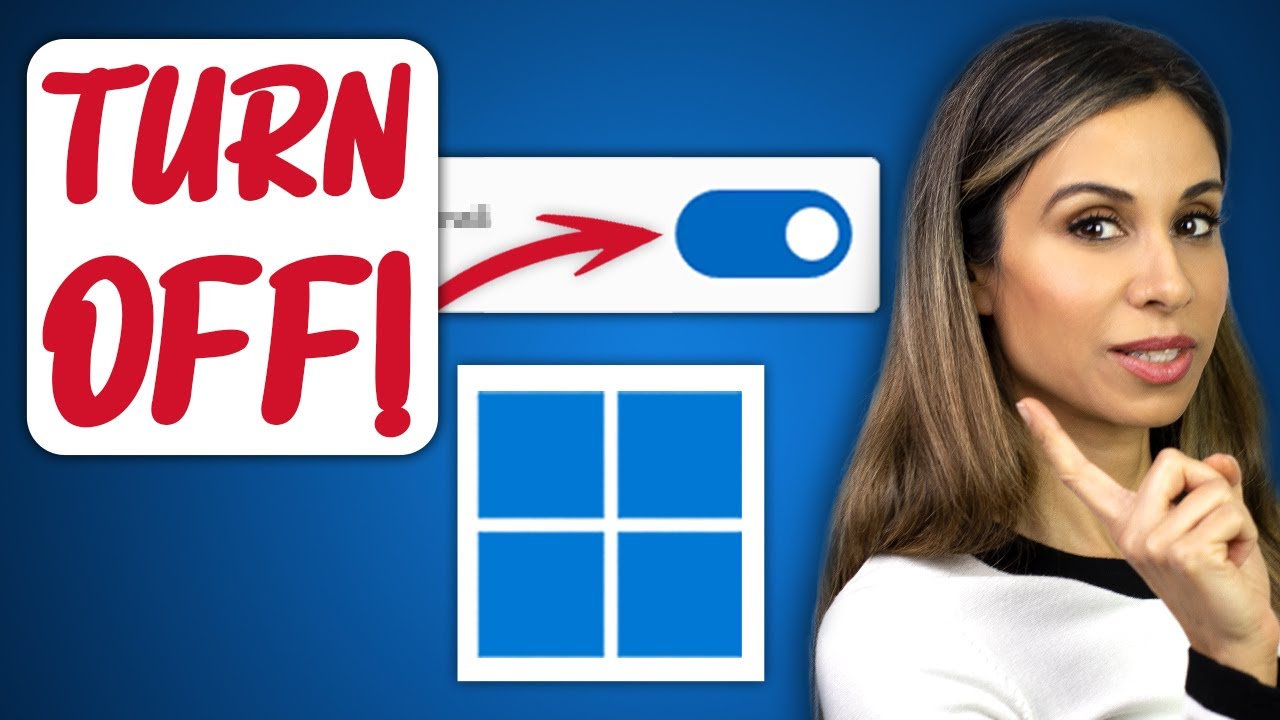
Navigate through Windows 11 like a pro with our guide on essential settings to tweak for a smoother, more private, and clutter-free experience. Learn which default settings you might want to change immediately to enhance both privacy and usability in Windows 11.
🖥️ What You'll Learn:
▪️ Clear the Clutter: Simplify your Start menu and jump list by turning off certain options in the Personalization settings.
▪️ Stop Annoying Notifications: Disable Windows tips and suggestions to avoid unnecessary distractions.
▪️ Block Ads: Learn how to remove promoted apps and suggested content across various parts of Windows 11.
▪️ Enhance Privacy: Adjust settings in the Privacy and Security section to control what data you share with Windows.
▪️ Control App Permissions: Fine-tune which apps have access to your location, camera, microphone, and more for added security.
▪️ Safe App Installation: Set preferences for app installations to protect your PC from unwanted or unsafe applications.
▪️ Manage Startup Apps: Optimize your system's boot time by managing startup programs effectively.
▪️ Switch to a Local Account: If you prefer more privacy, learn how to switch from a Microsoft account to a local account.
00:00 Change These Windows 11 Settings Right Away
00:26 Recommended Items
01:13 Notifications and Ads
01:52 Privacy
02:53 App Permissions
03:49 Block Apps
04:24 Startup Apps
05:06 Sign In With Local Account
06:00 Wrap Up
🎬 LINKS to related videos:
- Windows 11 Review: https://youtu.be/ClYn9i-XueE
- Free Windows Apps: https://youtu.be/fzX8upOEppw
🎒 Get the Official XelPlus MERCH: https://xelplus.creator-spring.com/
➡️ Join this channel to get access to perks: https://www.youtube.com/channel/UCJtUOos_MwJa_Ewii-R3cJA/join
🎓 Not sure which of my Excel courses fits best for you? Take the quiz: https://www.xelplus.com/course-quiz/
🎥 RESOURCES I recommend: https://www.xelplus.com/resources/
🚩Let’s connect on social:
Instagram: https://www.instagram.com/lgharani
LinkedIn: https://www.linkedin.com/company/xelplus
Note: This description contains affiliate links, which means at no additional cost to you, we will receive a small commission if you make a purchase using the links. This helps support the channel and allows us to continue to make videos like this. Thank you for your support!
#windows11 #windows
Navigate through Windows 11 like a pro with our guide on essential settings to tweak for a smoother, more private, and clutter-free experience. Learn which default settings you might want to change immediately to enhance both privacy and usability in Windows 11.
🖥️ What You'll Learn:
▪️ Clear the Clutter: Simplify your Start menu and jump list by turning off certain options in the Personalization settings.
▪️ Stop Annoying Notifications: Disable Windows tips and suggestions to avoid unnecessary distractions.
▪️ Block Ads: Learn how to remove promoted apps and suggested content across various parts of Windows 11.
▪️ Enhance Privacy: Adjust settings in the Privacy and Security section to control what data you share with Windows.
▪️ Control App Permissions: Fine-tune which apps have access to your location, camera, microphone, and more for added security.
▪️ Safe App Installation: Set preferences for app installations to protect your PC from unwanted or unsafe applications.
▪️ Manage Startup Apps: Optimize your system's boot time by managing startup programs effectively.
▪️ Switch to a Local Account: If you prefer more privacy, learn how to switch from a Microsoft account to a local account.
00:00 Change These Windows 11 Settings Right Away
00:26 Recommended Items
01:13 Notifications and Ads
01:52 Privacy
02:53 App Permissions
03:49 Block Apps
04:24 Startup Apps
05:06 Sign In With Local Account
06:00 Wrap Up
🎬 LINKS to related videos:
- Windows 11 Review: https://youtu.be/ClYn9i-XueE
- Free Windows Apps: https://youtu.be/fzX8upOEppw
🎒 Get the Official XelPlus MERCH: https://xelplus.creator-spring.com/
➡️ Join this channel to get access to perks: https://www.youtube.com/channel/UCJtUOos_MwJa_Ewii-R3cJA/join
🎓 Not sure which of my Excel courses fits best for you? Take the quiz: https://www.xelplus.com/course-quiz/
🎥 RESOURCES I recommend: https://www.xelplus.com/resources/
🚩Let’s connect on social:
Instagram: https://www.instagram.com/lgharani
LinkedIn: https://www.linkedin.com/company/xelplus
Note: This description contains affiliate links, which means at no additional cost to you, we will receive a small commission if you make a purchase using the links. This helps support the channel and allows us to continue to make videos like this. Thank you for your support!
#windows11 #windows
Tags and Topics
Browse our collection to discover more content in these categories.
Video Information
Views
1.8M
Likes
61.9K
Duration
6:32
Published
Jan 6, 2022
User Reviews
4.8
(369) Related Trending Topics
LIVE TRENDSRelated trending topics. Click any trend to explore more videos.
No specific trending topics match this video yet.
Explore All Trends