Switch to Orca Slicer for Bambu Lab 3D Printer 🚀
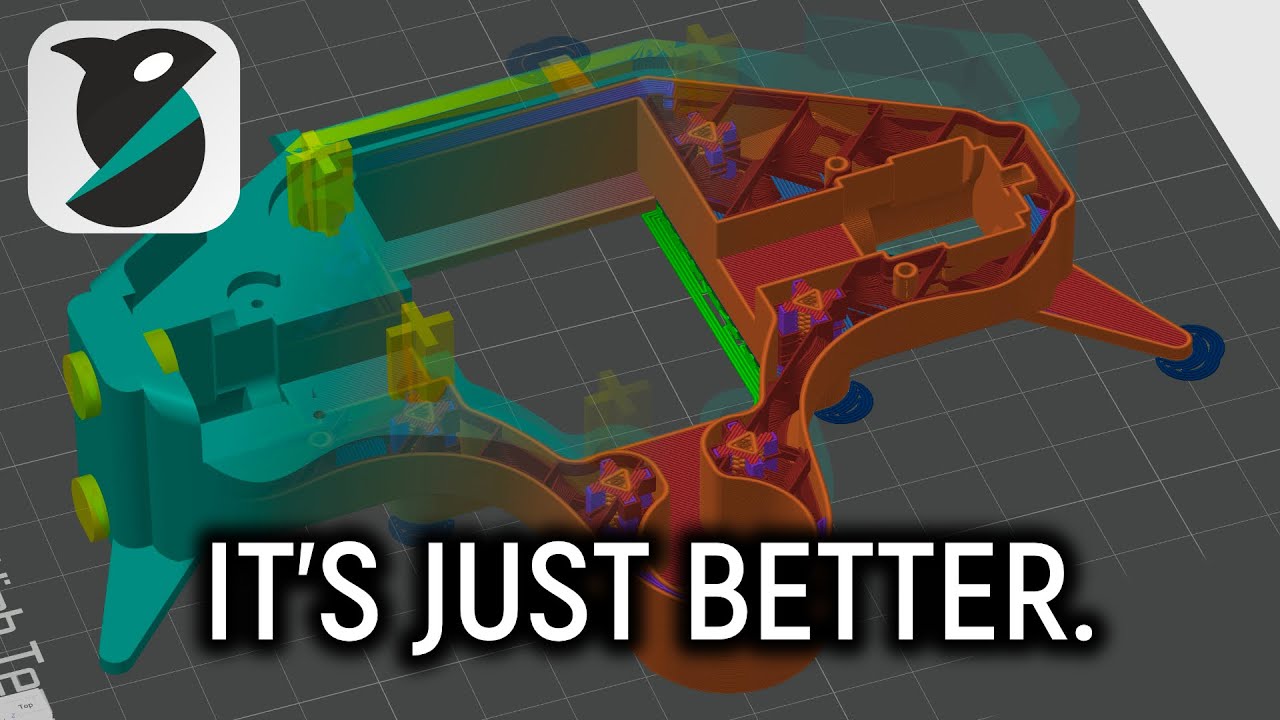
Learn how to switch to Orca Slicer for your Bambu Lab 3D Printer. Get the eBook, GitHub link, and join the Maker's Muse Community!
Maker's Muse
308.3K views • Feb 27, 2025
About this video
3D Printing eBook - https://makersmuse.store/b/zwj7c
Orca Slicer GitHub - https://github.com/SoftFever/OrcaSlicer
Join the Maker's Muse Community - https://www.makersmuse.com/maker-s-muse-community
3D Printing Quick Start Guide - https://www.makersmuse.com/fdm-fff-3d-printing-quick-start-guide
Timestamps:
0:00 Intro
0:24 Why Orca Slicer?
1:53 Bambu Lab Firmware Update Concerns
3:05 Setting up Orca Slicer
4:47 Awesome settings to know about
6:17 Bridge counterbore holes
7:53 Make overhangs printable
9:09 Ensure vertical shell thickness control
12:41 Example Orca Slicer project
Orca Slicer GitHub - https://github.com/SoftFever/OrcaSlicer
Join the Maker's Muse Community - https://www.makersmuse.com/maker-s-muse-community
3D Printing Quick Start Guide - https://www.makersmuse.com/fdm-fff-3d-printing-quick-start-guide
Timestamps:
0:00 Intro
0:24 Why Orca Slicer?
1:53 Bambu Lab Firmware Update Concerns
3:05 Setting up Orca Slicer
4:47 Awesome settings to know about
6:17 Bridge counterbore holes
7:53 Make overhangs printable
9:09 Ensure vertical shell thickness control
12:41 Example Orca Slicer project
Video Information
Views
308.3K
Likes
9.5K
Duration
17:34
Published
Feb 27, 2025
User Reviews
4.7
(61) Related Trending Topics
LIVE TRENDSRelated trending topics. Click any trend to explore more videos.
No specific trending topics match this video yet.
Explore All Trends