Create Custom Google Sheet Dashboards with Cursor AI & n8n
Learn how to turn Google Sheets into interactive dashboards using Cursor AI and n8n. Join The AI Forge Community for more insights! 🚀

Leonardo Grigorio | Build & Ship with AI
4.7K views • Jun 30, 2025
About this video
🔥 Join The AI Forge Community 👇
https://www.skool.com/the-ai-forge
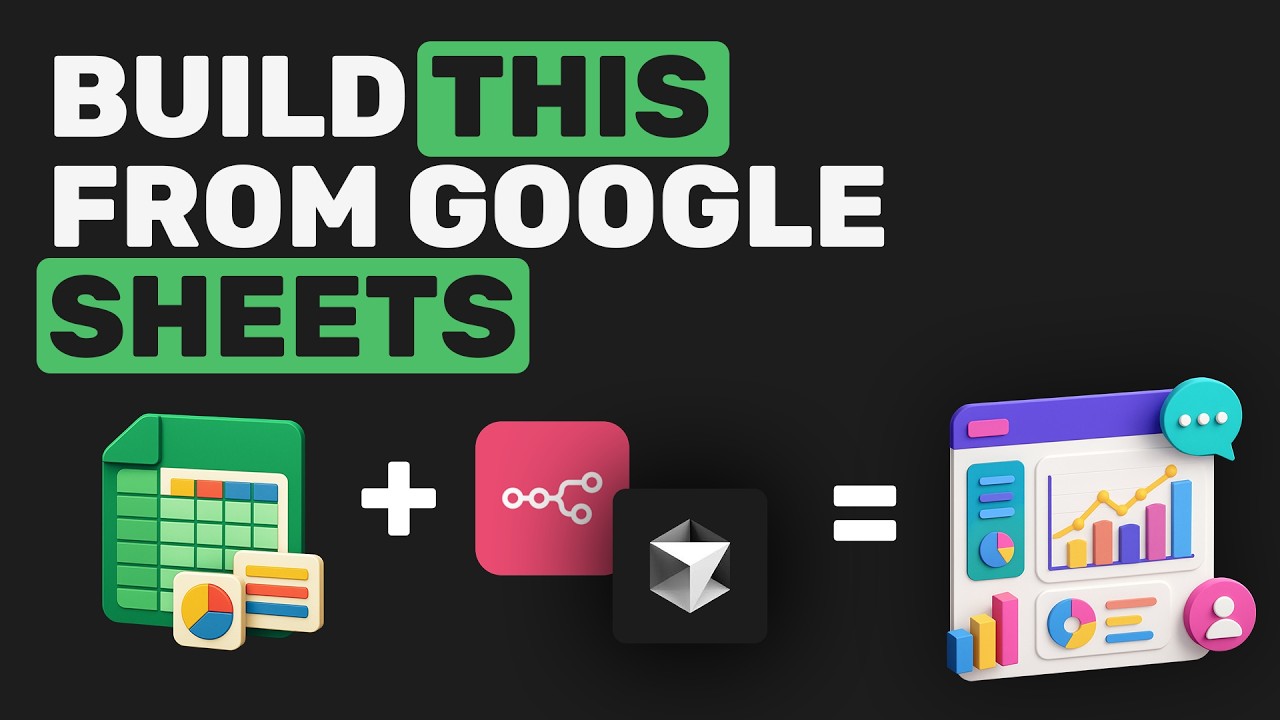
In this video, I evaluate the easiest way to build a customized, interactive dashboard directly from your Google Sheets data. I walk you through the entire process, starting with setting up a Postgress database in Docker and using an n8n workflow to automatically import all your spreadsheet data.
From there, I show you how to set up a Next.js project with Prisma and, with a single, powerful prompt in Cursor AI, generate a complete, feature-rich dashboard. I explore the key advantages of this approach over using Google Sheets, such as superior filtering, sorting, and the ability to create a purpose-built interface with a specific focus, which can help visualize data more effectively and impress your clients or boss.
Timestamps:
00:00 - Intro: Dashboard vs. Sheets
02:51 - Backend Setup
04:30 - Frontend Setup
07:21 - The AI Prompt
09:31 - Final Result & Live Updates
✨n8n Cloud (Affiliate Link—Using it supports me!): https://n8n.partnerlinks.io/c2uubbc6vgax
📱 X: https://x.com/leonardogrig
💼 LinkedIn: https://www.linkedin.com/in/leonardogrig
https://www.skool.com/the-ai-forge
In this video, I evaluate the easiest way to build a customized, interactive dashboard directly from your Google Sheets data. I walk you through the entire process, starting with setting up a Postgress database in Docker and using an n8n workflow to automatically import all your spreadsheet data.
From there, I show you how to set up a Next.js project with Prisma and, with a single, powerful prompt in Cursor AI, generate a complete, feature-rich dashboard. I explore the key advantages of this approach over using Google Sheets, such as superior filtering, sorting, and the ability to create a purpose-built interface with a specific focus, which can help visualize data more effectively and impress your clients or boss.
Timestamps:
00:00 - Intro: Dashboard vs. Sheets
02:51 - Backend Setup
04:30 - Frontend Setup
07:21 - The AI Prompt
09:31 - Final Result & Live Updates
✨n8n Cloud (Affiliate Link—Using it supports me!): https://n8n.partnerlinks.io/c2uubbc6vgax
📱 X: https://x.com/leonardogrig
💼 LinkedIn: https://www.linkedin.com/in/leonardogrig
Video Information
Views
4.7K
Likes
141
Duration
12:12
Published
Jun 30, 2025
User Reviews
4.6
(4) Related Trending Topics
LIVE TRENDSRelated trending topics. Click any trend to explore more videos.