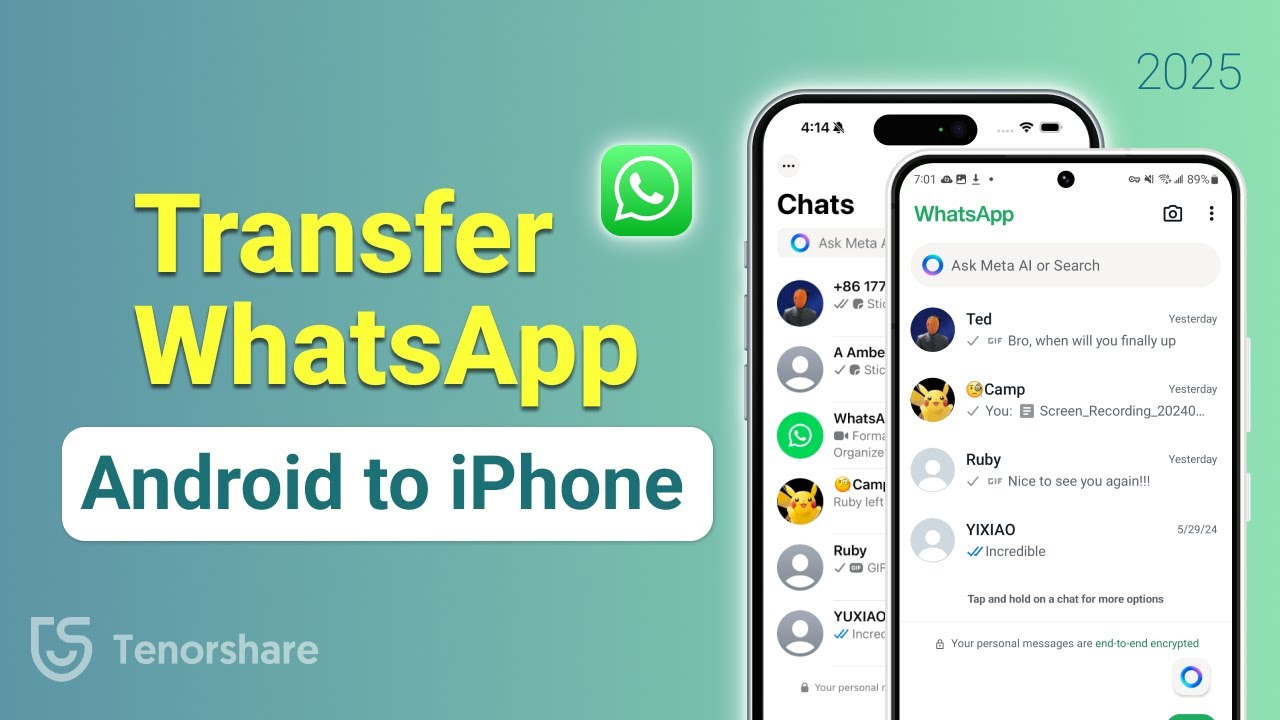
Transfer WhatsApp Messages from Android to iPhone (2025) 🚀
Learn how to transfer WhatsApp chats from Android to iPhone without reset using the updated 2025 method. Download the tool here: https://bit.ly/41MITGR

TenorshareOfficial
37.4K views • Mar 22, 2025
About this video
✨Click here to download the tool for transferring WhatsApp messages : https://bit.ly/41MITGR
Don't know how to transfer WhatsApp messages from Android to iPhone? Don't worry, this video shows you two simple and efficient ways to transfer WhatsApp messages. You can complete the transfer without resetting your phone. It's very efficient.
⏱ *TIMESTAMP*
00:00 Intro & Proview
00:24 Method 1: Transfer WhatsApp Messages from Android to iPhone With Move to iOS (Requires Resetting the Phone)
02:19 Method 2: Transfer WhatsApp Messges from Android to iPhone Using iCareFone Transfer (No Reset)
💡 *How to Transfer WhatsApp Messages from Android to iPhone*
*Method 1: Transfer WhatsApp Messages from Android to iPhone With Move to iOS (Requires Resetting the Phone)*
1. Download and install Move to iOS on your Android device and follow the on-screen instructions until reaching the one-time code interface.
2. Reset the iPhone: Go to Settings , click General , select Transfer or Reset iPhone , click Erase All Content and Settings.
3. Wait for the reset process to complete.
4. Set up the iPhone, connect to the same WiFi as Android, and proceed until reaching the "Transfer Your Apps & Data" screen.
5. Select "Transfer Data From Android," enter the one-time code from iPhone into Android.
6. Scroll down, select WhatsApp, and start the transfer.
7. Wait for the transfer to complete, then finish setting up the iPhone.
8. Open WhatsApp, download it from the App Store if needed, and log in with your phone number.
9. Follow the on-screen prompts to restore WhatsApp chats, and all messages will be transferred successfully.
*Method 2: Transfer WhatsApp Messages from Android to iPhone Using iCareFone Transfer (No Reset)*
1. Open iCareFone WhatsApp Transfer and select WhatsApp.
2. Connect both Android and iPhone to the computer via a data cable.
3. Select the correct source and target devices, then click the transfer button.
4. Enable USB debugging on Android:
- Go to Settings , click About Phone , click Software Information.
- Tap "Build Number" seven times to activate Developer Mode.
- Go to Developer Options and enable USB Debugging.
5. On Android, back up WhatsApp data with end-to-end encryption:
- Open WhatsApp , click Settings , tap Chats , tap Chat Backup.
- Enable end-to-end encrypted backup using a 64-bit encryption key, then save the key.
6. Enter the 64-bit key into iCareFone Transfer to verify identity.
7. Follow on-screen instructions to disable "Find My iPhone."
8. The software will restore the backup and restart the iPhone.
9. Once restarted, all WhatsApp messages will be transferred successfully.
👇 *You might also want to know*
How to Restore WhatsApp Messages on New Phone https://youtu.be/_GSdNEhSaSQ
[ Easy Transfer ] How to Transfer Photos From iPhone to iPhone https://youtu.be/5I_XrJIA1hM
📑 *WhatsApp Official Article Links*
How to Restore WhatsApp Chat: https://faq.whatsapp.com/618575946635920/?cms_platform=web
#tenorshare #whatsapptransfer #transfer #icarefonetransfer #movetoios
🔔 Subscribe Here (it's FREE!): https://bit.ly/30eZwvG
----------Social Media-------------
Facebook: https://www.facebook.com/TenorshareOfficial/
Twitter: https://twitter.com/Tenorshare_Inc
Pinterest: https://www.pinterest.com/Tenorshare
Instagram: https://www.instagram.com/tenorsharesoftware
TikTok: https://www.tiktok.com/@tenorshare_tech_tips
Tenorshare Official Website: https://www.tenorshare.com
Tenorshare AI Youtube: https://www.youtube.com/@TenorshareAI
Tenorshare AI PDF: https://ai.tenorshare.com/
Get more freebies on Discord: https://discord.com/invite/qDFjcjsDXe
----------------------------------------------------
Hedonistic by tubebackr https://soundcloud.com/tubebackr
Creative Commons — Attribution-NoDerivs 3.0 Unported — CC BY-ND 3.0
Free Download / Stream: https://audiolibrary.com.co/tubebackr/hedonistic
Music promoted by Audio Library https://youtu.be/uTs6jX8PHW4
Don't know how to transfer WhatsApp messages from Android to iPhone? Don't worry, this video shows you two simple and efficient ways to transfer WhatsApp messages. You can complete the transfer without resetting your phone. It's very efficient.
⏱ *TIMESTAMP*
00:00 Intro & Proview
00:24 Method 1: Transfer WhatsApp Messages from Android to iPhone With Move to iOS (Requires Resetting the Phone)
02:19 Method 2: Transfer WhatsApp Messges from Android to iPhone Using iCareFone Transfer (No Reset)
💡 *How to Transfer WhatsApp Messages from Android to iPhone*
*Method 1: Transfer WhatsApp Messages from Android to iPhone With Move to iOS (Requires Resetting the Phone)*
1. Download and install Move to iOS on your Android device and follow the on-screen instructions until reaching the one-time code interface.
2. Reset the iPhone: Go to Settings , click General , select Transfer or Reset iPhone , click Erase All Content and Settings.
3. Wait for the reset process to complete.
4. Set up the iPhone, connect to the same WiFi as Android, and proceed until reaching the "Transfer Your Apps & Data" screen.
5. Select "Transfer Data From Android," enter the one-time code from iPhone into Android.
6. Scroll down, select WhatsApp, and start the transfer.
7. Wait for the transfer to complete, then finish setting up the iPhone.
8. Open WhatsApp, download it from the App Store if needed, and log in with your phone number.
9. Follow the on-screen prompts to restore WhatsApp chats, and all messages will be transferred successfully.
*Method 2: Transfer WhatsApp Messages from Android to iPhone Using iCareFone Transfer (No Reset)*
1. Open iCareFone WhatsApp Transfer and select WhatsApp.
2. Connect both Android and iPhone to the computer via a data cable.
3. Select the correct source and target devices, then click the transfer button.
4. Enable USB debugging on Android:
- Go to Settings , click About Phone , click Software Information.
- Tap "Build Number" seven times to activate Developer Mode.
- Go to Developer Options and enable USB Debugging.
5. On Android, back up WhatsApp data with end-to-end encryption:
- Open WhatsApp , click Settings , tap Chats , tap Chat Backup.
- Enable end-to-end encrypted backup using a 64-bit encryption key, then save the key.
6. Enter the 64-bit key into iCareFone Transfer to verify identity.
7. Follow on-screen instructions to disable "Find My iPhone."
8. The software will restore the backup and restart the iPhone.
9. Once restarted, all WhatsApp messages will be transferred successfully.
👇 *You might also want to know*
How to Restore WhatsApp Messages on New Phone https://youtu.be/_GSdNEhSaSQ
[ Easy Transfer ] How to Transfer Photos From iPhone to iPhone https://youtu.be/5I_XrJIA1hM
📑 *WhatsApp Official Article Links*
How to Restore WhatsApp Chat: https://faq.whatsapp.com/618575946635920/?cms_platform=web
#tenorshare #whatsapptransfer #transfer #icarefonetransfer #movetoios
🔔 Subscribe Here (it's FREE!): https://bit.ly/30eZwvG
----------Social Media-------------
Facebook: https://www.facebook.com/TenorshareOfficial/
Twitter: https://twitter.com/Tenorshare_Inc
Pinterest: https://www.pinterest.com/Tenorshare
Instagram: https://www.instagram.com/tenorsharesoftware
TikTok: https://www.tiktok.com/@tenorshare_tech_tips
Tenorshare Official Website: https://www.tenorshare.com
Tenorshare AI Youtube: https://www.youtube.com/@TenorshareAI
Tenorshare AI PDF: https://ai.tenorshare.com/
Get more freebies on Discord: https://discord.com/invite/qDFjcjsDXe
----------------------------------------------------
Hedonistic by tubebackr https://soundcloud.com/tubebackr
Creative Commons — Attribution-NoDerivs 3.0 Unported — CC BY-ND 3.0
Free Download / Stream: https://audiolibrary.com.co/tubebackr/hedonistic
Music promoted by Audio Library https://youtu.be/uTs6jX8PHW4
Tags and Topics
Browse our collection to discover more content in these categories.
Video Information
Views
37.4K
Likes
253
Duration
4:49
Published
Mar 22, 2025
User Reviews
4.2
(7) Related Trending Topics
LIVE TRENDSRelated trending topics. Click any trend to explore more videos.
No specific trending topics match this video yet.
Explore All Trends